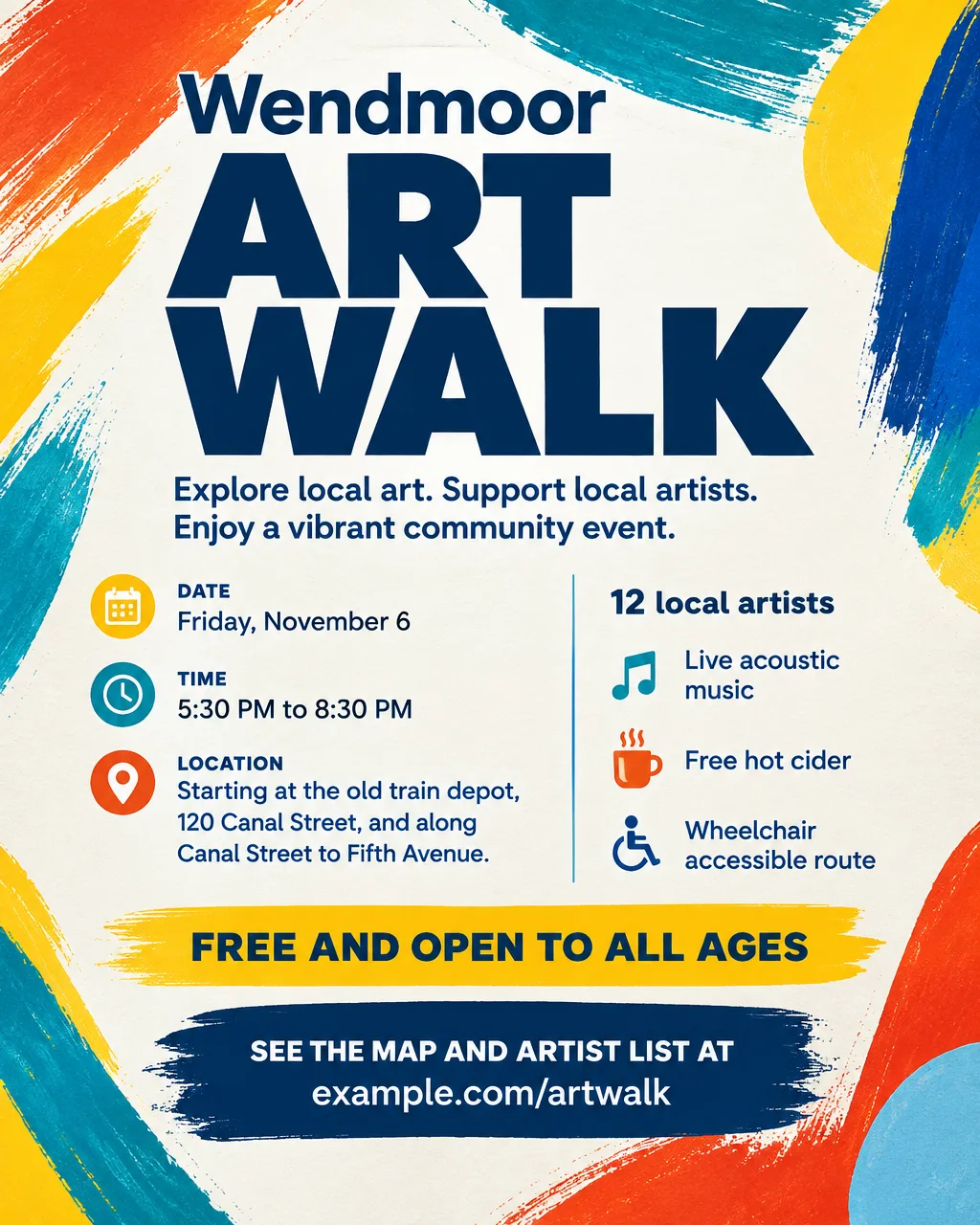
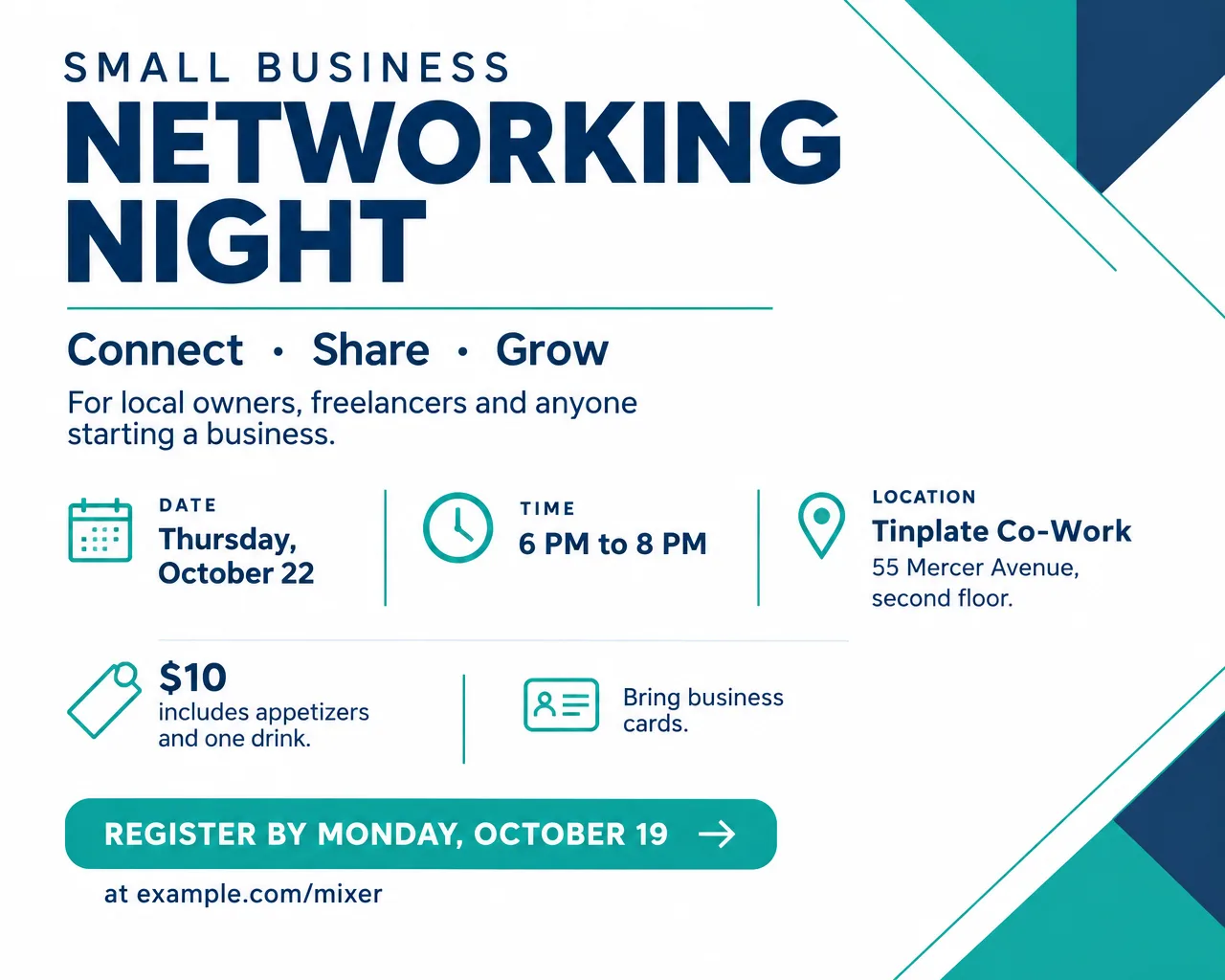
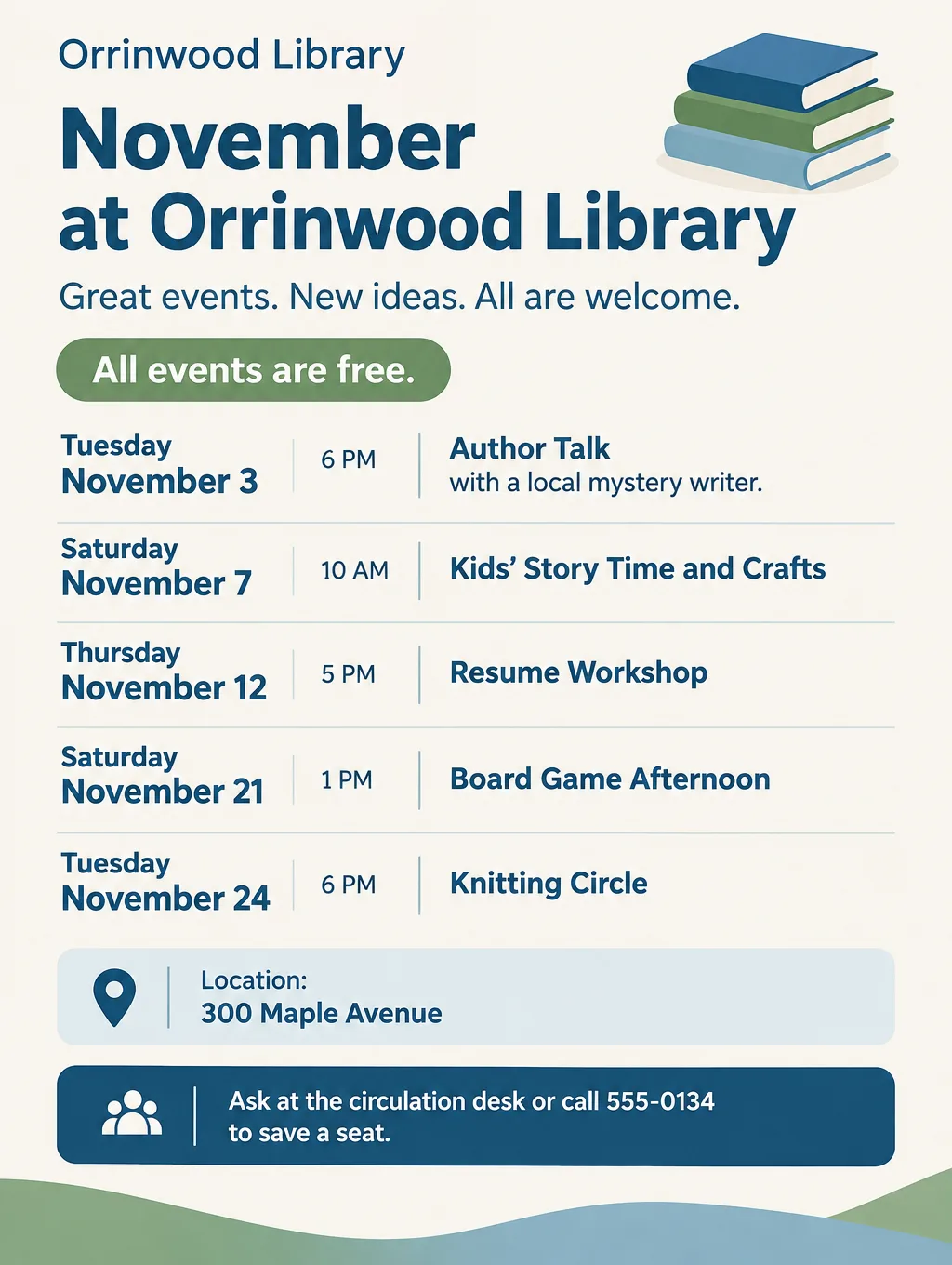
An event flyer carries a whole event on one sheet of paper or one image in a feed: a networking night, an art walk, a library author talk, a month of community events. Organizers pin it to bulletin boards, tape it in coffee shop windows and drop it into email newsletters. What follows is the order of information that makes a flyer for an event readable at a glance, wording for common events, and steps for Flyer Maker.
What to put on an event flyer
Start with the four questions every passerby asks, in this order: what, when, where, how. The first seven items are the must-haves. The rest are optional and go in smaller type.
- What: the event name. "Wendmoor Art Walk", not "You're Invited".
- When: day, date, start and end time. "Friday, November 6, 5:30 PM to 8:30 PM."
- Where: venue and street address. Add the room or floor for a big building: "second floor, Room 204".
- How to get in. "Free, no registration", "$15 at the door" or "Register by November 2".
- Who it's for. "All ages", "For small business owners", "Adults 18 and over".
- One reason to go. "12 local artists, live music and free cider."
- Organizer and contact. One name and one phone number or web address.
- Accessibility. "Wheelchair accessible" or "ASL interpreter on request by November 1."
- Parking or transit. "Free parking behind the building" or "Bus 12 stops out front".
- Rain plan. For outdoor events: "Moves indoors to the gym if it rains."
- QR code or short web address for registration or the full schedule.
- Sponsors, in a thin strip at the bottom.
The three-second test for event flyer design
Good event flyer design puts the four answers in size order, so the eye reads them in that order without trying. The event name gets the largest type. The day, date and time come next and are clearly smaller than the name but larger than everything else. The address and the price follow, and the fine print sits at the bottom.
Test it before you print. Show the flyer to someone for three seconds, take it away and ask what the event is, which day, and where. If they can't answer all three, the headline is too small, or the date is hidden inside a paragraph, or a picture is competing with the text. Then tape one printed copy to a wall and step back about 10 feet. If the date disappears, make it bigger.
Event flyers by type
Several kinds of events have their own flyer pages with checklists, wording and prompts.
Concerts and live music
Music flyers are organized by the lineup, with the headliner on top and the openers below, followed by door time, age limits and what a ticket costs. Headline example: "Songs Under the Stars: A Free Outdoor Concert". The concert flyer ideas cover bar shows, school concerts and poster sizes.
Workshops and classes
A workshop flyer sells what people will walk away with, so it names the skill, the instructor, the length and the materials, and when seats are limited it asks people to register by a date. Headline example: "Learn to Build a Raised Garden Bed in 2 Hours". See workshop flyer ideas.
Block parties and neighborhood events
A street event happens on the road itself, so its flyer names the block by its cross streets, gives the hour the street closes and says what happens if it rains. Headline example: "Larkspur Lane Block Party". The block party flyer ideas compare permit rules in two cities.
Holiday events
Holiday flyers depend on the calendar: a Juneteenth cookout, a July 4th parade, a Veterans Day breakfast, a New Year's Day closing notice. Headline example: "Veterans Day Pancake Breakfast". The month-by-month holiday flyers have wording for each month of the year.
Fundraising events
Fundraiser flyers add the cause, the goal and how to give. Bake sales, raffles and golf tournaments start from the fundraiser flyer ideas, and quiz fundraisers have their own trivia night flyer wording.
Event flyer ideas and wording
These event flyer examples cover events without their own page. Replace the made-up names, places and prices with your own.
| Event | Headline | Supporting line |
|---|---|---|
| Networking night | "Small Business Networking Night" | "Thursday, October 22, 6 to 8 PM. $10 includes appetizers." |
| Art show opening | "Opening Night: New Coastal Paintings" | "Work by four local artists. Wine and music, 6 to 9 PM." |
| Library author talk | "Meet the Author: An Evening of Mysteries" | "Reading, Q and A and book signing. Free, all ages." |
| Farmers market opener | "Farmers Market Opening Day" | "30 local farms and bakers. Saturdays, 8 AM to 1 PM." |
| Community cleanup | "Clean Up Cedar Creek" | "Gloves and bags provided. Meet at the footbridge, 9 AM." |
| Health fair | "Free Community Health Fair" | "Blood pressure checks, flu shots and kids' dental kits." |
| Car show | "Classic Cars on Main Street" | "Classic cars and free coffee, 7 to 10 AM. Show cars park free." |
| 5K fun run | "Turkey Trot 5K" | "Thursday, November 26, 8 AM. $25, kids under 12 run free." |
| Open mic | "Open Mic at the Commons" | "Sign up at 6:30, first act at 7. Poets, comics and songs." |
| Town hall | "Community Meeting on the New Park" | "See the plans and share your ideas. Childcare provided." |
Flyer ideas for events that work across every row:
- Name the one thing people get. "Free flu shots" beats "wellness resources".
- Give the end time. A flyer that says "6 PM" alone leaves people guessing whether they can come at 7:30.
- Write "Free" in the price spot. Give it the same size a price would get, so the cost is easy to spot.
A flyer for upcoming events
A flyer for upcoming events lists a week or a month of events on one page, like a library's or a church's calendar. Give each event one line in the same order (weekday, date, time, name), put the venue and one contact at the top, and stop at about eight lines so the type stays readable. Flyer Maker handles a weekly schedule grid, and picking the "Packed" layout in More options leaves room for extra lines. For a month with more than eight events, make two flyers or link the full calendar with a QR code.
Event flyer design tips
Good event flyer inspo starts with who the event is for and where the flyer will hang.
Match the look to the crowd. Networking and business events read as serious with Corporate or Minimal style, Light colors and Geometric pictures. Arts events suit Modern style with Abstract pictures. Markets, fairs and family events suit Playful style with Illustration pictures.
Use one picture that shows the event. A paintbrush for an art walk, a pair of sneakers for a 5K. Two or three competing images crowd the details on a busy board.
Leave a margin for pushpins and tape. Keep the text about half an inch from every edge, because corners get pinned, stapled and folded on community boards.
Plan the bilingual version early. If your neighborhood reads in Spanish and English, design for two languages from the start and keep both short. For layouts that hold both languages, see bilingual and Spanish flyers.
Leave room for the registration code. A QR code needs a clear square of its own, away from the edges and the art. See QR code flyers for how to make and test one.
Event flyer sizes and printing
Size follows placement. A community event usually needs one printed size for boards and one image for feeds and newsletters.
| Where it goes | Size | Pixels at 300 DPI | Flyer Maker setting |
|---|---|---|---|
| Bulletin boards, shop windows | Letter, 8.5 x 11 in | 2550 x 3300 | Tall, 4K |
| Counter handouts | 5.5 x 8.5 in | 1650 x 2550 | Tall, 4K |
| Instagram or Facebook post | 4:5 portrait | Screen only | Portrait, 1K |
| Email newsletter, lobby TV | Landscape | Screen only | Wide, 2K |
4OVER4 names 300 DPI as the print standard for pieces people read close up, and Tall at 4K (2480 x 3312 pixels) covers a letter page at about 300 pixels per inch. A 3:4 design is slightly slimmer than letter paper, so expect a thin white edge on the left and right. On a 5.5 x 8.5 handout it runs the other way: the design is wider than the paper, so fit it to the width and leave about an inch blank at the bottom. The flyer size guide has every standard size in inches and pixels.
More event flyer prompts
A volunteer cleanup and a health fair both need a practical line that an art walk doesn't: what to wear or what to bring. Change the names, dates and places before you run either one.
Clean Up Cedar Creek. Saturday, October 17, 9 AM to noon. Meet at the Cedar Creek footbridge behind Orrinwood Library, 300 Maple Avenue. Free and open to all ages, kids under 14 with an adult. Gloves, grabbers and trash bags provided. Wear closed-toe shoes. Coffee and bagels for volunteers from 8:45 AM. Sign up at example.com/cleanup so there are enough gloves. Friendly illustration of a creek, a small footbridge and volunteers with trash bags, in green and blue.Free Community Health Fair at the Wendmoor Recreation Center, 18 Hillcrest Road. Saturday, October 24, 10 AM to 2 PM. Blood pressure checks, flu shots, vision screening and free dental kits for kids. No appointment needed. Bring your insurance card for a flu shot if you have one. Questions: call 555-0163. Clean, calm design in teal and white with simple icons of a heart, a bandage and a toothbrush.Common event flyer mistakes
- Wrong weekday for the date. Hold each date up to a calendar, and do it again after every edit.
- "TBD" on a printed flyer. If the venue isn't confirmed, wait to print. A flyer can't be updated once it's on a board.
- A web address too long to type. Use a short link and a QR code together.
- Words nobody approved. When the description skips something, Flyer Maker may fill the space with an invented tagline, so write the exact call to action and proofread for extras.
How to make an event flyer in Flyer Maker
In Flyer Maker you write the event out in plain words and set a few options, and about 30 seconds later there's one finished design to download.
- Go to Flyer Maker and put the event into "Describe your flyer". Name, day, date and times, address, price or "Free", who it's for, one reason to go and how to register, then the look.
- Choose the Size. Paper copies need Tall, feeds need Portrait, and newsletters or lobby screens need Wide.
- Open "More options" and pick the Flyer type. Event covers most community events, with Workshop, Concert and Education for those kinds. Choose the Layout: Clean for one event, Packed for a calendar.
- Put your sign-up link or phone number in "Contact info". Flyer Maker relies on exactly what you type there, so copy the link character by character.
- For online sign-ups, turn on "Leave a blank square for your QR code" and fill it with your real code after you download.
- Press "Create flyer", then read it closely. Match each weekday to its date on a calendar, then check the times, the address and the price.
- Correct a wrong time or room number by typing the fix into the "Want to change something?" box (currently 60 credits, 70 for 2K, 90 for 4K). When several details change, update the description and generate the flyer again.