Church flyers do a different job from most event flyers. They have to reach people who already know the church and people who have never walked in, and they often end up pinned to a community board next to twenty other pieces of paper. The ones that work are plain about the details and generous with space. Below are ideas and wording for the flyers churches make most often, the sizes to use for print and social, and how to make one in Flyer Maker. For other occasions, browse the rest of our flyer ideas.
What to put on a church flyer
Before you think about design, write down the details. Most church flyers need these, in this order of size:
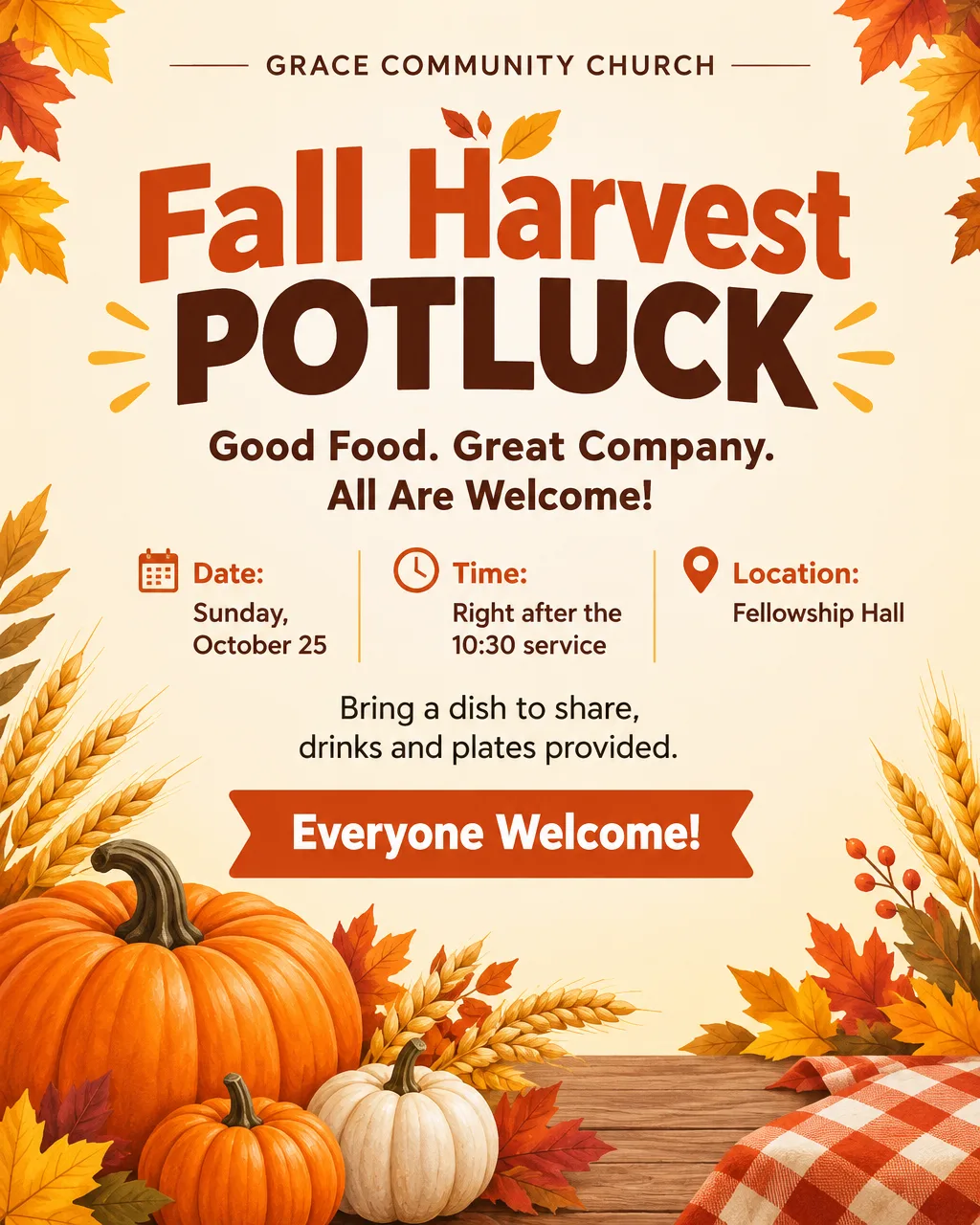
- The event name. "Fall Harvest Potluck" is clearer than "Join Us!" or a verse on its own.
- Day, date and time. Write the weekday and the date ("Sunday, October 25, 10:30 AM"). People scan for the weekday first.
- Where. The church name and the street address. If the event is in a side building, say which one ("fellowship hall", "youth room").
- Who it's for. "Everyone welcome", "Ages 5 to 12", "Women's ministry". This is the line newcomers look for.
- One practical line. Free or cost, childcare, parking, a meal included, wheelchair access. Pick the one question you get asked most.
- How to respond. A website, a phone number, or a QR code to a sign-up form.
If you have more than this, it belongs on your website or in the bulletin. A flyer with twelve lines of text gets skipped.
Church flyer ideas and wording by event
Short wording reads better from across a room. Here are headlines and lines you can adapt, with the details you would add underneath.
| Event | Headline | Supporting line |
|---|---|---|
| New sermon series | "Starting Over: A 4-Week Series" | "Sundays in November at 9 and 11 AM" |
| Easter | "Easter at Grace" | "Sunrise service 6:30 AM, family service 10 AM, egg hunt after" |
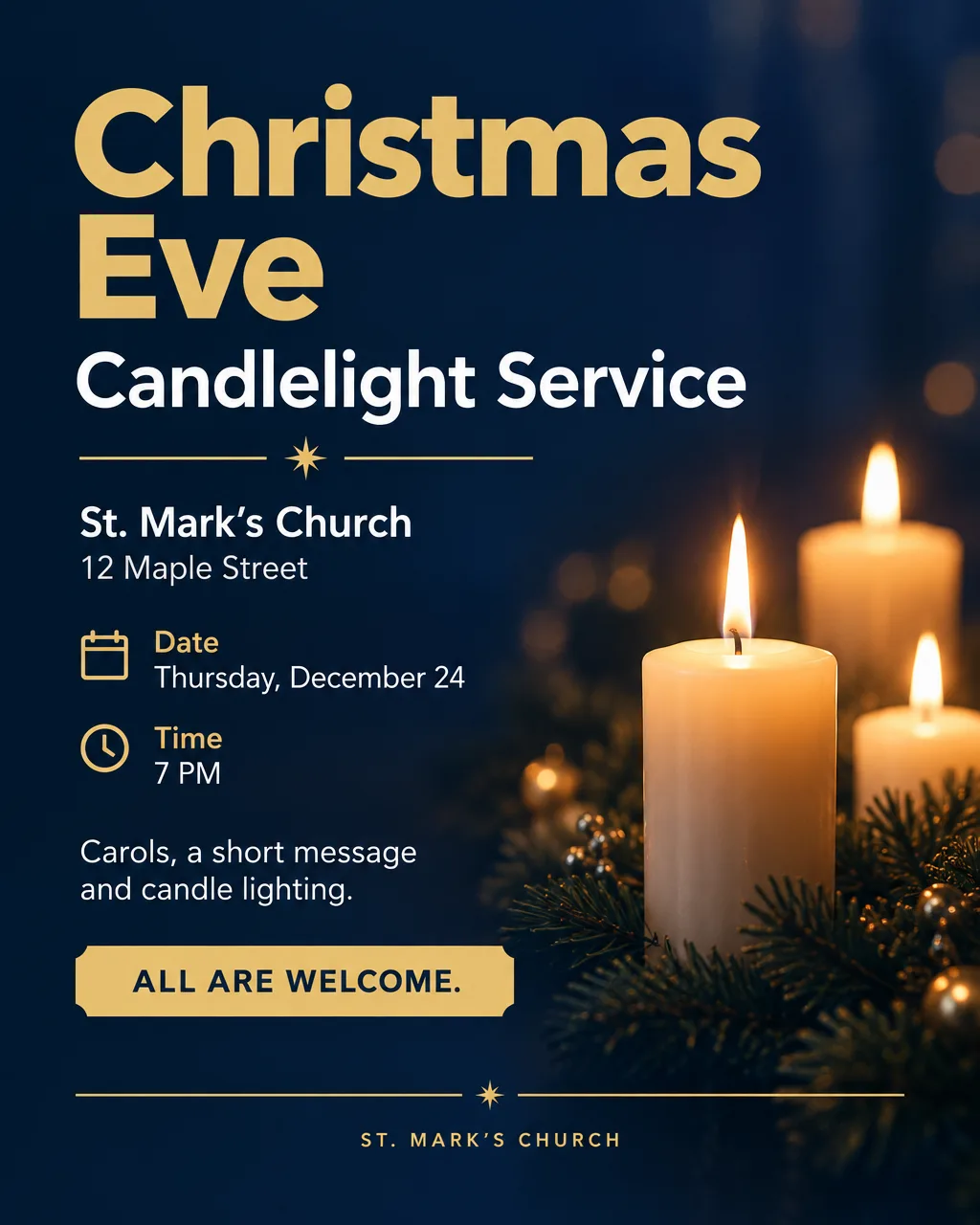
| Christmas Eve | "Christmas Eve Candlelight Service" | "Carols, a short message and candle lighting. All are welcome." |
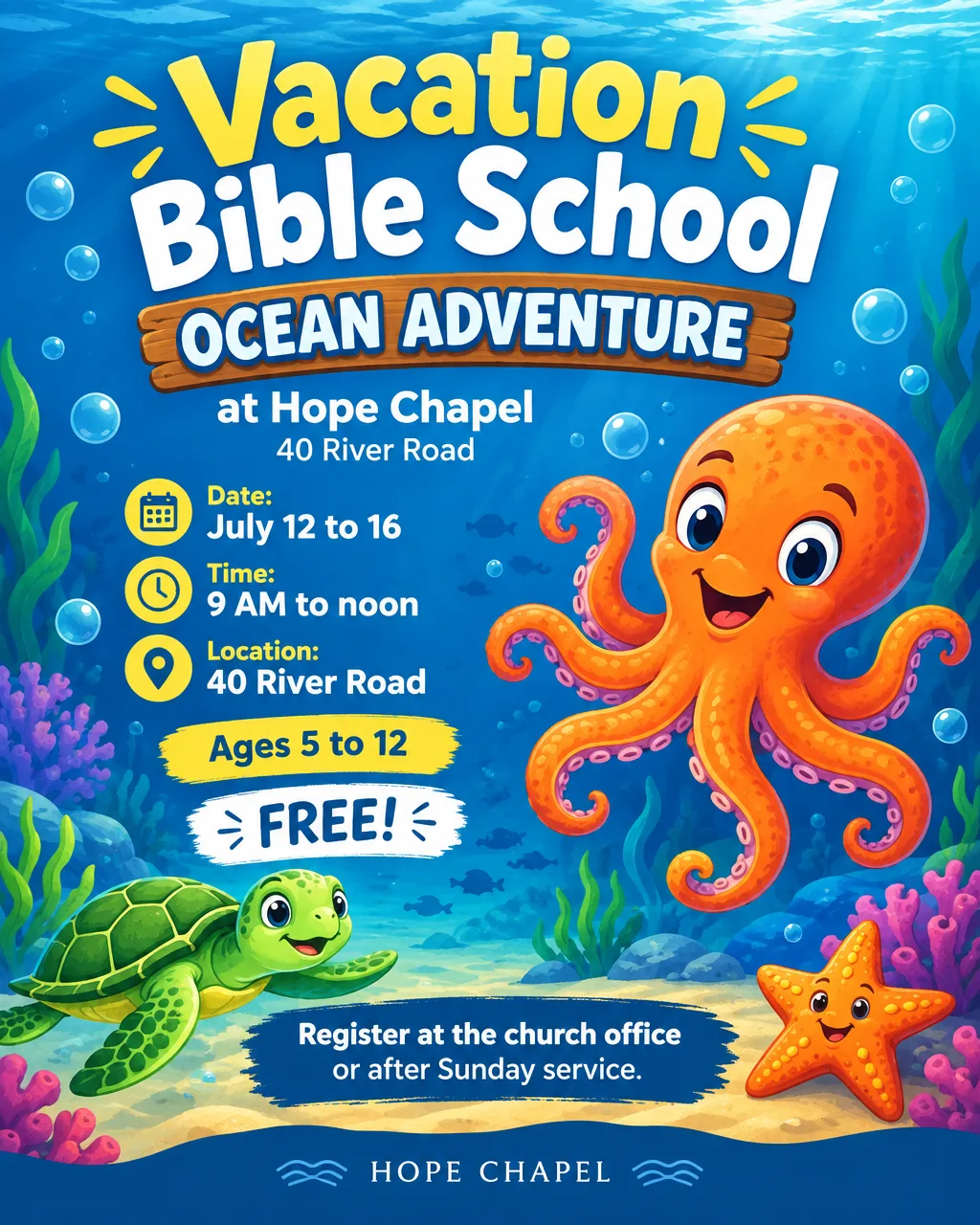
| Vacation Bible School | "VBS: Ocean Adventure" | "Ages 5 to 12, July 12 to 16, 9 AM to noon. Free." |
| Youth group | "Friday Youth Night" | "Grades 6 to 12. Games, pizza and a short talk." |
| Potluck or fellowship meal | "Fall Harvest Potluck" | "Bring a dish to share. Drinks and plates provided." |
| Fundraiser or bake sale | "Bake Sale for the Mission Trip" | "Saturday 9 AM to 1 PM in the church lot" |
| Gospel concert or revival | "An Evening of Gospel Music" | "Featuring our choir and guests. Free will offering." |
| Food drive or outreach | "Fill the Pantry" | "Drop off canned goods in the lobby through November 30" |
| Welcome or newcomers | "New Here? Come Say Hi" | "Coffee and a short tour after every Sunday service" |
A few wording habits that help:
- Lead with the invitation, not the institution. "Join us for Christmas Eve" works better than "First Baptist Church Presents".
- Use one verse, and cite it. A short line with its reference and translation ("John 1:5, NIV") reads as intentional. A paragraph of scripture reads as clutter.
- Say "free" when it is free. It is the word people look for on community boards.
Design tips that work for church flyers
Make the date readable from six feet away. Most church flyers are read on a board, a door or a bulletin table. If you can't read the day and time from across a hallway, the text is too small.
One focal image or none. A single illustration (a candle, a pumpkin, an open book) or a clean color background keeps attention on the details. Busy stock photos compete with the text. Plenty of good church flyers use no pictures at all: a strong headline, a color block and the details.
Match the style to the event. Elegant styles and deep colors suit Christmas Eve, Easter and memorial services. Playful styles and bright colors suit VBS, youth events and picnics. Clean, calm layouts suit newcomer and service-time flyers.
Keep the church name consistent. Use the same logo or wordmark on every flyer so people start recognizing them. If you don't have a logo yet, Logo Generator (Pro plan) can draft options to start from.
Be careful with photos of people. Only use photos of members with their permission. For a flyer, an illustration often works better and avoids the question entirely.
Church flyer sizes for print and social
Choose the size before you design, because a flyer made for Instagram won't fill a printed page well.
| Where it goes | Size | In Flyer Maker |
|---|---|---|
| Bulletin board, church doors | Letter, 8.5 × 11 in | Tall (3:4), 4K |
| Handouts, bulletin inserts | Half letter, 5.5 × 8.5 in | Tall (3:4), 2K or 4K |
| Facebook and Instagram feed | 4:5 portrait | Portrait (4:5), 1K |
| Email newsletters, screens in the lobby | Landscape | Wide (5:4), 1K or 2K |
Print shops generally ask for 300 pixels per inch at the final printed size, which means about 2,550 × 3,300 pixels for a letter page. Flyer Maker's Tall size at 4K is 2,480 × 3,312 pixels, which covers a letter page at close to 300 pixels per inch. A 3:4 image is slightly narrower than a letter page, so expect a thin margin or a small crop when you print. At 2K the Tall size is 1,536 × 2,048 pixels, which suits half-page handouts. Keep 1K for screens and social posts.
Flyer Maker saves a PNG image. Home printers and most print shops accept that, but it isn't a layered file with bleed, so ask your print shop about margins if you want color to the edge of the paper.
How to make a church flyer with Flyer Maker
- Open Flyer Maker and describe the flyer. Write it the way you would tell a volunteer: the event name, day, date and time, place, who it's for, and the feel you want. The examples above show the level of detail that works.
- Add your church logo if you have one, so it appears on the design.
- Pick the size: Tall for print, Portrait for social, Wide for screens and email.
- Open More options and set the details that matter for church flyers. Flyer type (Event is the default), Style (Elegant for services, Playful for kids' events), Colors (Dark suits evening services, Pastel suits spring events), and Pictures (Illustration or Minimal keep text readable). Put your address, phone or website in the Contact info field so they're included as written.
- Switch on "Leave a blank square for your QR code" if you'll add one. Flyer Maker won't draw a QR code, because a drawn one wouldn't scan.
- Create the flyer. It usually takes about 30 seconds.
- Proofread every detail. Check the date, time, spelling of names and the address before you print or post. AI can get small text wrong.
If something needs changing, type it in the "Want to change something?" box under the result (currently 60 credits, 70 for 2K, 90 for 4K), or edit your description and create it again.
Before you print or post
- Read it out loud. Check the weekday matches the date. This is the most common church flyer mistake.
- Scan the QR code with two different phones.
- Print one test copy before printing a stack, and look at it from across the room.
- Post the same image on social media. Make a Portrait version for Facebook and Instagram so the event looks the same everywhere.
- Keep the description. Next month's flyer is the same text with new details, which makes a consistent look easy.
For the general process behind any flyer, from writing the offer to choosing a layout, see how to make a flyer with AI. If you'd rather edit a template than describe a design, our comparison of Canva alternatives covers template editors that suit church offices.