A workshop flyer sells an afternoon's result: a bowl you threw on the wheel, a first chord on the guitar, a résumé you finished before you left. Studios, libraries, coaches and nonprofits pin them to community boards and drop them into newsletters, and webinar hosts share them by email and on LinkedIn. Workshops are one branch of the wider event flyer ideas. The sections below give what a class flyer needs that other events don't, wording for five kinds of workshop, and the settings to pick in Flyer Maker.
What to put on a workshop flyer
A class flyer has to show the result and prove the class fits the reader's week and budget. Give each of these a line, biggest type first.
- The outcome, as the headline. "Throw Your First Bowl" beats "Pottery Workshop".
- Date, start and end time. For a series, give the pattern and the dates: "4 Tuesdays, October 6 to 27, 6:30 to 8:30 PM".
- Place or platform. A street address and room number, or "live online" with the time zone.
- Price and what it covers. "$55 includes clay, glaze and firing."
- Seats. "8 seats", if the class is capped.
- Instructor. A name and one line that earns trust, such as "potter for 12 years" or "CPA".
- Level and age. "Beginners, ages 16 and up" or "Some spreadsheet experience".
- Supplies and clothing. "Bring a laptop." "Wear clothes that can get muddy."
- The deadline and where to sign up. "Seats close November 11. Sign up at example.com/clay."
Optional, in smaller type:
- Cancellation terms. "Full refund up to 48 hours before class."
- Recording. For webinars: "Everyone who registers gets the recording."
- Access. "Step-free entrance" or "Live captions on".
- Host or sponsor. "Hosted by the Friends of the Tidewick Library."
Workshop flyer ideas and wording
The workshop flyer examples below cover five kinds of class, from a three-hour pottery session to a weekly guitar slot. Every studio, teacher and link is invented, so replace them with your own.
Hands-on skill workshops
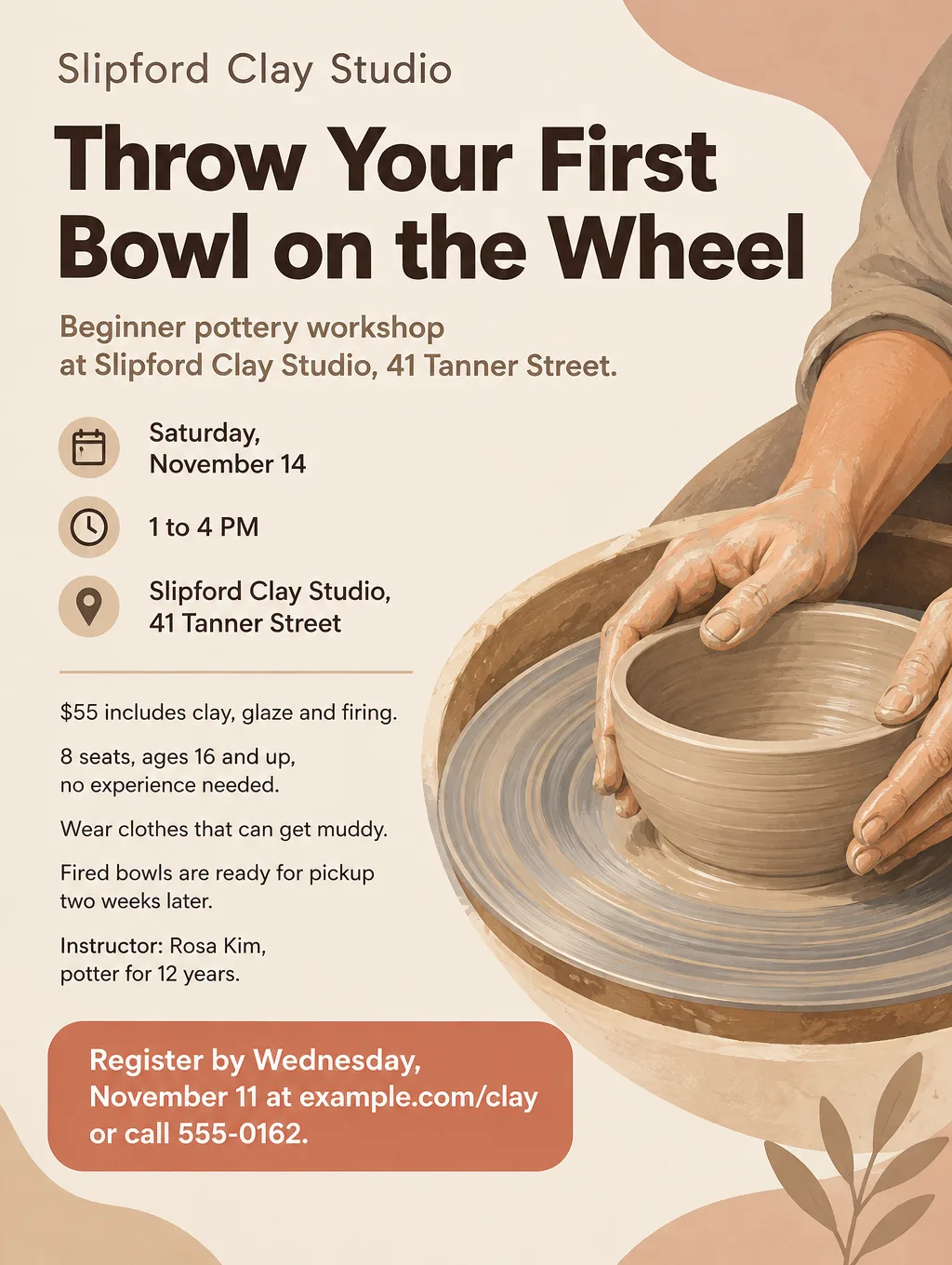
- Headlines: "Throw Your First Bowl on the Wheel", "Bake Sourdough in One Saturday" or "Build a Birdhouse, Take It Home"
- Supporting line: "3 hours, all materials included, 8 seats. No experience needed."
- Call to action: "Register by Wednesday, November 11 at example.com/clay."
A class with a physical result also needs a pickup or take-home line, such as "Fired bowls ready for pickup in two weeks" or "Bring a box to carry your birdhouse".
Art classes
A flyer for art classes works best aimed at one reader: a parent enrolling a child in a weekly class, or an adult looking for a night out. Make a separate flyer for each.
- For kids: "After-School Art Club, Ages 6 to 10" with "Six Thursdays of drawing, painting and clay. All supplies included." Call to action: "Enroll by Monday, October 12."
- For adults: "Watercolor for Beginners" with "Two hours, one finished painting, tea and snacks provided." Call to action: "Book a seat at example.com/paint."
Music lessons
A flyer for music lessons advertises weekly openings, so it reads more like a tutoring flyer than an event: the instrument, ages, lesson length, price and the days you have free. The tutoring flyer page has a subject-and-grade grid you can adapt for instruments and levels.
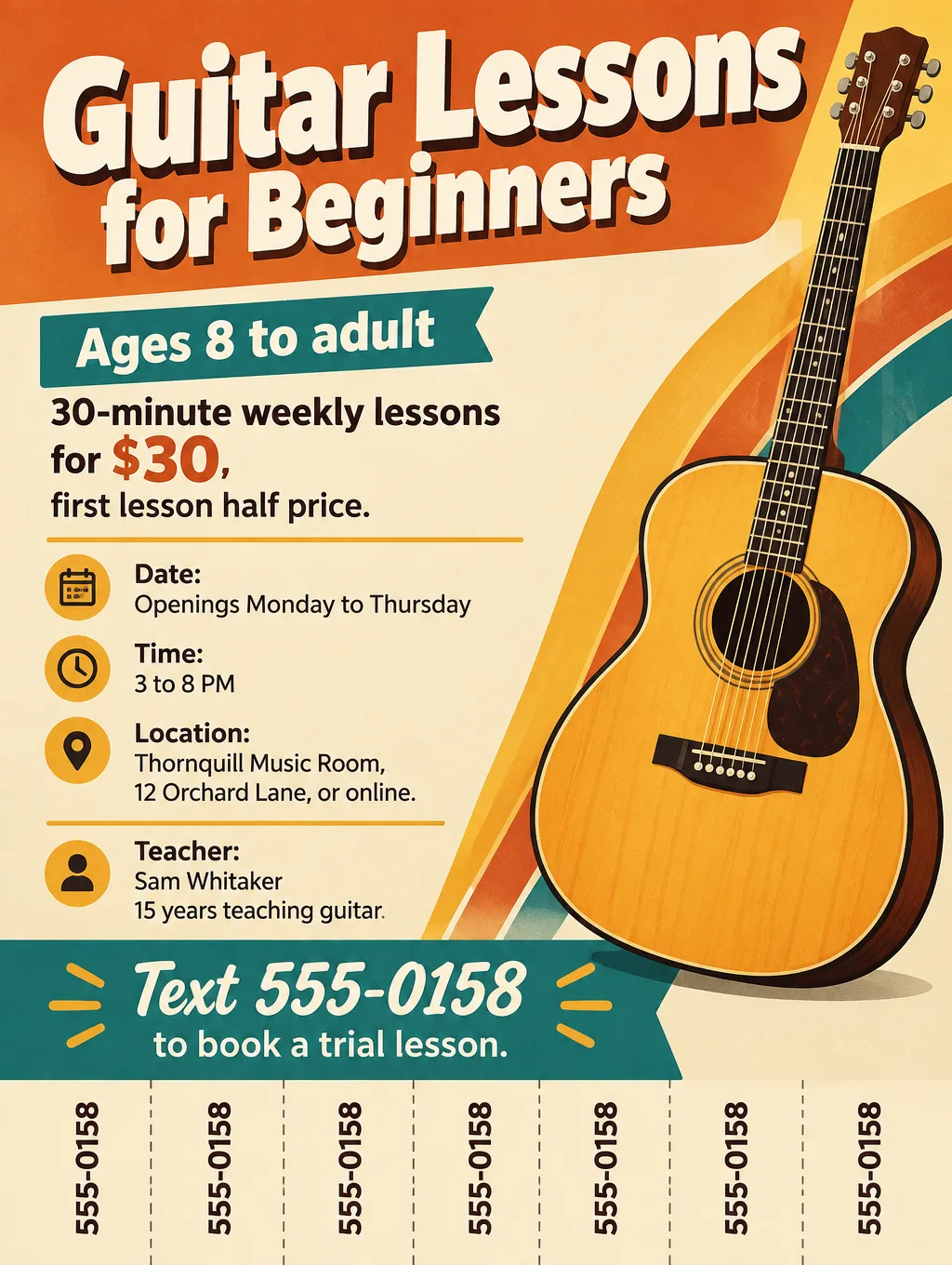
- Headlines: "Guitar Lessons for Beginners, Ages 8 to Adult" or "Piano Lessons, Weekday Afternoons"
- Supporting line: "30-minute lessons for $30, in my studio or online. First lesson half price."
- Call to action: "Text 555-0158 to book a trial lesson."
Webinars
A flyer for a webinar lives in an inbox and a feed, not on a board, so it has to carry the time zone and a registration link that works.
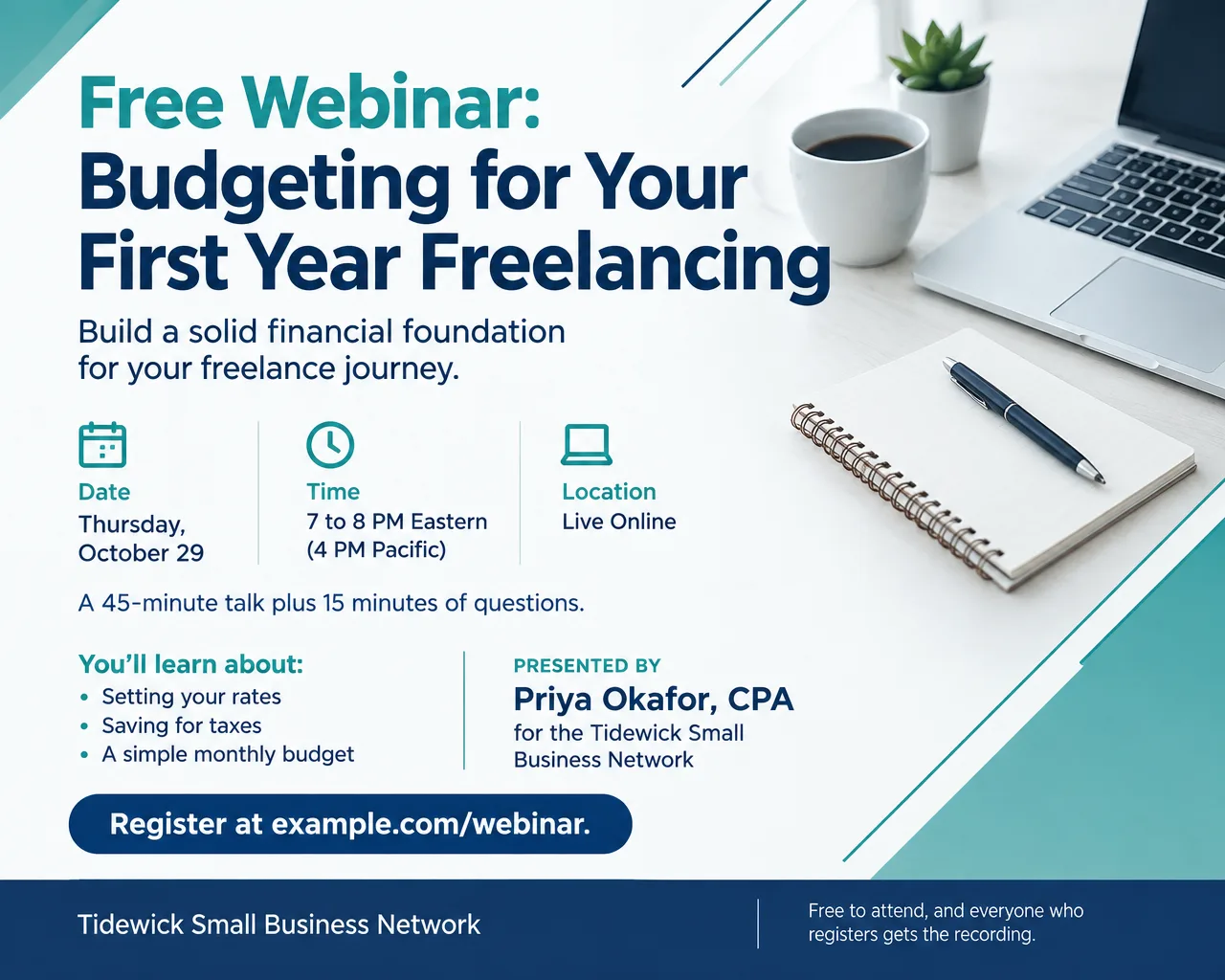
- Headlines: "Free Webinar: Budgeting for Your First Year Freelancing" or "Live Q and A: Starting a Home Bakery"
- Supporting line: "Thursday, October 29, 7 PM Eastern (4 PM Pacific). 45 minutes plus questions."
- Call to action: "Save your spot at example.com/webinar. Everyone who registers gets the recording."
For a speaker headshot on the flyer, switch tools. Flyer Maker's only upload, "Add your logo", is meant for a logo, not a portrait photo. With the speaker's permission, put the headshot into Smart Editor (Pro plan or higher) and type the flyer text as your instruction, for example "Add the title 'Budgeting for Your First Year Freelancing' and 'Thursday, October 29, 7 PM Eastern' on a navy panel to the right. Keep her face exactly the same."
Business and career workshops
- Headlines: "Résumé Workshop: Leave with a Finished Draft" or "Bookkeeping Basics for Freelancers"
- Supporting line: "Bring a laptop. Free, 20 seats, Tidewick Library, Room B."
- Call to action: "Claim one of the 20 seats at example.com/resume."
A conference with several breakout workshops needs a session schedule instead of one class. The youth conference flyer page shows how to lay out a program of sessions.
Workshop flyer design tips
Picture the finished thing. One illustration of the bowl, the loaf or a watercolor of a lighthouse tells people what they'll take home. A photo of a crowded classroom says far less about the result.
Keep seats, price and deadline together. Those three lines answer whether a reader can still get in and for how much, so set them as one block under the date.
Give webinars two time zones. "7 PM Eastern (4 PM Pacific)" saves a West Coast reader from doing the math and missing the start.
List a series one session per line. "Tuesday, October 6: Centering clay" then "Tuesday, October 13: Pulling walls". The Packed layout under More options fits more lines of text.
Repeat the details as text in the email. In a newsletter, type the date, time and a clickable registration link under the flyer image. A web address printed inside an image can't be clicked.
Post the flyer on LinkedIn as an image. LinkedIn's help for pages says images shared in the feed are enlarged to fit, while custom images on posts that contain a link are meant to be 1.91:1 (1200 x 627 pixels). A 5:4 webinar flyer suits an image post, with the registration link typed into the post. If you pay to promote it as a single image ad, LinkedIn's ad specs list 1.91:1, 1:1 and 4:5 shapes, so use a Portrait (4:5) version there.
Workshop flyer sizes and printing
A workshop usually needs a wide version for inboxes and a tall one for boards.
| Workshop flyer use | Shape or paper | Pixels | Flyer Maker size |
|---|---|---|---|
| Library or community board | Letter, 8.5 x 11 in | 2550 x 3300 at 300 DPI | Tall, 4K |
| Sign-up table handout | Half letter, 5.5 x 8.5 in | 1650 x 2550 at 300 DPI | Tall, 2K |
| Email newsletter, LinkedIn image post | 5:4 landscape | 1280 x 1024 (1K), 1920 x 1536 (2K) | Wide |
| Instagram feed | 4:5 portrait | 1024 x 1280 (1K) | Portrait |
GotPrint names half letter as one of the most popular flyer sizes and recommends 11 x 17 for window and wall displays. Fitted to the 11-inch width of an 11 x 17 sheet, the Tall 4K file (2480 x 3312 pixels) prints at about 225 pixels per inch, with a band of about 1.2 inches left blank at the top and bottom. That falls between the 300 DPI 4OVER4 sets for pieces read up close and the 150 DPI it allows for a poster seen from a few feet away. On letter paper, Tall's 3:4 shape leaves thin side margins. For printing, choose 2K or 4K, and check the standard flyer sizes guide for anything bigger.
More workshop flyer prompts
Two more classes, a kids' art series and a free library workshop, with every detail and a call to action already in place.
Art class flyer. Headline: "After-School Art Club, Ages 6 to 10". Six Thursdays, October 15 to November 19, 4 to 5:30 PM, at Linden Street Community Center, 77 Linden Street, Room 3. Drawing, painting and clay, all supplies included. $90 for all six classes. Taught by Adaeze Nwosu, art teacher. Call to action: "Enroll at example.com/artclub by Monday, October 12." Playful, colorful illustration of paintbrushes, a paint palette and paper stars.Workshop flyer. Headline: "Résumé Workshop: Leave with a Finished Draft". Tuesday, November 10, 6 to 8 PM, Tidewick Public Library, Room B, 500 Front Street. Free, 20 seats, adults and teens 16 and up. Laptops available to borrow. Led by career coach Marcus Tellwright. Call to action: "Claim a seat at example.com/resume." Calm, uncluttered design and a sketched document and pen.Build your workshop flyer in Flyer Maker
- Lead with the outcome. In Flyer Maker, put the headline first in "Describe your flyer", then the date and times, place or platform, price, seats, instructor and the exact registration line.
- Pick the Size by destination. Wide for a webinar going out by email or LinkedIn, Tall for a studio window, Portrait for Instagram.
- Set Flyer type to Workshop under "More options". For lessons for kids, Education works too. A Serious tone suits business classes; a Creative tone suits art and craft.
- Enter the registration link in "Contact info". Flyer Maker is built to include only contact details you supply.
- Switch on "Leave a blank square for your QR code" for printed copies that point to a sign-up page, and place a real code there after download.
- Tap "Create flyer". Expect the workshop design in about 30 seconds.
- Read each session date against a calendar, along with the time zone, the price and the seat count. Type any correction into "Want to change something?" (currently 60 credits, 70 at 2K, 90 at 4K), or adjust your description and generate again.