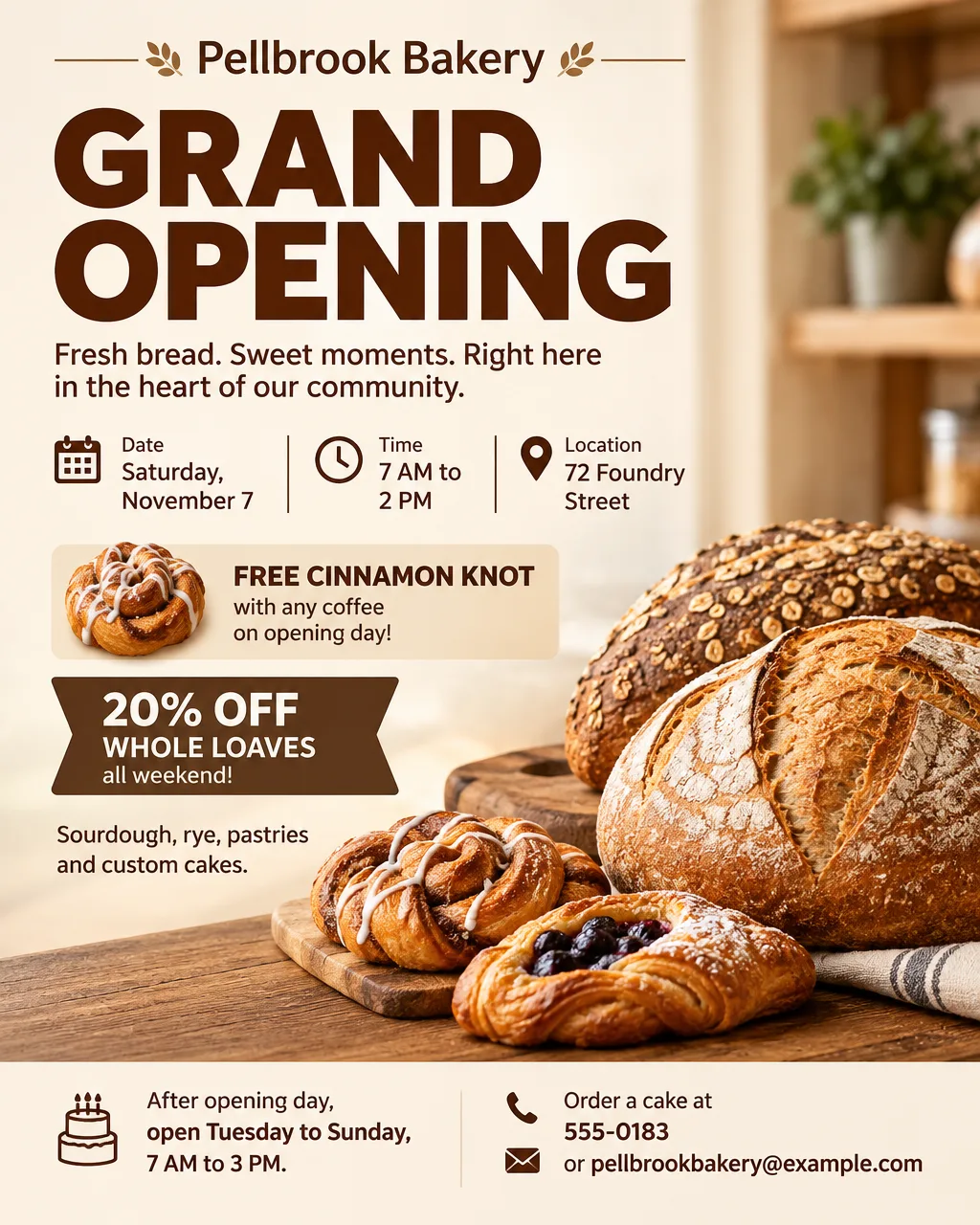
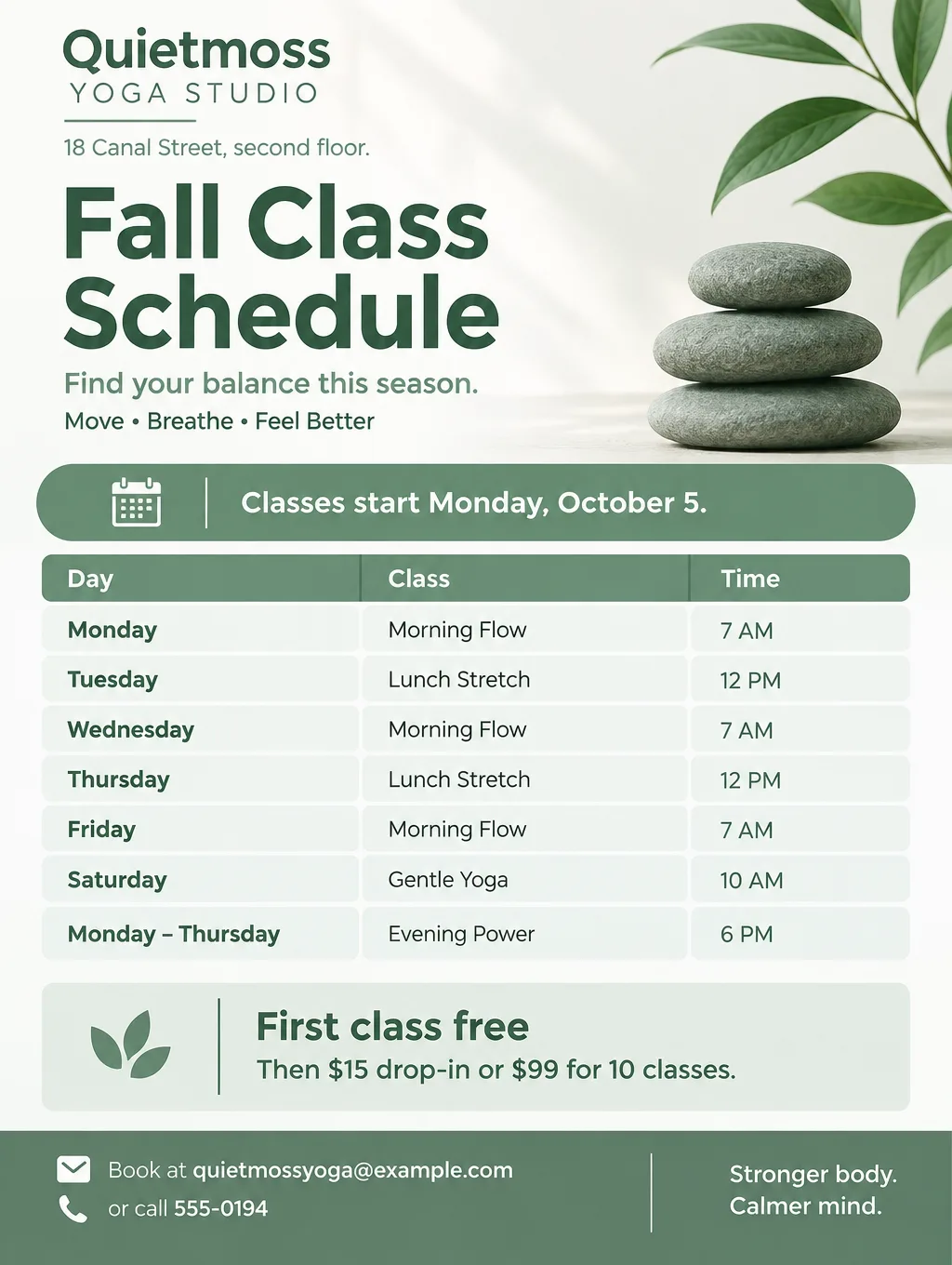
There's no single best AI flyer maker, because the tools split into two kinds. Template tools such as Canva, Adobe Express and Venngage use AI to draft a design you then edit. Image tools such as ChatGPT, Google Pics and Toybox AI's Flyer Maker return the flyer as an image. Each tool below lists its price, its free plan, its print file and its limits, and there's a test brief you can run through every free tier yourself.
Best AI flyer makers at a glance
The numbers below are as of September 2026, taken from each maker's pricing page or its App Store listing.
| Tool | Cheapest paid option | Free tier | The AI's output | File for printing | Text you can retype |
|---|---|---|---|---|---|
| Canva | Pro from $14.99 a month or $119.99 a year (App Store) | Up to about 20 AI uses a month | Up to 8 template drafts per prompt | PDF Print with bleed and crop marks; CMYK only on paid plans | Yes |
| Adobe Express | Premium at $9.99 a month | Free daily AI generations, no card needed | Templates built from a prompt | PDF, JPG or PNG | Yes |
| Venngage | Premium at $10 a month on a yearly plan ($19 month to month) | 5 designs you can share only by public link | Editable flyer layouts from a description | PNG from Premium up; PDF from Business | Yes |
| PosterMyWall | High-res downloads from $5.99, or Premium | Limited basic downloads, with a small watermark except at social media sizes | Designs from a short prompt with Create with AI | 300 dpi on paid downloads | Yes |
| ChatGPT | Go at $8 a month; Plus at $20 | Limited, slower image generation | A single flat image | The image file only | No, you ask for each change |
| Google Pics | Google AI Pro at $19.99 a month | None on a free Google account | Prompted images whose text pieces stay editable | Print crops and a 2K or 4K upscale | Yes, piece by piece |
| Toybox Flyer Maker | Credits from $4.99 for 500, and a flyer currently uses 80 | 20 sign-up credits, fewer than one flyer needs | A finished flyer image | A PNG at 1K, 2K or 4K; no PDF | No, you describe the change |
How to judge an AI flyer maker
No AI flyer maker is best for every job, so judge each by what happens after the first draft. Five things decide it:
- Retyping a word. In template tools you click the text and change it. In image tools you describe the change and the tool redraws. A flyer you reuse every month with a new date takes one retyped line in a template.
- The file you get. A print shop wants a PDF, often with bleed. A home printer is fine with a large image: at 300 pixels per inch, a letter page needs 2550 x 3300 pixels.
- The cost of one flyer. A Toybox flyer currently works out to about 80 cents at top-up prices, and PosterMyWall's high-res downloads start at $5.99. A monthly plan only pays off if you make flyers every month.
- The license. The best flyer maker for small business use is one whose terms you've read. Microsoft Designer, for example, may be used only for personal, non-commercial projects.
- QR codes. A code drawn inside an AI image may not scan, so you want a way to place a real one.
A test brief to run through each free tier
Reviews can't tell you how a tool handles your flyer, but a single brief pasted into each free tier can. This one carries the date, time, address, prices and an email address, all of which you can check letter by letter:
Harvest Chili Cook-Off at Halwick Fire Station 3, 410 Ridgeview Road. Saturday, October 24, 12 PM to 4 PM. Taste every chili for $10, kids under 12 eat free. Vote for your favorite, and the winning cook takes home the golden ladle trophy. Enter your chili by Saturday, October 17 at halwickcookoff@example.com. Rustic red and orange colors with an illustration of chili pots and cornbread.Then score each result on the same five points: every fact present and spelled right, the weekday matching the date, no lines you didn't write, the date and price readable at thumbnail size, and how many tries it took. For more briefs to test with, see the step-by-step AI flyer guide.
AI flyer makers compared
Each entry lists what the AI actually does, what it costs, the catch, and the job it suits.
Canva
- What the AI does. Canva AI, reached from the homepage or the bottom menu on a phone, takes a written prompt or uploaded media and offers up to eight templates to customize.
- Price. Canva Free covers creating, downloading and sharing a flyer, with premium images sold separately. Its AI allowance is up to about 20 uses a month and resets on the 1st. Apple's App Store lists Pro from $14.99 a month or $119.99 a year, for iOS 15 and later.
- The catch. You still edit the draft yourself, and PDF Print only offers CMYK color on paid plans.
- Pick it when the flyer will come back next month with a new date, or when others need to edit it. The roundup of tools that replace Canva covers where people go instead.
Adobe Express
- What the AI does. Generate template turns a text prompt into editable templates, alongside Adobe's stock photos and fonts.
- Price. The free tier has daily AI generations and asks for no card. Premium is $9.99 a month on monthly billing, with a 30-day trial, and brings every premium template plus 250 generative credits a month. In the iPhone app, which needs iOS 18, it's $9.99 monthly or $99.99 yearly.
- The catch. Printed flyers can be ordered through Adobe Express only in the US, the UK, Canada and Australia.
- Pick it when you want a Canva-style editor. Adobe says its Firefly-powered features are designed to be commercially safe.
Venngage
- What the AI does. Its AI Flyer Generator turns a description of an event or promotion into an editable layout, and its template range includes detailed, data-focused designs.
- Price. A free account holds 5 designs and can only share them by public link. Premium ($10 a month billed yearly, $19 monthly) adds unlimited designs with PNG and HD PNG downloads.
- The catch. PDFs, brand kits and the full AI toolset sit on Business, at $24 a month yearly or $49 monthly, per user.
- Pick it when the flyer is really a program, a timetable or an agenda. Venngage states that flyers from its AI generator may be used commercially, while uploads keep their own licenses.
PosterMyWall
- What the AI does. Create with AI turns a short prompt into designs and campaign ideas, and the library holds more than 1 million design and email templates.
- Price. The free plan includes limited basic downloads. Paid high-res downloads start at $5.99 and come without the watermark, at 300 dpi, and Premium includes unlimited watermark-free downloads, an AI text-to-image generator and 100 credits a month (Premium Plus, 250).
- The catch. Unless you download at a social media size, the free file has a small mark in its lower-left corner, and PosterMyWall itself says free files won't print crisply.
- Pick it when an event comes up only now and then and paying for each download beats a monthly bill.
ChatGPT
- What the AI does. ChatGPT Images designs the entire flyer as one picture, in whatever aspect ratio you ask for, from a Poster template or around a photo you upload.
- Price. Free comes with limited, slower image generation. Go ($8 a month) raises it, Plus ($20) adds images with thinking, and Pro (from $100) is listed with unlimited, faster image creation.
- The catch. Every correction is a new request, and OpenAI cautions that a marked edit can reach past the spot you marked.
- Pick it when the flyer starts from a photo you took, or you already pay for Plus. The walkthrough is in can ChatGPT make a flyer.
Google Pics
- What the AI does. Google's Workspace image app, generally available since September 1, 2026, returns several variations for a prompt. You can then pick out single elements, rewrite or translate any piece of text, crop the image for print or social media, and upscale it to 2K or 4K.
- Price. It's part of Google AI Pro ($19.99 a month), Google AI Ultra, and the Business and Enterprise Standard and Plus plans, with usage limits on the AI features.
- The catch. A free Google account doesn't get it.
- Pick it when you already pay for Google AI Pro or Workspace and want coworkers editing the same image.
Microsoft Designer
- What the AI does. Designer turns a written idea into greeting cards, invitations or banners, on the web and in iPhone and Android apps.
- Price. It costs nothing with a Microsoft account, though Microsoft notes heavier use may require a subscription.
- The catch. Its license covers only personal, non-commercial use. Microsoft also cautions that words in its AI images can come out misspelled or in a different language.
- Pick it when it's a birthday invitation or a reunion flyer. Business flyers are outside its license, which is why it isn't in the table above.
Toybox Flyer Maker
- What the AI does. Flyer Maker designs one finished flyer from what you type in "Describe your flyer" (up to 3,000 characters), plus an optional logo, in Portrait 4:5, Tall 3:4 or Wide 5:4.
- Price. Each flyer is currently 80 credits (1K), 90 (2K) or 100 (4K), and a fix in "Want to change something?" is 60, 70 or 90 on the same scale. No paid plan is required, only credits.
- The catch. The file is an RGB PNG image, so the words can't be retyped, and there's no PDF, CMYK or bleed. It won't draw QR codes, only a blank square for your own, and it has no photo slot. It's a web app you use in your phone's browser.
- Pick it when you'd rather describe a one-off flyer than lay it out. For paper, choose 2K or 4K: Tall at 4K is 2480 x 3312 pixels, near 290 per inch on a slightly trimmed letter page. Toybox's Terms say you own the rights to the outputs you generate, subject to the Terms.
Best flyer maker apps for iPhone and Android
The best flyer maker app for iPhone depends partly on your iOS version: the Adobe Express app asks for iOS 18, and Canva's still runs on iOS 15.
| App | iPhone | Android | Free tier |
|---|---|---|---|
| Canva | App Store, iOS 15 and up | Google Play | Yes |
| Adobe Express | App Store, iOS 18 and up | Google Play | Yes |
| ChatGPT | App Store | Google Play | Yes, with limited image generation |
| Microsoft Designer | App Store | Google Play | Yes, for personal projects |
| Toybox Flyer Maker | Runs in Safari, no app | Runs in Chrome, no app | 20 sign-up credits, short of one flyer |
For the step-by-step on a phone, including Apple's free Pages templates and printing over AirPrint, see the phone flyer walkthrough. For design jobs beyond flyers, see the roundup of AI design tools.
Which one should you pick
Decide by who touches the flyer after you and where it ends up.
- The same flyer every month, with a new date. Canva or Adobe Express, since a template lets you swap the date and nothing else.
- A print shop wants CMYK and bleed. Canva on a paid plan, whose PDF Print adds CMYK, bleed and crop marks.
- A program, a menu or a timetable. Venngage, with Business in the budget if you need a PDF.
- A flyer that has to show your own photo. ChatGPT takes the upload. Smart Editor, on Toybox's Pro plan, also accepts a photo with the flyer wording as its instruction.
- You already pay Google for AI Pro or a Workspace plan. Google Pics comes with it.
- One flyer tonight with no layout work. Toybox Flyer Maker, followed by a careful read of every date and price.
Run the test brief in Flyer Maker
Paste the chili cook-off brief into Flyer Maker, set Size to Tall ("Printing") with 2K or 4K quality, and put the email address in "Contact info". The result usually takes around 30 seconds. Score it on the same five points as the other tools. Sign-up credits (20) won't cover the run, so check current prices first.