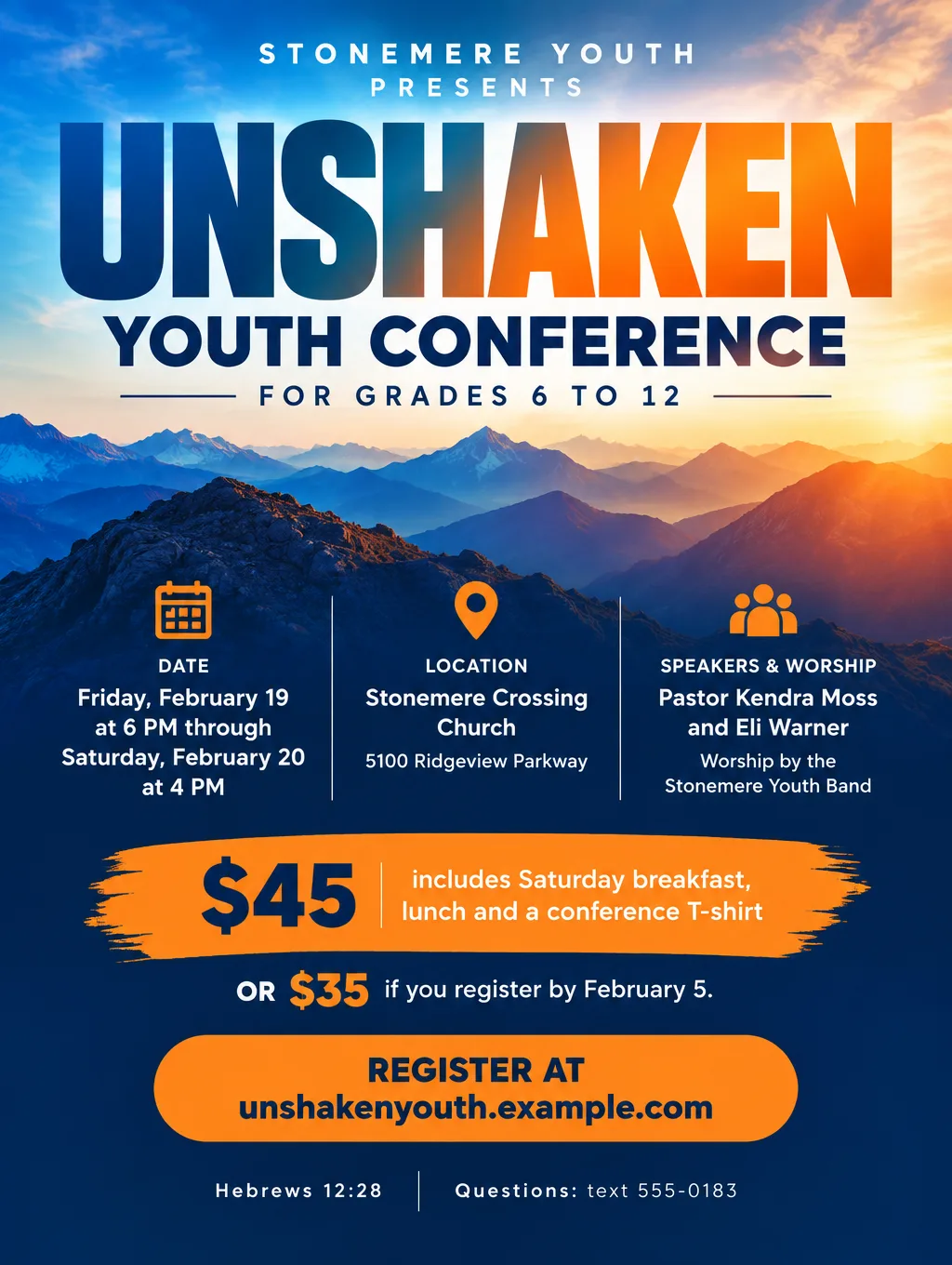
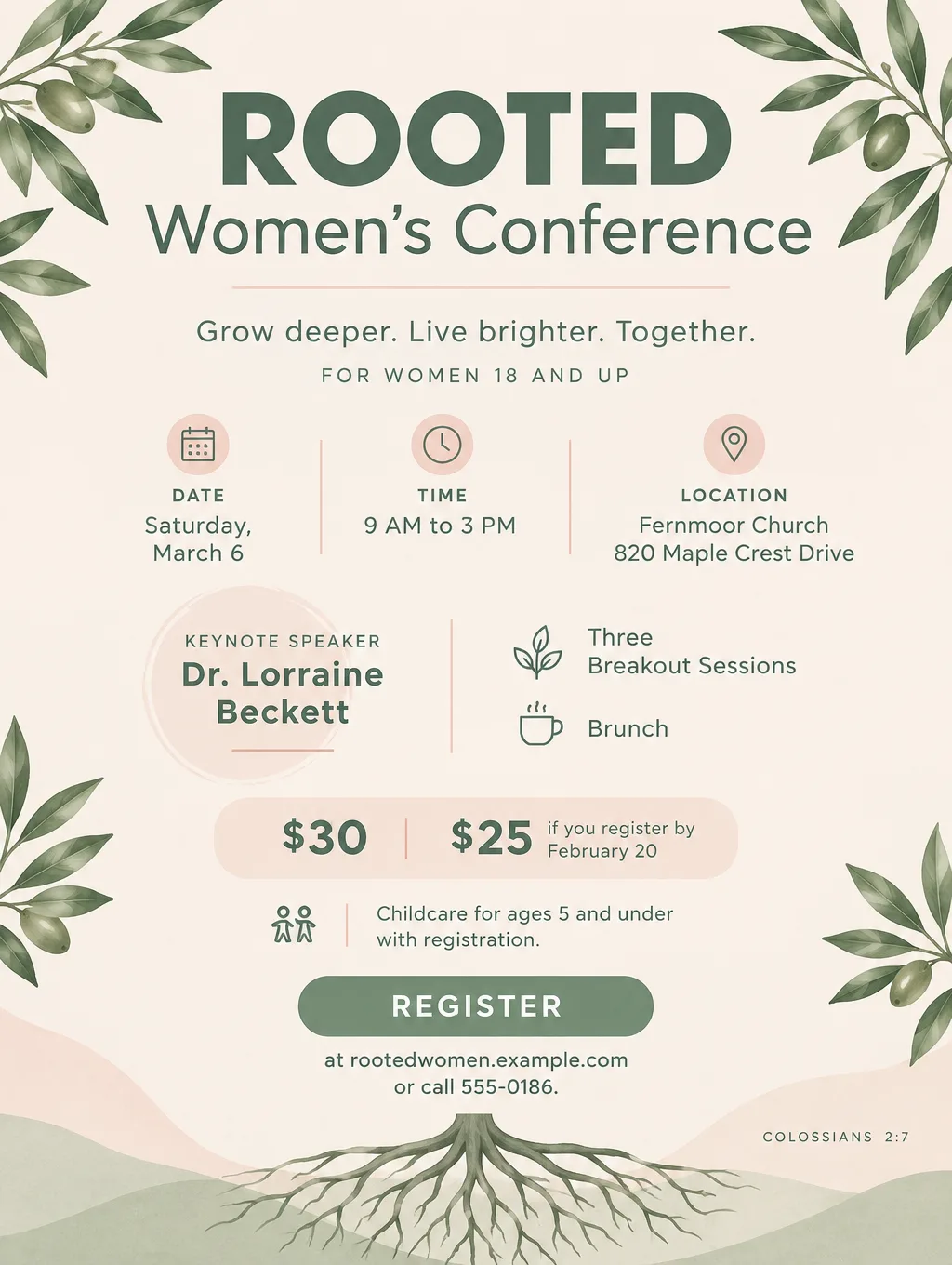
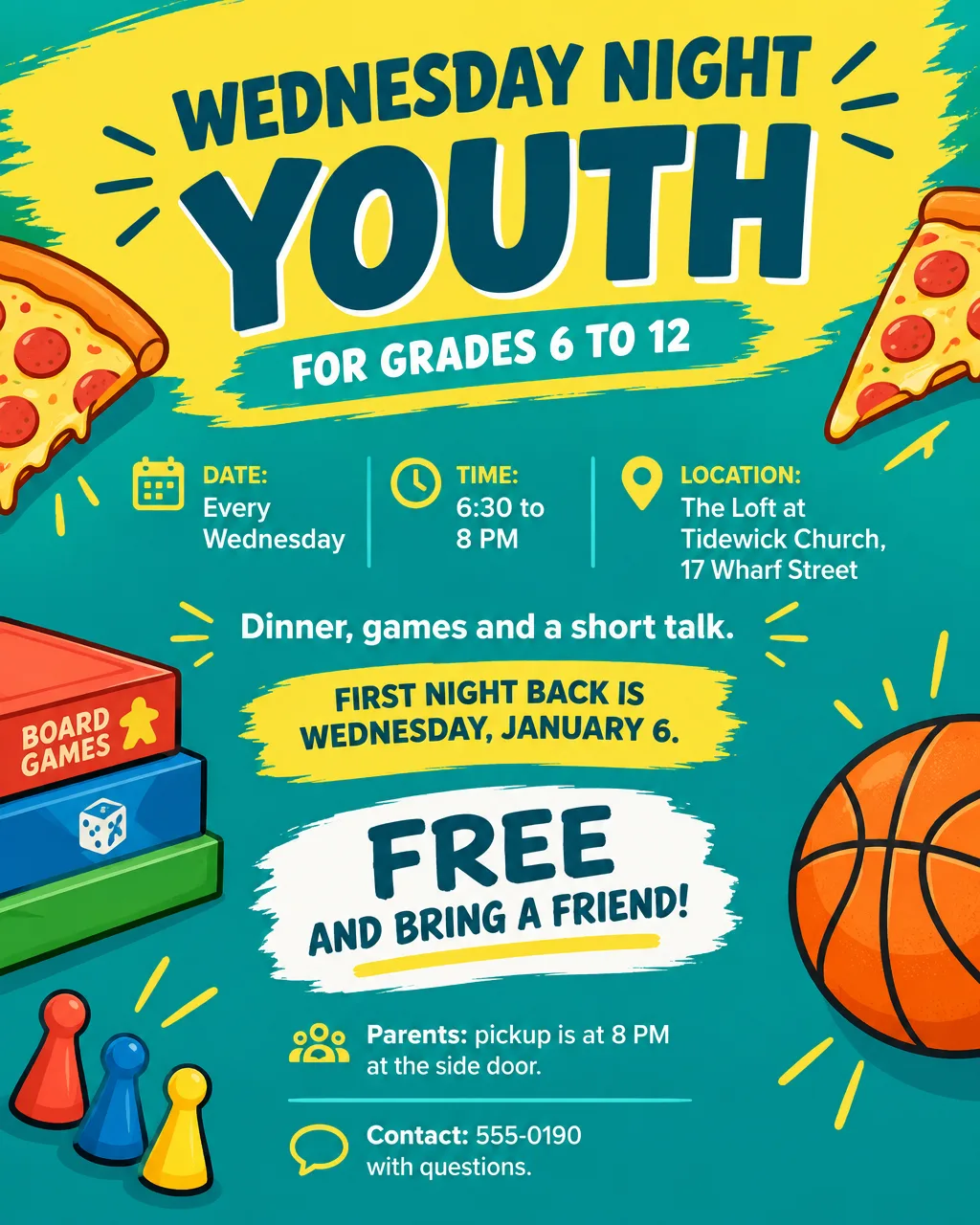
A youth conference flyer has to sell a weekend to a 14-year-old and explain it to the parent who pays for it. Youth pastors and women's ministry leaders post these flyers on church bulletin boards, in youth group chats and on Instagram, and send them home by email. Below you'll find a checklist, wording for conferences, conventions, youth group nights, lock-ins and women's conferences, how to handle registration and QR codes, design ideas and sizes. For Sunday services and other church events, the church flyer ideas have their own wording.
What to put on a youth conference flyer
These details answer the questions students and parents send the youth pastor, starting with what should be largest:
- The theme. One word or a short phrase in the biggest type: "Unshaken", "Rooted", "Set Apart".
- The grade range. Parents know their child's grade faster than they can check an age cutoff, so write "Grades 6 to 12". Use ages for adult events ("women 18 and up").
- Start and end, with times. "Friday, February 19 at 6 PM through Saturday, February 20 at 4 PM" tells parents when to drop off and pick up.
- The venue and street address. For an overnight event, add where students sleep ("lodging at the church, bring a sleeping bag").
- Speakers and worship band. Names and titles, spelled the way they write them.
- The price and what it includes. "$45 includes two meals and a T-shirt" heads off the next five questions.
- The early price deadline. "$35 if you register by February 5."
- How to register. A short web address, with a QR code next to it.
- The permission form deadline. "Permission and medical forms due Sunday, February 14."
- What to bring. A Bible, a sleeping bag, money for the snack bar.
- A scholarship line, if you offer help. "Scholarships available. Ask Pastor Kendra."
- A contact. The youth pastor's text number or email.
One flyer for students, one for parents
Students and parents read a youth conference flyer for different things, so make two versions from the same details:
- The student version goes in the group chat and on Instagram. The theme, the speakers and band, the dates, and "bring a friend". Portrait size, big type, five lines at most.
- The parent version goes home as a letter-size handout or in the church email. The cost and what it includes, the full schedule with drop-off and pickup times, the forms and their deadline, what to pack, and a contact. Tall or Wide size, with room for more text.
Both carry the same registration link, so either one gets the student signed up.
Youth conference flyer ideas and wording
Youth conference wording changes with the kind of event. These five cover the youth and women's ministry events that share this kind of flyer, with fictional details to replace.
Youth conference or retreat weekend
- Headlines: "Unshaken Youth Conference", "Winter Youth Retreat: Rooted", "Set Apart Weekend"
- Supporting line: "Two days of worship, speakers and small groups for grades 6 to 12."
- Call to action: "Register by February 5 for the early price."
A youth event built around nightly preaching rather than registration works better as a youth revival flyer.
Youth convention
- Headlines: "Northern District Youth Convention", "State Youth Convention"
- Supporting line: "Choir, Bible bowl and a Saturday night rally with churches from across the district."
- Call to action: "Register through your youth pastor by April 9."
Weekly youth group or youth meeting
- Headlines: "Wednesday Night Youth", "Youth Group Is Back", "Youth Meeting: Plans for Summer Camp"
- Supporting line: "Every Wednesday, 6:30 to 8 PM in The Loft. Dinner, games and a short talk."
- Call to action: "Bring a friend. Parents, pickup is at 8 PM at the side door."
A youth meeting flyer for parents, such as a summer camp information night, needs the meeting time, the room and what will be decided, not games and pizza.
Youth events: lock-ins, game nights and service days
- Headlines: "Winter Lock-In", "Youth Game Night", "Serve Saturday"
- Supporting line: "Friday 7 PM to Saturday 8 AM. Games, a talent show, pizza and pancakes."
- Call to action: "$15. Permission form due Sunday, January 10."
Women's conference
- Headlines: "Rooted Women's Conference", "A Day Away: Women's Conference", "Women of the Word"
- Supporting line: "Keynote, three breakout sessions and brunch. Saturday, 9 AM to 3 PM."
- Call to action: "$30, or $25 by February 20. Childcare for ages 5 and under with registration."
Breakout sessions read like a training schedule; the workshop flyer page has layouts for session lists and speaker bios.
Registration, QR codes and deadlines on youth flyers
The registration line is the call to action, so it gets the same care as the theme.
- Paste in a real QR code. Switch on "Leave a blank square for your QR code" in Flyer Maker, then paste the code for your registration form into that square. Print the short web address under it for anyone who can't scan.
- Point the code at the form, not the homepage. A parent who scans at a stoplight wants the sign-up page.
- Write deadlines as weekday and date. "Register by Friday, February 5" is easier to act on than "Register by 2/5".
- Show both prices when there's an early rate. "$35 through February 5, $45 after" makes the deadline worth meeting.
- Scan the printed copy. Try the code with two different phones before you print the rest.
Design tips for youth conference flyers
Make the theme word the artwork. A one-word theme in huge type on a color blend reads from across a youth room and at phone size in a group chat.
Keep speaker names bigger than speaker photos. Students may not know the speaker's face, but they can repeat a name to a friend. Skip photos unless the speakers supplied them.
Put the grade range in the top third. A parent should see "grades 6 to 12" at a glance, and a 5th grader's parent needs to know right away that the event isn't for them.
Use a calmer palette for women's conferences, with the same contrast. Pastel colors suit the style, but the date and price still need dark text on a light background.
Fit session lists with the Packed layout. Three breakout titles or a two-day schedule fit better in a Packed layout than squeezed into a Clean one.
For elementary-age kids, see the VBS flyer ideas for ages, dates and registration wording aimed at parents of young children.
Youth conference flyer sizes and printing
The student version lives on phones and the parent version on paper, so the sizes split the same way:
| Version | Format | Pixels at 300 DPI | Flyer Maker |
|---|---|---|---|
| Parent handout, bulletin board | Letter, 8.5 x 11 in | 2550 x 3300 | Tall, 4K |
| Parent take-home half sheet | Half letter, 5.5 x 8.5 in | 1650 x 2550 | Tall, 2K |
| Student group chat, Instagram feed | Phone screen | Screen only | Portrait (4:5) |
| Lobby screen, church email | Landscape screen | Screen only | Wide (5:4) |
Stretched across a 5.5 in half sheet, the Tall shape runs about 7.3 in down the page, which leaves roughly 1.2 in at the bottom for a cut line or the church name. A 2K Tall file (1536 px wide) gives about 280 pixels per inch at that width, and the 4K file about 290 on a full letter page. Flyer Maker has no Story (9:16) size, so post the Portrait version to the feed rather than to Stories. For printing, choose 2K or 4K. A lobby poster needs bigger numbers; the flyer size guide has tabloid and poster pixel counts.
More youth conference flyer prompts
A district youth convention flyer, where churches register through their youth pastors:
Northern District Youth Convention for grades 7 to 12. Friday, April 30 at 5 PM through Saturday, May 1 at 9 PM, at Carrowby Convention Hall, 300 Bay Street. Choir competition, Bible bowl, workshops and a Saturday night rally. $55 per student includes two meals. Churches register through their youth pastor by April 9 at districtyouth.example.com. Questions: 555-0192. Bold red and navy with a stadium light glow, large dates and price.A middle school lock-in with a form deadline:
Winter Lock-In for grades 6 to 8. Friday, January 15 at 7 PM to Saturday, January 16 at 8 AM, at Fallowmere Church, 64 Pine Street. Games, a talent show, pizza and a pancake breakfast. $15 per student. Permission form due Sunday, January 10. Sign up at fallowmereyouth.example.com or text 555-0194. Playful winter illustration with snowflakes and sleeping bags, icy blue and bright purple.How to make a youth conference flyer in Flyer Maker
- Enter the details in "Describe your flyer" in Flyer Maker. The theme, grade range, start and end times, venue address, speakers, price and what it includes, the early deadline, and the registration web address.
- Say which version you're making. "Student version: theme and speakers largest" or "Parent version: include pickup times and the form deadline".
- Pick the Size. Portrait for the group chat and Instagram, Tall for the handout.
- Open More options. Keep Flyer type on Event, choose Bold or Playful style for youth and Elegant for a women's conference, and pick Color blends or Illustration pictures. Use the Packed layout for a schedule. For the printed parent version, raise Quality to 2K or 4K.
- Put the youth pastor's number in Contact info, then switch on "Leave a blank square for your QR code".
- Tap "Create flyer". The conference flyer is ready in roughly 30 seconds.
- Have a second leader check every date, weekday, time, price and deadline, and cut any slogan you didn't write. When only the early-bird date or a speaker's name is off, correct it through "Want to change something?" under the result (currently 60 credits, 70 for 2K, 90 for 4K). For the parent version, change the description and create a second flyer. Last, drop your real registration QR code into the blank square and test it.