Hosts, promoters and bar managers make party flyers, and the same design has to work as a small image in a group chat or an Instagram feed and as a print on a venue wall. A party flyer has to say what kind of night it is and exactly where to show up, in the few seconds someone gives it between texts. Below are wording ideas for house parties, club nights and themed parties, links for specific occasions, club flyer sizes for print and phones, and steps for Flyer Maker.
What to put on a party flyer
Get the facts down first and pick colors later. Guests need items 1 to 6 to show up, and items 7 to 12 answer the texts you would otherwise get.
- A party name. "Neon Throwback Night" is easy to repeat in a group chat. "Party at Sam's" is not.
- Day, date and start time. "Saturday, November 14, 9 PM." Add an end time when a venue or a lease sets one.
- The full address and the way in. Street number, unit and entrance: "Unit 4B, buzz 4B" or "rooftop, take the back stairs".
- Who's invited. "Friends of friends welcome", "Invite only" or "Ages 21 and over". This one line decides who shows up.
- How to RSVP or get in. One phone number, one email or one ticket link, with a deadline if you need a head count.
- Price. "$10 at the door, free before 10 PM with RSVP", or the word "Free".
- Age rule and ID. For any party where alcohol is sold or served: "21 and over, ID required at the door."
- Theme or dress code. "All white", "80s outfits", "Come as you are".
- Music. DJ names, a live band, or "karaoke from 10".
- Food and drinks. "BYOB", "Tacos until 11", "Snacks provided".
- Parking or transit. "Street parking only" or "Two blocks from the Main Street station".
- One house rule. "Quiet by midnight" or "No plus-ones without an RSVP".
Write "21 and over" on any party where alcohol is sold or served, so nobody under 21 makes the trip for nothing. Put the age line in the top half of the flyer, close to the date. For a party in a rented hall or a restaurant, get the venue's OK on outside alcohol before "BYOB" goes on the flyer.
Party flyers by occasion
Some parties need details a general flyer doesn't cover. Each of these has its own page with a checklist, wording and prompts.
Birthday parties
A birthday flyer leads with the name and the age: "Maya Turns 30". Kids' parties need an end time for pickup, an allergy question and a gift note, and a surprise milestone party needs an arrival time. The birthday wording and designs cover kids' parties, first birthdays, sweet 16s and 50ths.
Halloween parties
Halloween flyers carry a costume rule and, if there is one, the contest. When the party isn't on October 31 itself, print the weekday with the date ("Friday, October 30") so nobody turns up a night late. Headline example: "Haunted Loft Costume Party". The Halloween party wording covers adult, kids' and office parties.
New Year's Eve parties
A New Year's Eve flyer sells the countdown: a midnight toast, ticket tiers that include food or drinks, and a plan for getting home. Headline example: "Countdown on the Roof, Thursday, December 31". See the New Year's Eve party ideas for club, restaurant, house party and watch night wording.
Christmas and holiday parties
Holiday parties add a gift exchange limit ("$25 gift swap"), a dress theme such as ugly sweaters, and for work parties a line about plus-ones. Headline example: "Ugly Sweater Holiday Party". The Christmas party ideas have office and friend party wording.
Graduation parties
A graduation party run as an open house gives drop-in hours ("Stop by between 2 and 6 PM") instead of one start time, plus the school and its colors. See graduation party flyers for open house wording.
Retirement and going-away parties
These flyers name the guest of honor and a reason to come ("After 32 years in the classroom"), say whether it's a surprise, and explain any group card or gift collection. The retirement party flyers page has office and family versions.
Baby showers
Shower flyers lead with the honoree and the host, and a registry link is welcome on them. The baby shower wording covers boy, girl, sprinkle and co-ed showers.
Block parties, cookouts and pool parties
A street party or cookout flyer tells each household what dish to bring and what time to get the car off the street. The block party and cookout flyers page adds city permit rules and rain date wording.
Party flyer ideas and wording
For parties with no page of their own, borrow these headlines and second lines. The names, places and prices are made up.
| Party | Headline | Supporting line |
|---|---|---|
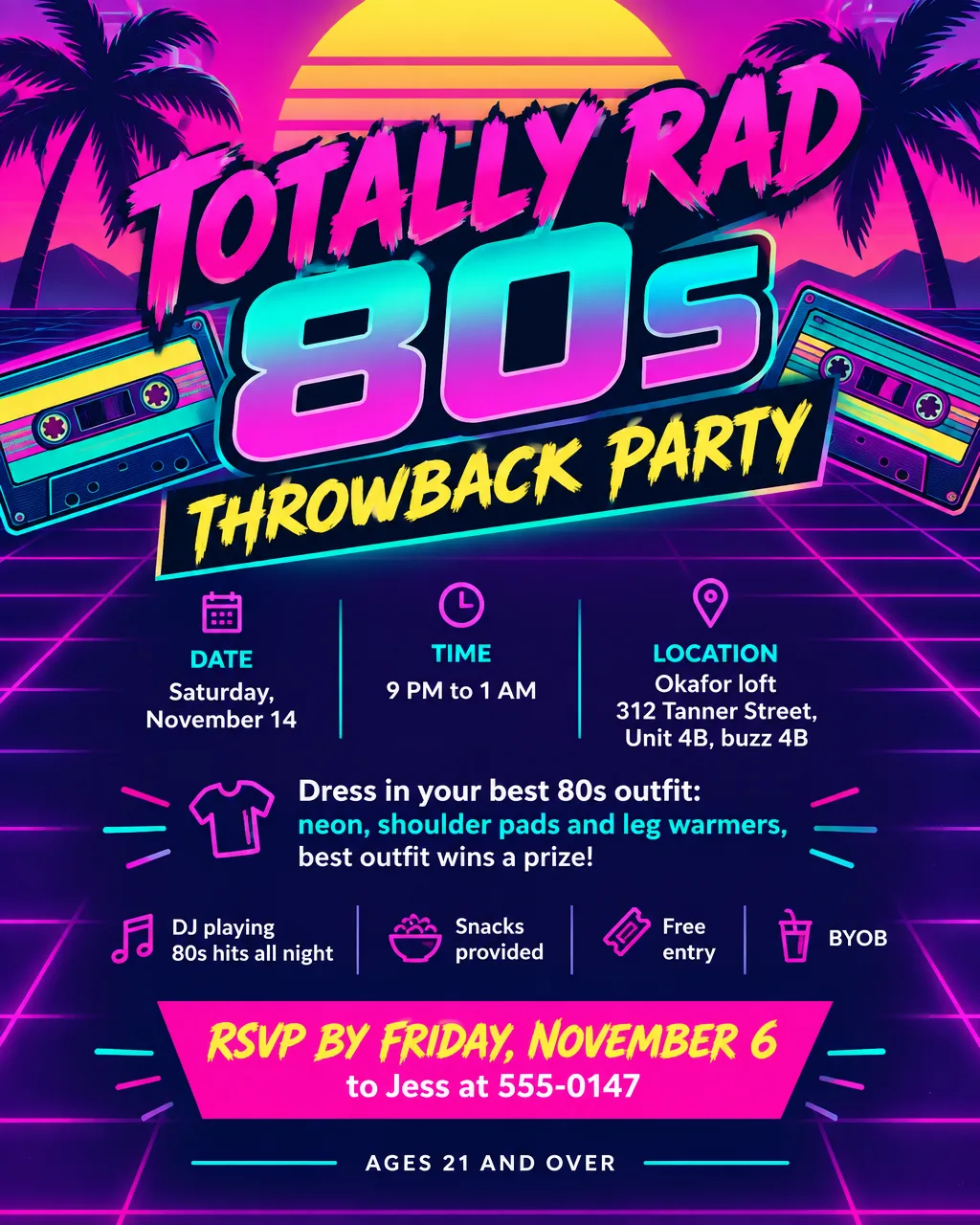
| House party | "Saturday Night at the Okafor Loft" | "9 PM until late. Buzz 4B. Bring a friend and a song request." |
| 80s or 90s throwback | "Totally Rad 80s Night" | "Neon, shoulder pads and leg warmers encouraged. Best outfit wins." |
| All-white party | "The White Party" | "Dress code: all white, head to toe. Rooftop, 8 PM." |
| Glow party | "Glow Night" | "Blacklights, glow sticks at the door, wear something neon." |
| Game day watch party | "Big Game Watch Party" | "Kickoff at 6:30. Wings, chili and three screens." |
| Karaoke night | "Karaoke Kings and Queens" | "Sign up at the door, first song at 9. No talent required." |
| Housewarming | "We Finally Moved In" | "Open house 2 to 6 PM. Tours every hour, snacks all day." |
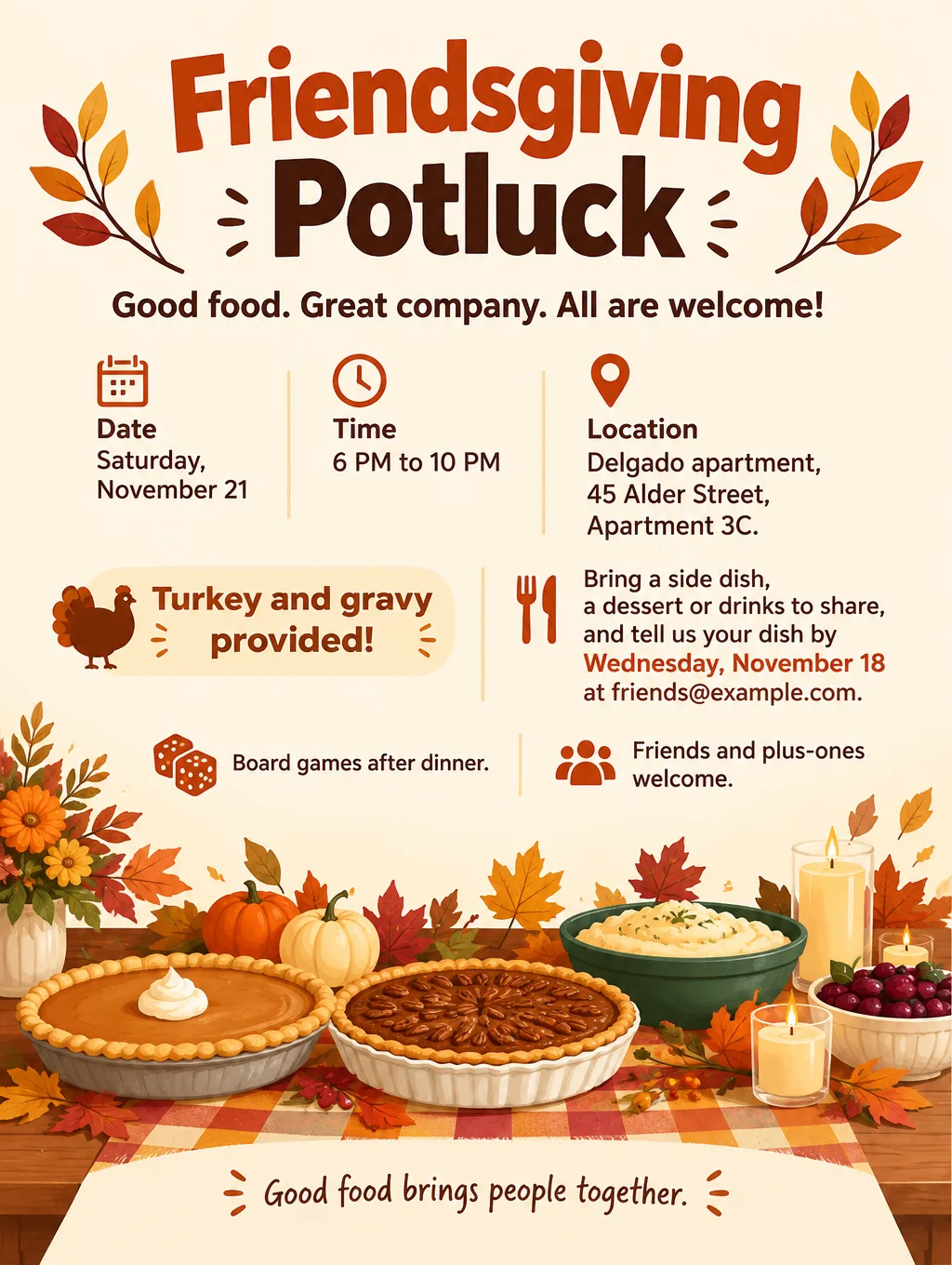
| Friendsgiving | "Friendsgiving Potluck" | "We've got the turkey. You bring a side, a dessert or drinks." |
| Anniversary party | "Twenty-Five Years of Rick and Anita" | "Dinner, toasts and a slideshow. Cocktail attire." |
| Launch party | "Launch Night for Pellbrook Supply Co." | "Free drinks for the first 50 guests. Doors at 6." |
Three wording habits help any flyer for a party:
- Say who hosts. "Hosted by Jess and Amir" tells a friend of a friend that the invite is real.
- Send the address after the RSVP for a party at home. "Address sent when you RSVP" keeps a house party off public feeds.
- Put the rule that matters most in plain words. "21 and over" or "Kids welcome", not a joke that hides it.
Club flyer ideas and wording
Club and bar flyers follow a tighter pattern than house parties, because people need to know whether they can get in and what it costs before they leave home.
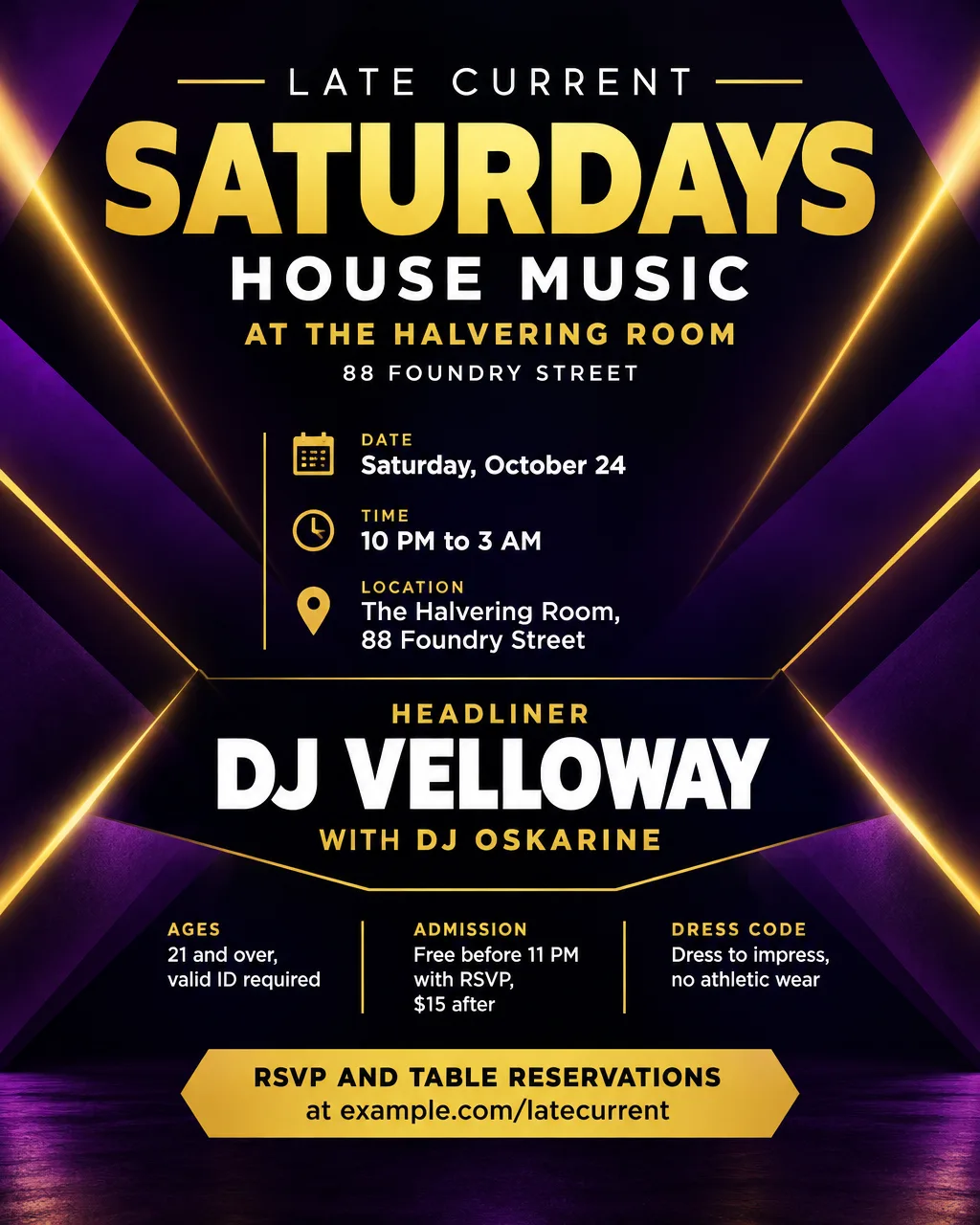
- Headline. The night's name, biggest: "Late Current Saturdays", "Afrobeats Fridays", "Throwback Thursdays".
- Lineup. Headliner first and largest, then support: "DJ Velloway, with DJ Oskarine".
- Entry. "Doors 10 PM, last entry 1 AM. Free before 11 with RSVP, $15 after."
- Age and ID. "21 and over, valid ID required." For an 18 and over night, say how drinks work: "Wristbands for 21 and over."
- Dress code. "Dress to impress, no athletic wear." Name the rule instead of hinting at it.
- Tables. "Table reservations: text 555-0139."
- Venue line. Club name, street address and the nearest cross street.
Design tips for party flyers
Check it at thumbnail size. A party flyer shared in a group chat shows up first as a small preview. Shrink the image to about the width of a text bubble. If the day and time blur at that size, enlarge them.
Put the night and time above the art. A giant illustration with the date squeezed into a bottom corner makes people hunt for it. Set the day and time right under the party name.
Club flyer inspo that still reads. Common club looks include a duotone photo in two colors, chrome or metallic type on black, a grainy photocopy texture for underground nights and a soft pastel gradient for day parties. In Flyer Maker, start from the Nightlife flyer type with Bold or Luxury style and Dark colors, then name the look in your description: "duotone purple and orange, chrome lettering".
Dark flyers for screens, light ones for paper. A black flyer looks sharp on a phone, but it uses a lot of toner on a home printer and thin gray text fades on copy paper. Make a light version for anything you print at home.
Keep promoter names and sponsor logos small. The party name is the biggest text, and "Presented by" goes at the bottom. If a venue or a company hosts, add its logo through "Add your logo", and Flyer Maker usually sets it at a modest size near the top or bottom edge.
Original art only. Characters from films, games and cartoons, and brand logos, belong to their owners. Describe your own instead: "an original disco-ball robot with headphones".
Club flyer size and party flyer printing
Start with the 4:5 image for group chats and feeds, and print only for the walls and bars you will visit. For print, go small: 4 x 6 inches is one of GotPrint's three most popular flyer sizes, and its club flyer range includes 2.75 x 4.25-inch cards.
| Where it goes | Size | Pixels at 300 DPI | Flyer Maker setting |
|---|---|---|---|
| Group chat, Instagram post | 4:5 portrait | Screen only | Portrait, 1K |
| Handbill at the door or bar | 4 x 6 in | 1200 x 1800 | Tall, 2K |
| Pocket card | 2.75 x 4.25 in | 825 x 1275 | Tall, 2K |
| Venue window, mailroom board | 8.5 x 11 in | 2550 x 3300 | Tall, 4K |
Flyer Maker's Tall size is 3:4, a little wider than the two card sizes, so about 1/4 inch comes off each side when you print either one. Add "leave a wide margin on the left and right" to your description so no words get cut. 4OVER4 puts close-up print at 300 DPI, and Tall at 2K is 1536 x 2048 pixels, about 340 pixels per inch on a 6-inch card. For posters and other formats, see the full flyer size guide.
Common party flyer mistakes
- A weekday that fights the date. Friday printed next to a date that falls on a Saturday sends some guests out on the wrong night. Check a calendar before you share.
- "Location TBA" with no follow-up. If the address is private, say how people get it: "Address sent after RSVP to 555-0147."
- Lines you never wrote. Leave out a detail and Flyer Maker invents something for the gap, a slogan or even a button reading "CALL TO ACTION". Spell out your exact call to action and look for lines you didn't write.
- Six DJ names in the same size. Nobody can tell who is headlining. One name gets the biggest type.
How to make a party flyer in Flyer Maker
Flyer Maker works as a party flyer generator that starts from a paragraph instead of a template: describe the night and the look, and about 30 seconds later you get one finished flyer image. Save that paragraph. It becomes your party flyer template for the next party, with only the date and theme to change.
- Paste the whole invite into "Describe your flyer" in Flyer Maker. Start with the facts (name, weekday and date, time, address, guest rule, price, age limit, RSVP) and end with the look, within the 3,000-character limit.
- Choose a Size. Portrait fits a chat or an Instagram post, and Tall is the one to print.
- Under "More options", pick the Flyer type. Party suits house parties and themed parties, and Nightlife suits club and bar nights. Choose 2K or 4K Quality if you will print.
- Enter the RSVP number, email or ticket site under "Contact info". Flyer Maker takes the RSVP details from this field, so type them exactly.
- Turn on "Leave a blank square for your QR code" when you sell tickets online, then drop the real code into that square after you download the flyer.
- Tap "Create flyer" and read every word: the weekday, the date, the address, the price and the age line.
- Correct anything off. Type the fix, such as "change the date to Saturday, November 14", in "Want to change something?" (currently 60 credits at 1K, 70 at 2K, 90 at 4K). For bigger changes, edit your paragraph and create a fresh flyer.
For Stories and Reels, the animated flyer guide shows how to turn the finished flyer into a short vertical clip with Video Creator, which needs a Pro plan.