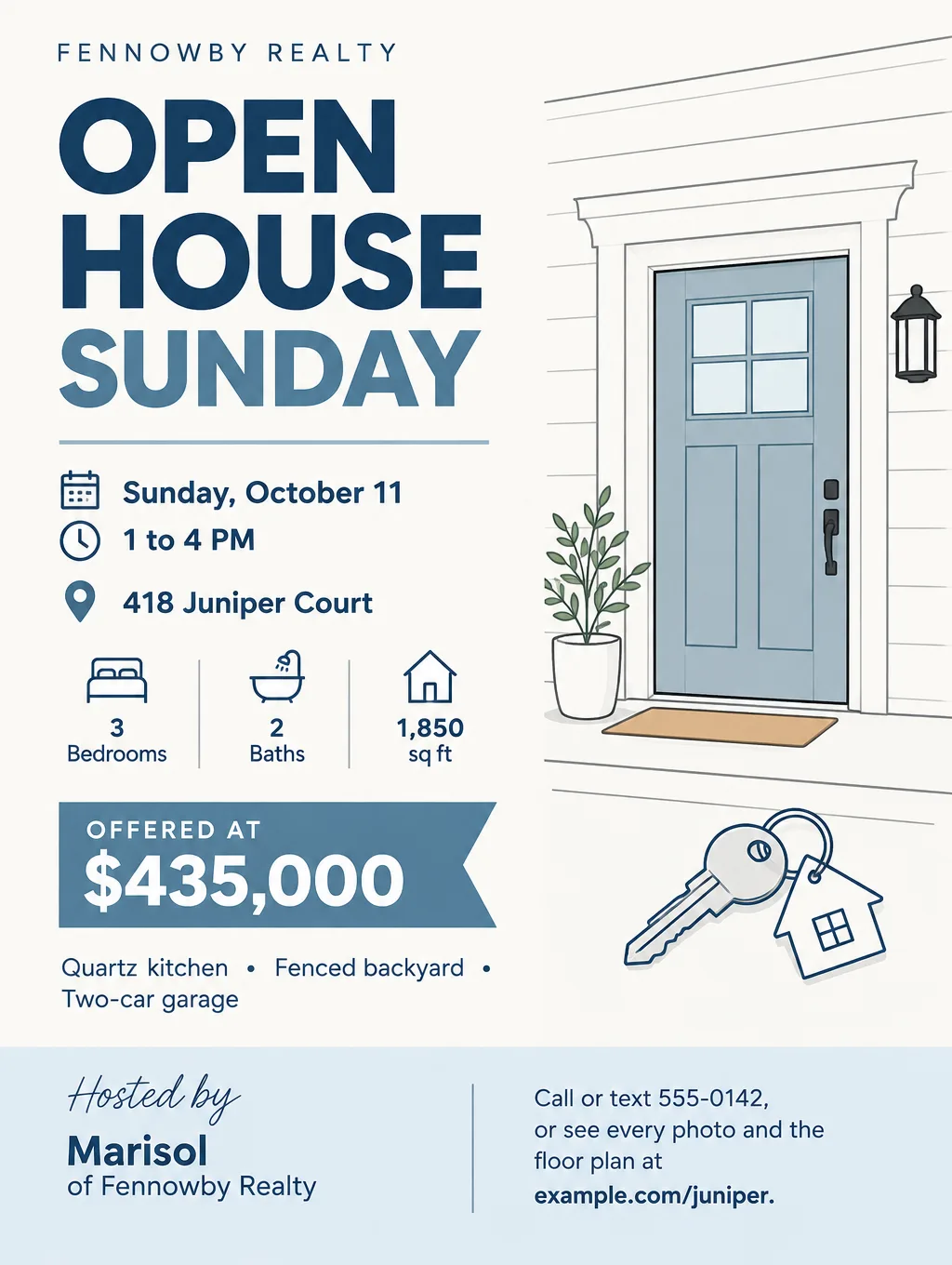
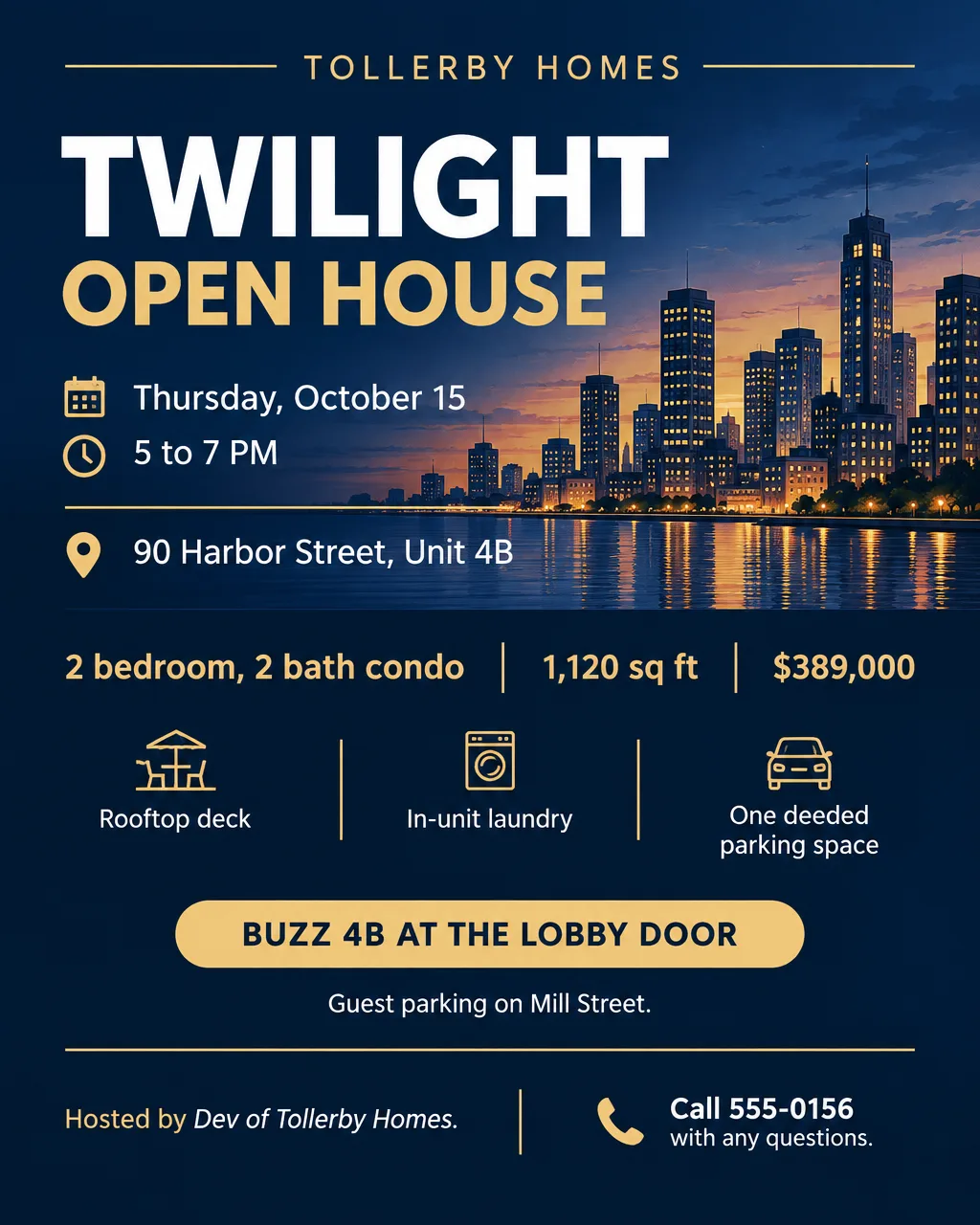
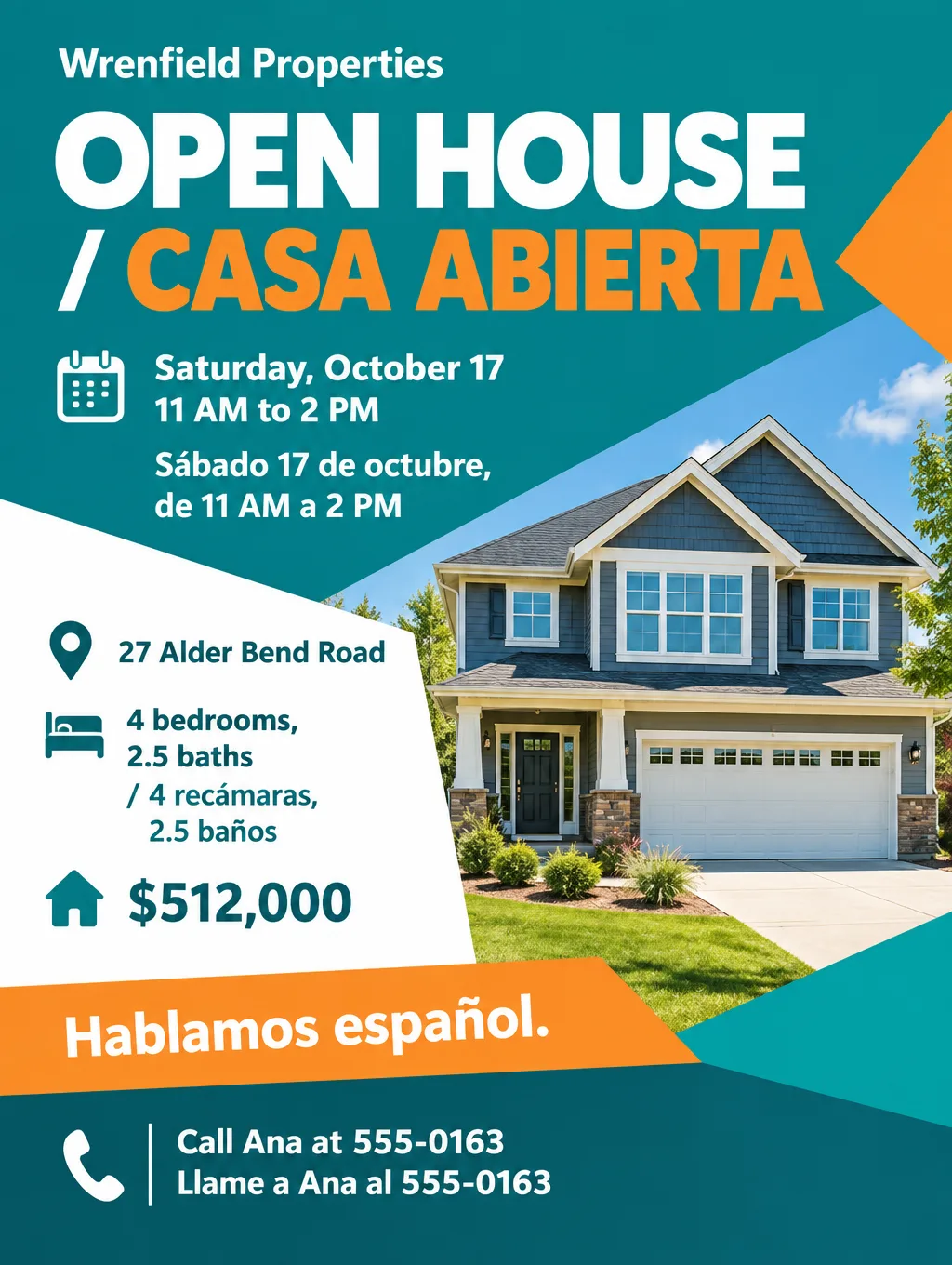
An open house flyer has two jobs. It gets buyers inside on the day, and it goes home with every visitor as the sheet they compare against the other houses they toured. Listing agents hand them out at the door, leave a stack on the kitchen counter and drop invitations with the neighbors. This page gives you a checklist in print order, headlines for eight kinds of open house, sign and handout sizes, when a listing photo needs a label, and how to build the flyer in Flyer Maker. For the rest of your listing marketing, start with the real estate flyer ideas hub.
What to put on an open house flyer
Write the facts before you think about design. In order of size on the page:
- "Open House" and the day. "Open House Sunday" in the largest type, worded the same as the yard sign so the two match.
- Date and hours. Weekday and date together, "Sunday, October 11, 1 to 4 PM".
- Full street address. Add the unit number for a condo and a cross street if the house is hard to find.
- Price. The asking price exactly as the MLS shows it on the day you print.
- Beds, baths and square footage. "3 bed, 2 bath, 1,850 sq ft" on one line.
- Three features buyers can't see from the curb. "Quartz kitchen, fenced backyard, finished basement". Three fit on one line; eight turn into a paragraph.
- One real photo, or none. The front of the home or its best room, never a photo of a different house or a drawn one that could pass for it.
- Agent name, phone and brokerage. REALTORS must show the firm name on every ad (rules below).
- A QR code or short link. Point it to the full photo set, the floor plan and the disclosures.
- Access notes. "Park on the street, not the driveway", "Buzz 4B at the lobby door", "Shoes off, covers at the door".
- Photo labels, when needed. "Virtually staged" next to any staged or altered photo (rules below).
- Logos your broker requires. The brokerage logo, and the Equal Housing Opportunity logo if your office uses it.
Open house flyer ideas and wording
Short lines read better on a sign and on a flyer pinned to a café board. Here are open house flyer examples by occasion, with fictional details to replace:
| Occasion | Headline | Supporting line |
|---|---|---|
| Public Sunday open house | "Open House Sunday 1 to 4" | "3 bed, 2 bath with a fenced yard. Stop by, no appointment needed." |
| First weekend on the market | "New Listing: Open This Weekend" | "Saturday and Sunday, 11 AM to 2 PM" |
| Twilight or after-work open house | "Twilight Open House" | "Thursday, 5 to 7 PM. See it with the lights on, after work." |
| Brokers' open for agents | "Brokers' Open: Lunch Served" | "Tuesday, 11 AM to 1 PM. Bring your buyers' questions." |
| Condo or townhome | "Open House: Unit 4B" | "Buzz 4B at the lobby door. Guest parking on Mill Street." |
| Price improvement | "New Price. Open Sunday." | "Now $449,000. Same kitchen, same big yard." |
| Neighbors' preview | "Neighbors' Preview" | "Friday, 4 to 6 PM, the evening before the public open house." |
| New construction model | "Model Home Open Daily" | "Noon to 5 PM. Two floor plans to tour, from $389,000." |
Wording habits that help on open house flyers for real estate:
- Describe the home, not the buyer. Fair housing rules cover sale ads too, so leave out who the home is "perfect for". "Three bedrooms on one floor" says what "perfect for a young family" was trying to say, without pointing at families.
- Name the feature, skip the adjective. "Roof and furnace under five years old" is checkable. "Gorgeous and updated" isn't.
- Say "no appointment needed". It tells a first-time visitor they can walk in without calling ahead.
Design tips for open house flyers
Plan for the kitchen table, not the front door. A buyer who tours four homes on a Sunday afternoon may compare the sheets that evening. Put the address and price at the top so this one still identifies the house when it's at the bottom of a pile.
Use the real house or no house. Flyer Maker draws its pictures, so it can't place your listing photo, and a drawn house on a listing flyer can mislead. Use a text-led layout with your logo and a simple icon, such as a door or a key. For a flyer built around the real photo, upload it to Smart Editor (Pro plan) and type the flyer text, for example "Add the headline OPEN HOUSE SUNDAY and the date along the bottom. Keep the house exactly as it is." Smart Editor redraws the entire picture with each edit, so count the windows and trace the roofline against your listing photo before you print.
Put the floor plan on the back. A two-sided feature sheet can carry the design on the front and room sizes, taxes and HOA dues on the back, the numbers visitors ask about at the door.
Make the sign say less than the flyer. "Open House 1 to 4" and an arrow is enough on a yard sign. The address, price and features go on the flyer, which people read standing still.
Stage an empty room before it goes on the flyer. NAR's 2025 staging survey found 83% of buyers' agents think staging helps buyers picture a home as theirs. If the flyer shows an empty living room, a staged version made in Virtual Staging (styles include Coastal and Mid-century) can take its place on a photo flyer. Toybox AI doesn't add a "virtually staged" label, so print that line yourself right under the photo. The real estate photo editor guide covers which edits need a label.
Open house flyer and sign sizes
Print shops ask for about 300 pixels per inch at the printed size (inches x 300 = pixels). The sizes open houses use:
| Use | Size | Pixels at 300 DPI | In Flyer Maker |
|---|---|---|---|
| Feature sheet at the door | 8.5 x 11 in | 2550 x 3300 | Tall (3:4), 4K |
| Neighbor invitation | 5.5 x 8.5 in | 1650 x 2550 | Tall (3:4), 2K |
| Directional or yard sign | 18 x 24 in | 5400 x 7200 | Tall (3:4), 4K |
| Instagram or Facebook post | 4:5 portrait | Not needed | Portrait (4:5), 1K |
Tall at 4K is 2480 x 3312 pixels, roughly 290 pixels per inch on a letter page after a thin trim. Stretched to an 18 x 24 inch yard sign, it drops to about 138. 4OVER4's guide says signs read from a distance need only 100 to 150 DPI, so the yard sign is in range, but confirm with your sign printer. For printing, choose 2K or 4K. The flyer size guide has every standard size.
Checks before you print
Label altered photos. Put "Virtually staged" or "Sky digitally replaced" on or next to any edited photo, and keep the original in the listing or behind a QR code. Ordinary fixes to lighting, color and cropping keep the home as it is. Added furniture, a new sky or a missing power line change what buyers see, so those get the label. Some states and many MLSs have rules about altered listing photos, so check yours.
Match the listing and name your firm. Print the same price the seller agreed to, put your brokerage name on the flyer, and use photos that show the home as it is. The REALTOR Code of Ethics asks members for all three.
Check sign and mailbox rules. Ask your city and any homeowners association about sign rules before you plant a directional sign on a corner. Keep flyers out of mailboxes, which are for stamped mail, and use a door hanger instead.
School and preschool open house flyers
A school open house flyer is a different job: families deciding on enrollment, not buyers. It needs the school name, the date and hours, the grades or ages served, tour times, whether registration is required, and how to RSVP. A headline like "Kindergarten Open House, Thursday, November 12, 6 PM" does the work. Everything else on this page about prices and disclosures doesn't apply.
How to make an open house flyer in Flyer Maker
- Type the open house details into "Describe your flyer" in Flyer Maker. Write the headline, day, date, hours, address, price, beds and baths, three features, your name, brokerage and the call to action you want, such as "Call or text 555-0142". Without one, Flyer Maker may invent a button or tagline.
- Add your logo with "Add your logo". It usually lands small in the header or footer.
- Pick the Size. Tall for printed feature sheets and signs, Portrait for Instagram and Facebook.
- Open "More options". Set Flyer type to "Real estate", Quality to 2K or 4K for printing, and Pictures to "Minimal" or "Geometric" to keep the design abstract. Type your phone and website under "Contact info" exactly as they should print; Flyer Maker is built to print only the contact details you give it.
- Switch on "Leave a blank square for your QR code". Flyer Maker won't draw a QR code. Paste your real one, linked to the listing photos, into the square. The QR code flyer guide covers making one that scans.
- Create the flyer. It's ready in about 30 seconds.
- Proofread every date, time, address, price and phone number, and check that no tagline appeared that you didn't write. To fix a line, type the change in "Want to change something?" under the flyer (currently 60 credits, 70 for 2K, 90 for 4K), or fix the wording in your description and run it again.
For a listing that needs more than an open house flyer, the just listed and just sold flyer page has wording for the mailers before and after, and the AI tools for real estate agents guide follows a listing from photos to postcard. A Spanish version works the same way; the Spanish flyer guide has bilingual wording.
Before you print or post
- Check the weekday against the date on the flyer, the sign rider and the listing's open house field.
- Scan the QR code with two phones and make sure it opens the photo page, not a login screen.
- Match the price to the MLS listing on the day you print.
- Print one copy and read it from arm's length, then a sign from across the street.
- Keep the description. Next weekend's open house is the same text with a new date.