The best AI design tools are the ones that hand you the right kind of file. A flyer you'll reprint every month needs editable text, a logo for a van needs a vector, a product photo needs a clean edit, and an app idea needs screens a developer can use. Below are the main options sorted by design job, with prices as of September 2026, what each free plan allows, and where each tool stops being useful. Toybox AI appears only for the jobs it does: flyers, images, logos, photo edits and mockups.
Best AI design tools for each design job
Plans and limits as of September 2026.
| Design job | Start with | Free option | What you get | Watch out for |
|---|---|---|---|---|
| Flyers, posters, social posts | Adobe Express or Canva templates; Toybox Flyer Maker for a finished image | Adobe Express Free, no payment card | An editable template design, or one flyer PNG | Text in a PNG can't be retyped, so proofread it |
| Images and illustrations | Adobe Firefly, ChatGPT, Toybox Image Generator | Firefly's free daily generations | One flat image from a prompt | Words on the image need checking |
| Logos | Illustrator Text to Vector Graphic, Recraft, Toybox Logo Generator | Recraft Free (Recraft owns free-plan images) | Editable vectors, or 1 to 4 PNG layouts | Logo Generator is PNG only and needs a Pro plan |
| Photo edits | Photoshop Generative Fill, Toybox Smart Editor | Your phone's built-in eraser | An edited photo | Smart Editor redraws the whole image |
| Vector art and icons | Illustrator, Recraft, Affinity | Affinity at $0 | SVG or layered vector files | AI features in Affinity require a Canva premium plan |
| Product mockups | Toybox Product Mockup, Recraft | Recraft Free, not for commercial use | Your product in a new scene | Check small label text |
| App screens and prototypes | Figma with Figma Make | Figma Starter, 150 AI credits a day | A prototype or web app you can publish | Paid seats for teams |
How to choose an AI design tool
Answer four questions before you compare features.
- Whether you'll edit it again. Template editors keep text as text, so next month's flyer is a date change. A generator hands back one flat image, so a typo means an edit or another run.
- Pixels or vectors. A PNG looks fine on a phone and soft on a banner. Adobe describes Text to Vector Graphic results as fully editable and infinitely scalable, which is what a sign shop or embroiderer asks for.
- Commercial use on your plan. The same tool can be fine for a client job on one plan and off limits on another. Recraft and Microsoft Designer are the two examples below.
- Who else opens the file. Adobe Express Teams has a two-seat minimum on an annual plan, and Figma sells Full, Dev and Collab seats at different prices.
Each section below puts the limit next to the feature. For client work, the top AI tools for designers sit inside layered apps (Illustrator, Photoshop and Figma), because the file keeps working after the AI step.
Flyers, posters and social posts
For layouts with words on them, the choice is between editing a template and describing the result.
Adobe Express starts from templates. Its Free plan needs no payment card, lists more than 100,000 static and video templates and 5GB of storage, and gives free daily generations for image generation and Insert & Remove Objects. As of September 2026, Premium is US$9.99 a month with no annual commitment, adds 250 generative credits per user each month, and starts with a 30-day free trial.
Canva also starts from templates. Canva's App Store listing describes templates for social posts, business cards, flyers, invitations and logos, a background eraser, and real-time collaboration. Its iPhone app release notes from May to July 2026 add a layers tool that splits any flat design, including a generated image, into editable layers. For Canva's plan structure and team billing, see the Canva alternatives comparison.
Microsoft Designer makes invitations, greeting cards, stickers and social posts from a description. It needs only a free Microsoft account, though Microsoft notes that frequent use may call for a subscription. Designer's license covers personal, non-commercial use, and Microsoft warns that text inside generated images may be misspelled. It suits a family reunion flyer, not your shop's sale.
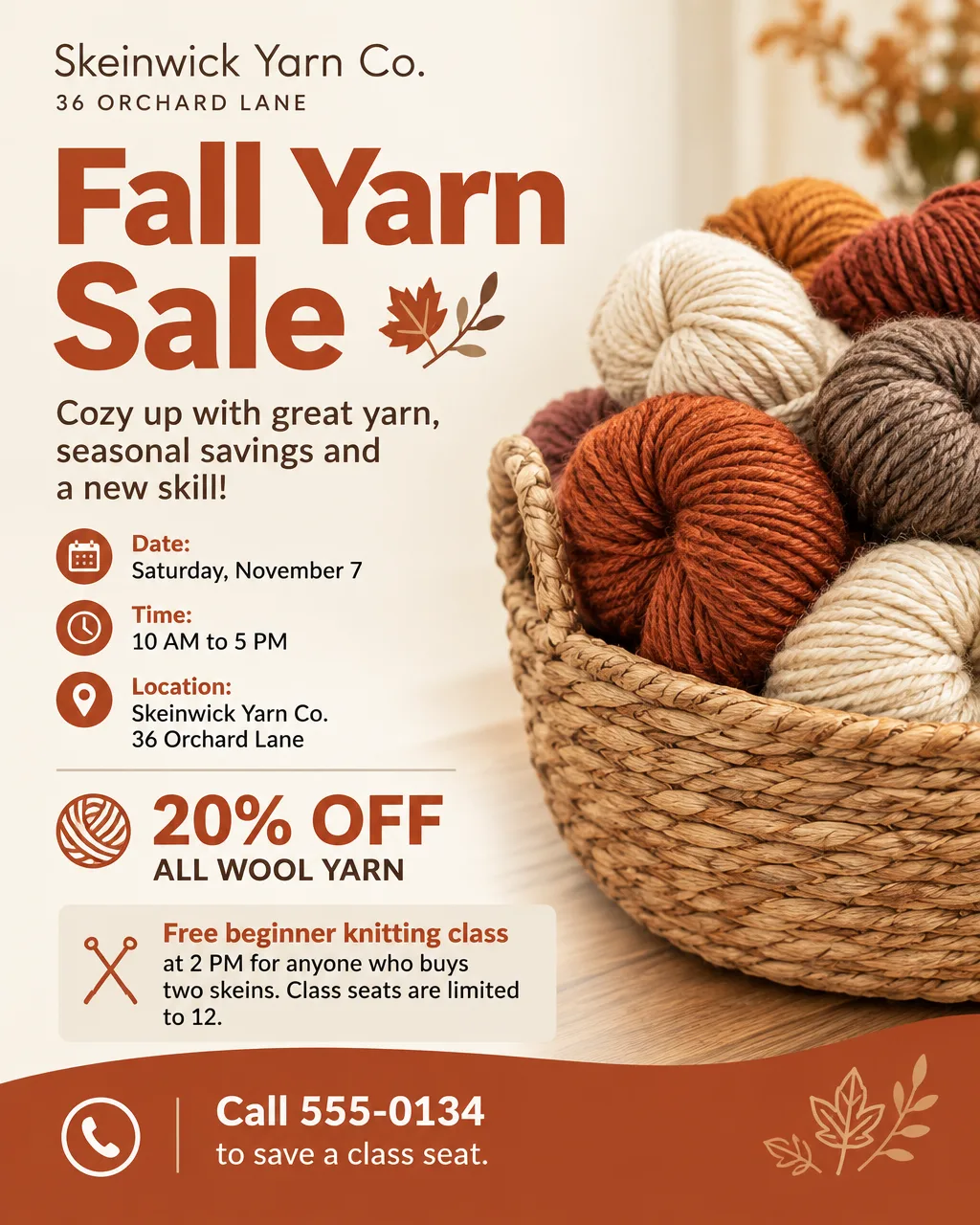
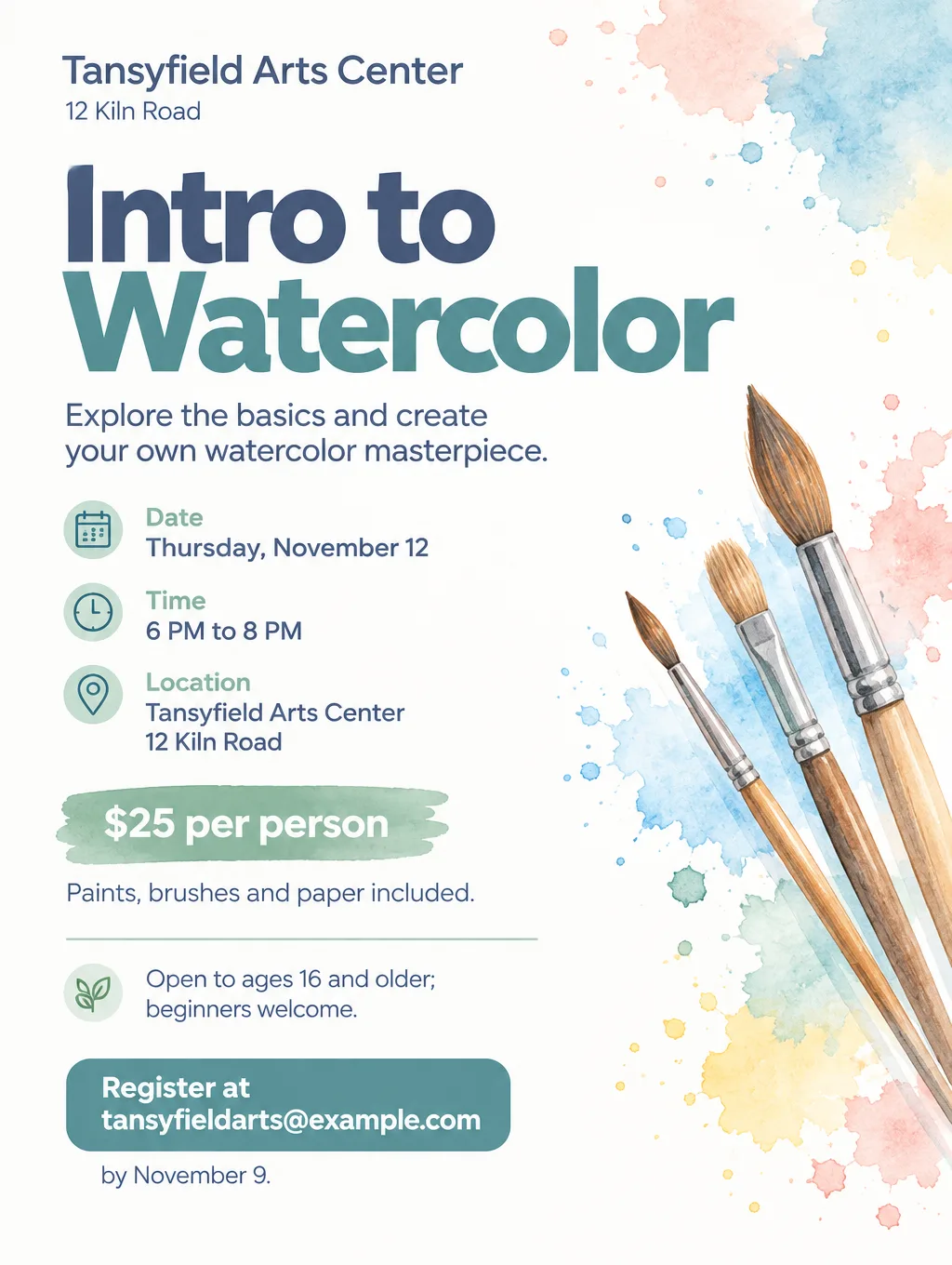
Toybox Flyer Maker skips the template. Flyer Maker designs a finished flyer from your description in about 30 seconds, in Portrait (4:5), Tall (3:4) or Wide (5:4), at 1K, 2K or 4K. It won't draw fake QR codes: switch on "Leave a blank square for your QR code" and paste your real one in. The result is one PNG, so a typo means typing the fix into "Want to change something?" (currently 60 credits, 70 for 2K, 90 for 4K) or creating it again. The AI flyer maker roundup compares more flyer tools on price and print files.
Images and illustrations from a prompt
For a picture rather than a layout, such as a poster illustration or a header image, start with a text-to-image generator. Every tool in this group returns a flat image, so set any important wording in a layout tool where you can fix it.
Adobe Firefly makes images and graphic designs from a prompt, and Adobe's own steps send the result to Adobe Express for editing. A free Adobe account gets free daily generations. As of September 2026, Firefly Standard is US$9.99 a month for 2,000 generative credits. Adobe says it trains Firefly models on licensed content, public domain material and Adobe Stock, and calls them commercially safe when you use the commercially released version and follow its user guidelines.
ChatGPT makes and edits images in a chat, and you can attach a picture for it to change or follow. OpenAI's guidance is to put the exact words for the image in quotation marks, keep them short, and check every word, finishing text-heavy pieces in a design tool. Image availability and limits depend on your ChatGPT plan.
Toybox Image Generator makes one image from your description, guided by up to 3 optional reference photos, in Square (1:1), Portrait (3:4), Landscape (4:3), Story (9:16) or Wide (16:9). Image Generator currently costs 50 credits on the Free plan, or 95 with "Enhanced quality", the setting meant for sharper text and logos.
Logos and brand marks
A logo gets used at every size, so vector output matters more here than anywhere else.
Illustrator's Text to Vector Graphic offers Scene, Subject and Icon outputs. Each result lands on its own new layer, and Adobe says the graphics are fully editable and safe for commercial use.
Recraft is built around vector generation. Its documentation says the Vector version of a Recraft model outputs editable SVG files rather than pixel images. Paid plans include full ownership and commercial rights, and those rights stay with you after you cancel.
Toybox Logo Generator takes a "Brand name" (up to 100 characters), an optional "Describe your logo" (up to 1,000), up to four layout types (Icon, Horizontal, Wordmark, Stacked) and up to 4 brand colors. It returns up to 4 PNG layouts of one design, currently 80 to 230 credits on a Pro plan. Extra layouts adapt one design; they aren't new directions. Logo Generator makes PNG images. It doesn't create transparent or vector files, so a logo headed for signage needs a vector redraw. The AI logo generator roundup goes deeper on logo-only tools.
Photo edits and retouching
Photo editing splits into brush-based tools, where you mark the area, and instruction-based tools, where you describe the change.
Photoshop Generative Fill is brush-based. Mark the area with the Selection Brush or another selection tool, click Generative Fill, describe what you want or leave the box empty so Photoshop fills from the surroundings, then click Generate. The result goes on its own Generative Layer, which Adobe describes as nondestructive editing. Generative Expand fills new canvas when you drag the Crop tool past the edge. Adobe lists Photoshop version 25.0 as the requirement, and each membership or trial includes a fixed allowance of generative credits.
Toybox Smart Editor is instruction-based. Smart Editor runs on OpenAI's GPT Image 2.5: upload one JPG or PNG up to 10 MB and type the change in "What should change?". Each edit redraws the whole image and there's no brush, so end the instruction with "keep everything else the same" and check faces and small text against the original. It needs a Pro plan and currently costs 85 credits in HD or 110 in 4K.
For removing one stranger from a vacation photo, try your phone's built-in eraser first; the guide to removing someone from a photo walks through each phone's eraser.
AI tools for graphic design: vectors and icons
Vector tools are the AI tools for graphic design work that has to survive a print shop, a vinyl cutter or an embroidery machine.
- Illustrator. Text to Vector Graphic results can be recolored, grouped and ungrouped, and their parts edited in the Layers panel.
- Recraft. Recraft's documentation points to its V2 model for icon sets whose line width and shapes need to match across every icon, and to the V3 vector version for illustration.
- Affinity. Affinity costs $0 with a free Canva account and combines vector drawing, photo editing and page layout in one app for Windows and macOS, with an iPad version on the way. It can trace pixel images and imports PSD, AI, PDF, SVG and IDML files. The Canva AI features inside it work only with a Canva premium plan, so the free version is for hand work.
- Figma Draw. Figma's plans page lists Figma Draw as its app for illustrating with advanced vector tools.
Product mockups
A mockup puts your product in a scene, and it only works if the product still looks like the real thing.
Toybox Product Mockup takes a photo of your actual item ("PNG or JPG. A plain background works best.") and places it in a scene: Studio, Workspace, In hand, On a model, Store shelf, Outdoors, Flat lay or Custom. It runs on the Free plan, currently at 75 credits, and aims to keep your item's shape, colors and label, so check the small print on packaging before you list it. A flat design file counts as the product itself; it isn't printed onto a plain mug or shirt for you, so sellers of print designs should photograph a printed sample. Recraft's V4.1 model has a Utility version that renders with flat light and a front-on view, which Recraft positions for mockups and product shots. The AI mockup generator roundup compares the template-based mockup tools too.
App screens and prototypes
For interface design, Figma is the tool to learn. Figma Make builds a working prototype or a small web app from a prompt, accepts your existing Figma designs or components as part of the prompt, and can publish the result as a website with its own URL. Figma's plans also list AI image editing that removes backgrounds, expands images and isolates objects inside the design file.
Figma Starter is free with 150 AI credits a day, up to 500 a month. As of September 2026, on annual billing, Professional costs $16 per month for a Full seat with 3,000 AI credits a month, $12 for a Dev seat and $3 for a Collab seat. None of the Toybox tools on this page design app screens.
Best free AI tools for designers, and the catches
Every free plan here comes with a catch, and the catch differs by tool.
- Adobe Express Free: no payment card, free daily generations for image generation and object removal.
- Adobe Firefly: free daily generations with a free Adobe account; more volume needs a paid plan.
- Figma Starter: unlimited drafts, Figma's UI kits and templates, and the daily AI credit limit above.
- Recraft Free: images are owned by Recraft, shown in its public community gallery, and not licensed for commercial use.
- Microsoft Designer: free for personal projects, not for business use, and its AI images carry content credentials that record where they came from.
- Affinity: the full app at $0, without the AI features.
- Toybox: sign up free and get 20 credits. That covers text tools like AI Writer; AI image tools currently start at 35 credits and a flyer is 80, so plan on a top-up (from $4.99 for 500 credits) or the Pro plan. See Toybox pricing.
Which one should you pick
The deciding question is what happens to the design after today.
- A freelance designer handing files to a client. Use Illustrator, Photoshop or Figma. Layers and vectors are what clients and printers expect, and a flat PNG from any generator isn't a working file.
- A logo that will go on a truck, a shirt or a storefront sign. Start in a vector tool such as Illustrator or a paid Recraft plan. A PNG logo from Toybox can work for social profiles and a website header, but it needs a vector redraw for large print.
- A volunteer team reusing the same flyer every month. Canva or Adobe Express, because changing one date in an editable template beats regenerating the whole design.
- One illustration for a poster or a blog header. Adobe Firefly or ChatGPT, then set the headline in a layout tool, where a typo is a quick retype instead of another run.
- A shop owner who needs one sale flyer tonight. Toybox Flyer Maker, then proofread every price and date before it goes on the door.
- A founder sketching an app idea. Figma Make, on Figma's free Starter plan while the idea is small.
Design a flyer from a description in Flyer Maker
Flyer Maker moves the design work into what you type, so the description needs every detail a stranger would need to show up.
- In Flyer Maker, fill in "Describe your flyer" with the headline, what's happening, day and date, time, full address, price or "Free", and the action you want readers to take.
- Pick the size: Portrait for Instagram, Tall for printing, Wide for screens and email.
- Under "More options", pick Quality (2K or 4K for printing), Flyer type, Style, Colors and Pictures, and type your phone or website into Contact info.
- Switch on "Leave a blank square for your QR code" if you'll add one.
- Select "Create flyer" and proofread every date, price and phone number on the result. Fix one with "Want to change something?" or correct the description and generate a new version.
A description with nothing left for the AI to guess looks like this:
Grand opening flyer for Kettlewren Tea Room, 88 Linden Street. Headline: "Grand Opening". Sunday, October 25, 10 AM to 3 PM. Free scone with any pot of tea on opening day, and live acoustic music from 11 AM to 1 PM. Seating for 30, walk-ins welcome. Call 555-0146 to reserve a table for four or more. Copper and sage palette, and a photo of a teapot beside a plate of scones.