A breakfast with Santa flyer sells tickets for a morning event with a fixed number of seats. PTAs send it home in backpacks, churches put it in the bulletin, fire companies pin it up at the hardware store, and restaurants post it for a brunch with Santa. Because seats and food are ordered ahead, this flyer carries more numbers than most: seating times, prices by age and a ticket deadline. For the evening version of the season, see these ideas for Christmas party invitations.
What to put on a breakfast with Santa flyer
Families decide from the numbers, so give them all. Top to bottom, largest first:
- The event name. "Breakfast with Santa", "Pancakes with Santa", "Brunch with Santa".
- The day and date. "Saturday, December 5."
- Seating times. "Seatings at 8, 9 and 10 AM." If each seating has a time limit, say so: "Each seating lasts 50 minutes."
- The place. "School cafeteria, 25 School Street" or "the fire hall, 3 Engine Street". Say which door is open on a weekend.
- Ticket prices by age. "$10 per child, $5 per adult, under 2 free." One line, same order every time.
- How and when to buy. "Tickets sold in advance only. Order by Tuesday, December 1 at pta@example.com." Put the deadline in bold type.
- The menu. "Pancakes, sausage, fruit, juice and coffee."
- An allergen line. "Pancakes contain wheat, milk and eggs." Check the menu against the FDA's nine major allergens and name the ones it contains.
- The Santa photo. Included, extra ("Photo with Santa, $5"), or "bring your own camera".
- Activities. A craft table, cookie decorating, a mailbox for letters to the North Pole.
- Who benefits. "Proceeds support the fifth-grade field trip" or "new rescue gear".
- A contact. An email or phone number for questions and ticket changes.
Breakfast with Santa flyer ideas and wording
Each host runs this event a little differently. Headlines and supporting lines to adapt:
| Host or version | Headline | Supporting line |
|---|---|---|
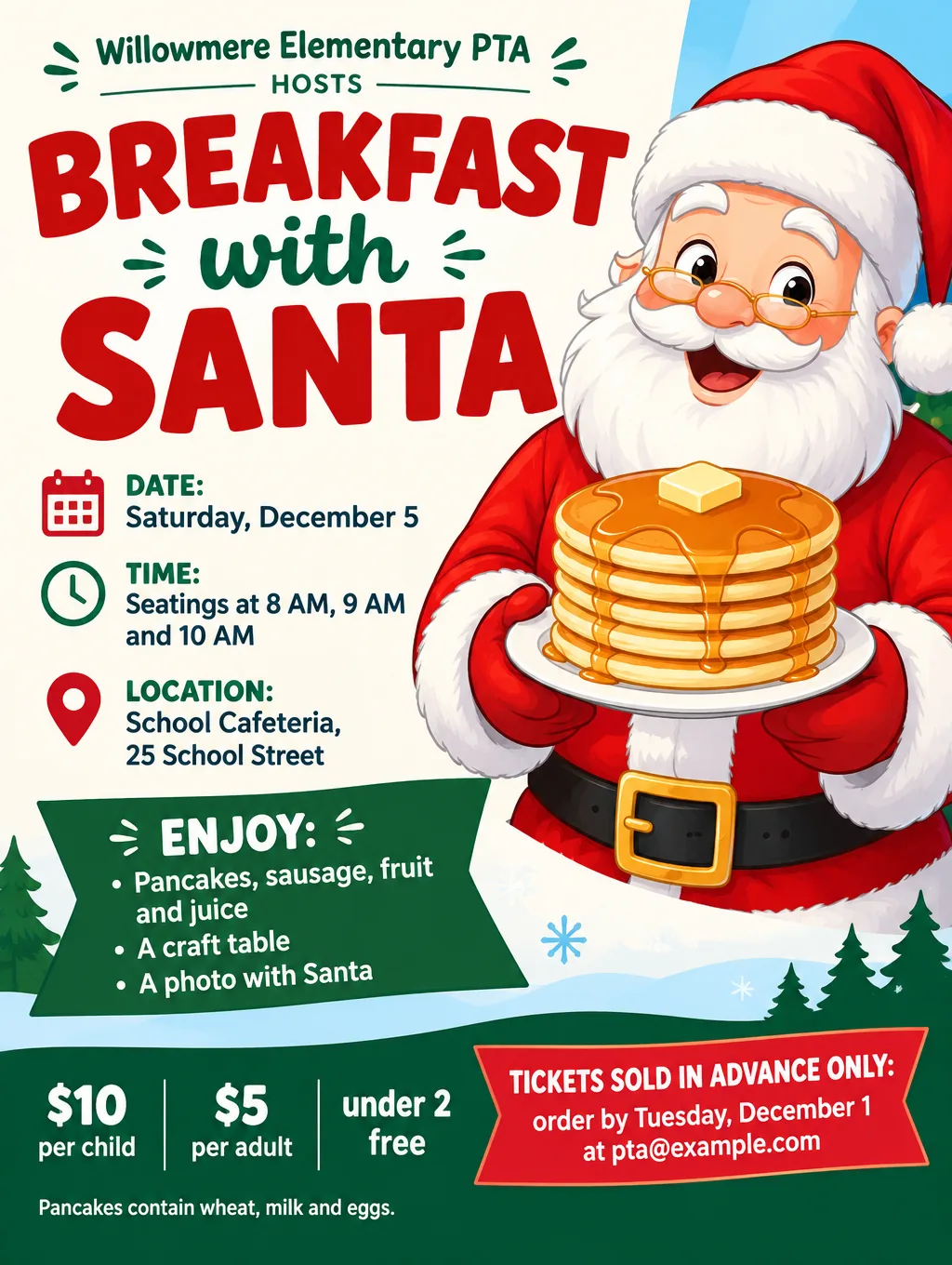
| School PTA | "Breakfast with Santa" | "Pancakes, crafts and a photo with Santa. $10 per child." |
| Church | "Pancakes with Santa in the Fellowship Hall" | "Sunday, December 13, right after the 9 AM service. Free will offering." |
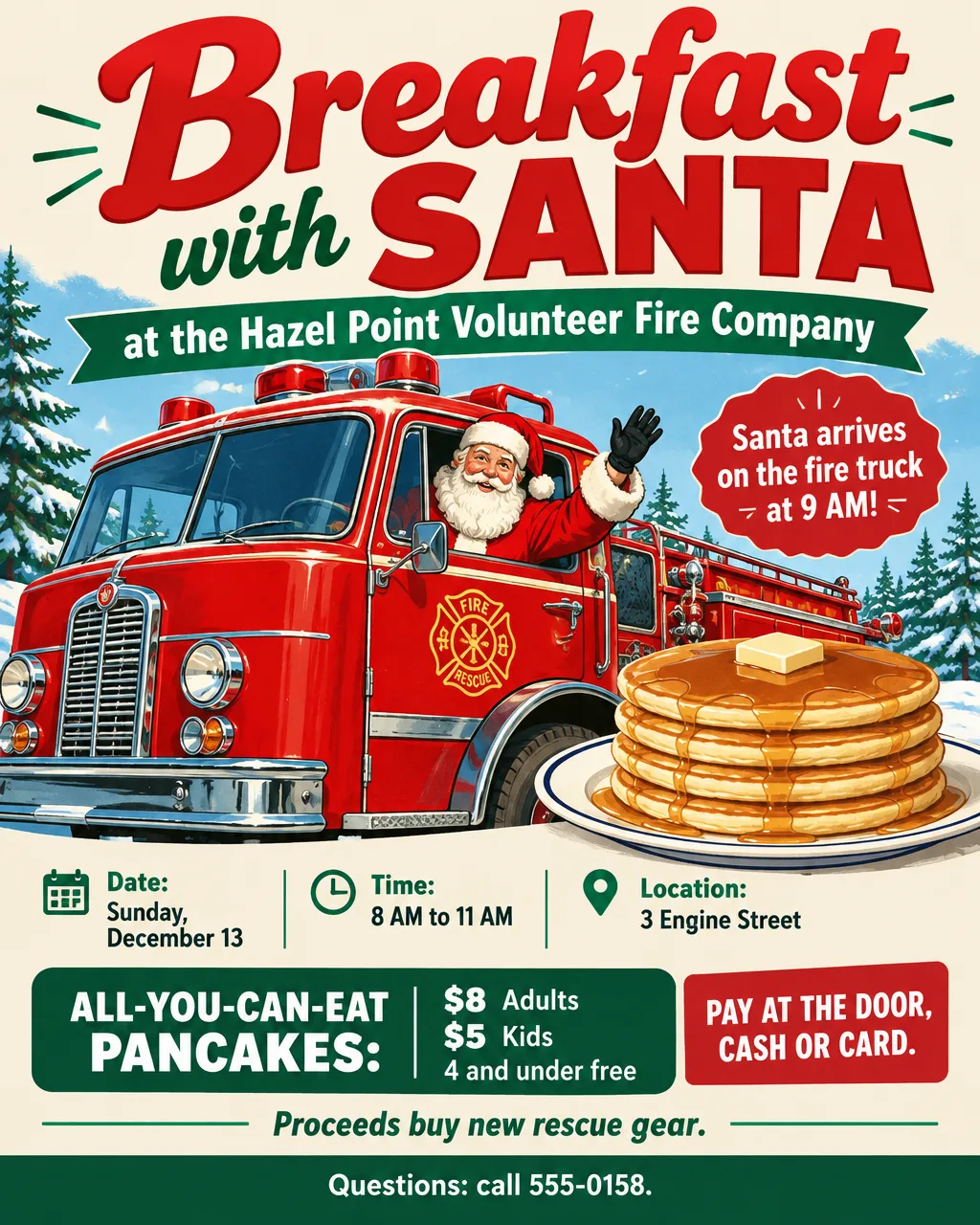
| Fire company | "Breakfast with Santa at the Firehouse" | "Santa arrives on the fire truck at 9 AM." |
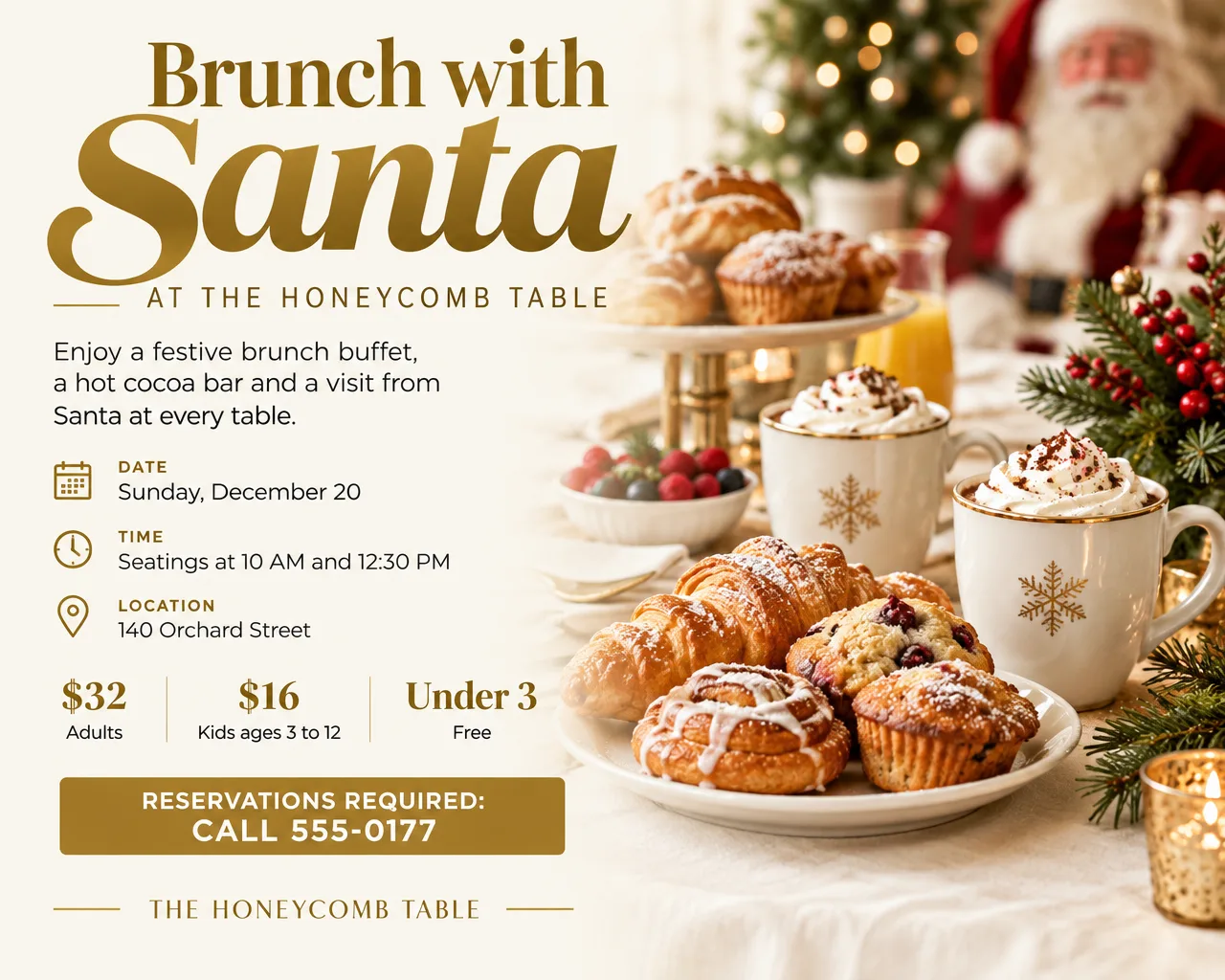
| Restaurant | "Brunch with Santa" | "Sunday, December 20, two seatings. Reservations required." |
| Library or rec center | "Lunch with Santa" | "Grilled cheese, cocoa and story time with Santa at noon." |
| Pajama morning | "Pajama Pancake Breakfast" | "Come in your PJs. Santa judges the coziest pair at 9:30 AM." |
| Sensory-friendly | "A Quiet Breakfast with Santa" | "Lights low, no music, six families per seating, for kids who need a calmer visit." |
| Cookies instead of breakfast | "Cookies and Cocoa with Santa" | "Decorate a cookie and write a letter to the North Pole." |
A few wording habits for this flyer:
- Say "in advance only" if you mean it. Printing it saves turning families away at the door.
- Give the photo price its own line. "Photos with Santa included" and "Photo with Santa, $5" are different offers, and parents want to know which before they buy.
- Name the time Santa arrives, not only when breakfast starts. At a firehouse or a restaurant with two seatings, families plan around it.
If a church breakfast lands on the same weekend as the Christmas program, see church Christmas service flyers for service and concert wording. For a family that can't make the event, the AI Santa photo page covers adding Santa to a photo of your own kids or living room.
Design tips for breakfast with Santa flyers
List the seatings as a small table. Seating times, prices and the deadline are easier to scan in a grid than in a paragraph. Flyer Maker can lay out a schedule grid; type the seatings as a list in your description and choose the "Packed" layout.
Draw Santa rather than using last year's photos. A cartoon Santa with a stack of pancakes reads from across the cafeteria and avoids asking parents whether their child can appear on a flyer. Describe an original Santa ("an original cartoon Santa in a red apron flipping pancakes") and keep well-known TV and movie holiday characters off the design.
Size the take-home flyer for a backpack. A half-page sheet that comes home folded needs the date, the price and the deadline in the top half, readable even with a crease through the middle.
Put the ticket deadline where parents will see it twice. Once near the top ("Order by December 1") and once next to the email address at the bottom.
Use your own colors for a restaurant brunch. A brunch flyer is also an ad for the restaurant. Type your colors into the description, add your logo, and make the reservation phone number the largest line after the headline.
Breakfast with Santa flyer sizes and printing
A breakfast with Santa flier sent home in backpacks works best as a half page, and the copy on the classroom door or fire hall board is a full page:
| Where it goes | Size | Pixels for 300 DPI | Flyer Maker |
|---|---|---|---|
| Take-home flyer in backpacks | Half letter, 5.5 x 8.5 in | 1650 x 2550 | Tall, 2K |
| Classroom door, fire hall, library board | Letter, 8.5 x 11 in | 2550 x 3300 | Tall, 4K |
| School newsletter, Facebook, Instagram | 4:5 portrait | Screen only | Portrait, 1K |
To print two half-page flyers on one letter sheet, set a document to landscape in Word or Google Docs, place the image twice side by side, and cut down the middle. Flyer Maker has only three shapes (Portrait, Tall and Wide), so print tickets from a word processor or a ticket template instead. Tabloid, A4 and poster sizes are on the paper size chart for flyers.
More breakfast with Santa flyer prompts
Two more, written out in full: a lunch with Santa flyer for a library and a quiet, sensory-friendly breakfast. Either one works as a breakfast with Santa flyer template: keep the order of the details and change the date, seatings, prices and host.
Lunch with Santa at the Tansyholm Public Library, 400 Elm Avenue, in the community room. Saturday, December 19, 11:30 AM to 1 PM. Grilled cheese, tomato soup and cocoa, story time with Santa at noon, and a letters-to-Santa mailbox. $6 per child, adults free. Space for 60 kids: sign up at the front desk or at library@example.com by December 15. Cozy illustrated design with a cartoon Santa reading a book by a window.A Quiet Breakfast with Santa at Wickerlune Chapel, 31 Kellen Road. Saturday, December 12, one calm seating from 8 AM to 9:30 AM for kids who need a quieter visit. Lights low, no music, six families at a time, and plenty of time with Santa. Pancakes and fruit, gluten-free plates on request. $5 per child. Reserve a spot by December 8 at 555-0164. Soft pastel design with an original cartoon Santa and a single lit candle.How to make a breakfast with Santa flyer in Flyer Maker
- Settle the numbers first. Seating times, the price for each age, the ticket deadline and the menu. Get them approved by whoever runs the event before you design anything.
- Type everything into "Describe your flyer" in Flyer Maker, with the look you want at the end ("an original cartoon Santa holding a stack of pancakes, bright red and green").
- Pick Tall for the backpack and door copies, or Portrait for the school's Facebook page.
- Open More options. Choose Event as the Flyer type (Restaurant for a brunch), Playful as the Style and Illustration for Pictures. With seatings, prices and a menu on one flyer, set the Layout to Packed.
- Upload the PTA, church or restaurant logo under "Add your logo". Type the ticket email into "Contact info".
- Select "Create flyer". Then compare the weekday with the date, and check each seating time, each price and the allergen line. If you leave a detail out, Flyer Maker may fill the gap with a line you didn't write, such as an invented tagline, so read every line of the result.
- Fix one detail at a time in "Want to change something?" (currently 60 credits, 70 for 2K, 90 for 4K), for example "change the ticket deadline to Wednesday, December 2".