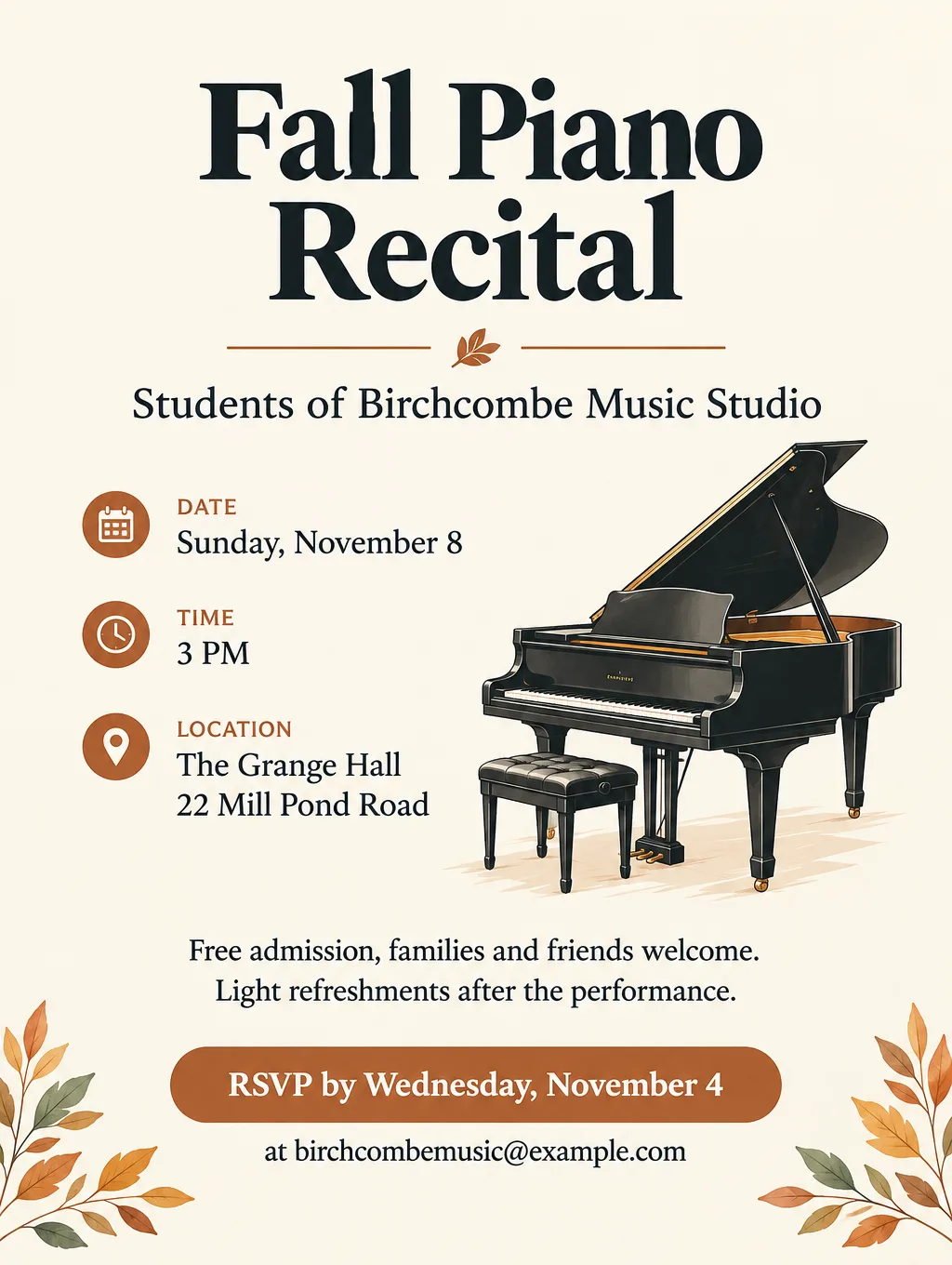
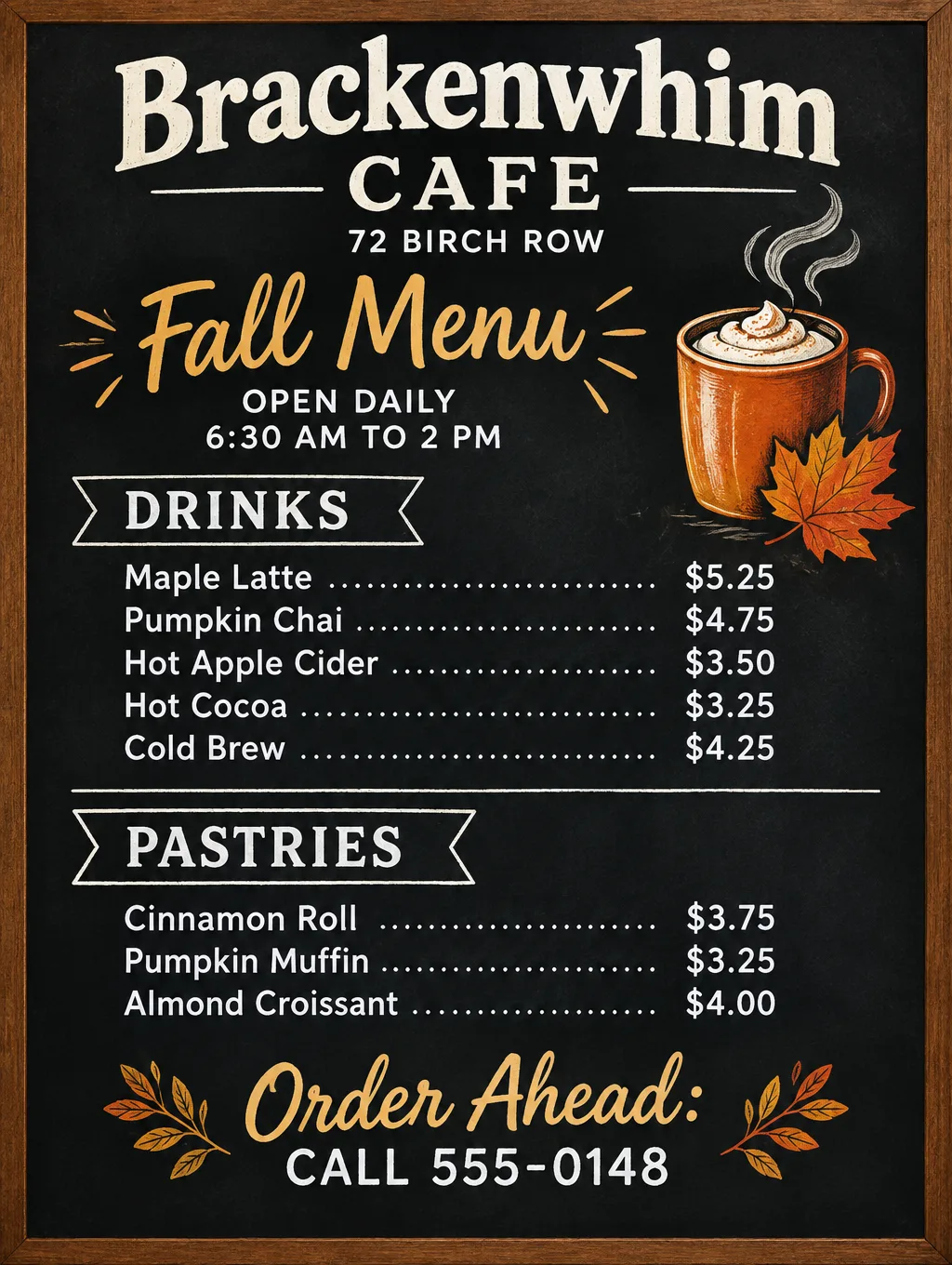
AI can mess up text in images because many image generators learned what writing looks like, not how each word is spelled. A sign that should read "Open House" can come back with a swapped or doubled letter that looks fine from across the room, and only up close does the mistake show. Below is why that happens, according to the model makers and researchers, what changed between 2022 and 2026, and the prompt habits and checks that get clean words onto a flyer, poster or sign.
Why does AI mess up text in images?
To an image model, a word in a picture is a cluster of shapes. Most generators learned what text looks like the same way they learned tree bark or water: from huge sets of pictures with captions. The model can draw something that reads as lettering from a distance and still get the letters wrong, because nothing in the process checks the spelling.
Why AI can't spell the words you type
Your prompt passes through a text encoder, which turns it into numbers before any drawing happens. Most encoders split text into common chunks rather than single letters, so a word can arrive as one or two pieces with no record of the letters inside. OpenAI's April 2022 paper on DALL-E 2 says this about its own model: the chunking likely made text worse by hiding how caption words are spelled, so the model had to have seen each chunk written out in training images before it could render it. Its samples for the prompt "A sign that says deep learning" show signs that don't read correctly.
Google Research examined the idea directly later that year. Its paper on character-aware models found that the text encoders behind popular image models, Stable Diffusion and DALL-E 2 among them, are "character-blind". When the researchers gave image models an encoder that sees individual characters, spelling improved sharply, with accuracy gains of more than 30 points over competing models on rare words.
Chatbots have a cousin of this problem. A 2025 study traces their trouble counting the r's in "strawberry" to the same chunking, which is called tokenization.
Rare words and names fail first
Common words such as "sale" or "open" appear written out in many photos of real signs. An invented shop name or a surname does not. So a name like "Thistlecombe Bakery" is at more risk than "Bake Sale". That follows from the DALL-E 2 explanation, and the Google study found its biggest spelling gains on rare words. If your text includes a name, spell it carefully in the prompt and check it first.
Small and long text breaks down
Short headlines come out cleaner than paragraphs. Stability AI's July 2023 paper on SDXL says the model still has trouble rendering long, legible text and sometimes produces random characters, and the older Stable Diffusion v1-4 model card states that it "cannot render legible text". OpenAI listed "dense information with small text" among the known limits of GPT-4o image generation in March 2025.
Other alphabets are harder
Midjourney's documentation says text comes out best in the standard Latin alphabet, and OpenAI lists multilingual text rendering as a limit of GPT-4o image generation. A flyer in Arabic, Hindi or Chinese needs a fluent reader to check it, even when the letters look convincing.
How AI text in images improved from 2022 to 2026
AI text in images improved a lot between 2022 and 2026, and the makers' own documents track it. As of September 2026:
| When | Model | What its maker says about text |
|---|---|---|
| April 2022 | DALL-E 2 (OpenAI) | Struggles to produce coherent text |
| July 2023 | SDXL (Stability AI) | Better than earlier Stable Diffusion, but long, legible text is still hard |
| December 2023 | Midjourney V6 | Words inside double quotes can appear in the image, in V6 and every later version |
| March 2025 | GPT-4o image generation (OpenAI) | Renders text accurately; small dense text and other languages listed as limits |
| September 2026 | OpenAI's image API guide | Significantly improved, but exact placement and clarity can still slip |
The SDXL authors named two ways to get better text: character-level tokenizers, citing the Google study above, and bigger models. OpenAI's GPT-4o image generation took a different route: it builds images inside GPT-4o itself, a model trained on images and text together, instead of handing the job to a separate image model (the guide to how AI image generators work explains the difference). Even so, no maker claims perfect spelling.
How to get clean text in AI images
These habits work in any AI generator that puts text in images, and each one leaves something you can verify on the finished picture.
- Put the exact words in double quotes. Midjourney's docs say words inside double quotation marks appear in the image in V6 and later, and single quotes won't work. They also suggest adding words like "text" or "written" to the prompt. Quotes separate the words to print from the words that describe the design.
- Keep each line short. A headline of a few words beats a sentence. Midjourney notes that shorter words and phrases have a better chance of coming out right.
- Give each image one message. A headline, a date and a place fit on a flyer. A paragraph about your history belongs in the caption or on your website.
- Say where each line goes and how big. OpenAI's sample poster prompt for GPT-4o gave each line of text its own spot, one in the top left corner and one in the bottom right. "Large bold headline across the top third" leaves less to chance than no layout at all.
- Write numbers exactly as they should print. "Sunday, November 15, 11 AM to 4 PM" and "555-0142", not "next weekend" or "our number".
- Settle the wording before the design. Google's image generation guide for developers says its models do best when the text is written first and the picture is requested afterward. In practice: write and proofread the words in a notes app, then paste them into the prompt.
- Ask for plain, bold type. Script, graffiti and distressed fonts hide mistakes and make the words harder to read at a glance.
- Proofread letter by letter at full size. Read each word slowly, and check doubled letters, swapped letters and every digit of a phone number.
- Fix one mistake at a time. OpenAI lists editing precision among GPT-4o image generation's limits, so an edit aimed at one typo can shift other parts of the picture. Change one word per edit and check the rest again.
Text prompts that work and ones that don't
| Instead of | Write | Why |
|---|---|---|
| a poster for my bakery's fall sale | Headline: "Fall Sale". Subline: "20% off all pies, October 30 and 31" | The exact words are in quotes, so nothing is left to guess |
| a sign with the name of the shop | A wooden sign that reads "Thistlecombe Bakery" in bold capital letters | The name is spelled out, and the type is plain |
| an event flyer with all the details | A headline, one line with day, date and time, one line with the address | Three short lines render cleaner than a paragraph |
| contact info at the bottom | "Call 555-0142" in small type at the bottom center | The number and its position are both stated |
| text in a cool handwritten font | Clean, bold sans-serif lettering | Plain type is easier to render and easier to proofread |
Here is the same approach as a full prompt for Flyer Maker, with each piece of text labeled and in quotes:
Headline: "Pumpkin Patch Open". Second line: "Weekends in October, 10 AM to 5 PM". Third line: "Quillfield Farm, 1450 County Road 9". Small line at the bottom: "Hayrides $4, pumpkins sold by the pound. Call 555-0127 to book a group visit." Warm autumn colors, an illustration of pumpkins in straw, and a large, plain headline across the top third. No other text.Fixes for garbled AI text
| Problem | Likely cause | Fix |
|---|---|---|
| Words look right from far away but are gibberish up close | Too much small text | Cut the text to a headline and two or three short lines |
| The business name is misspelled | A rare or invented word | Put the name in double quotes, spell it once, and check it first |
| A letter is doubled or swapped | The model drew the word as a shape | Regenerate, or fix that one word with an edit |
| Phone number digits are wrong | Numbers are drawn, not typed | Write the number in full in the prompt, then check every digit |
| Extra words or a tagline appeared | The prompt left a gap to fill | Give every detail and the exact call to action, and add "no other text" |
| Accents or non-English letters are wrong | Some models do best with the Latin alphabet | Proofread with a fluent reader, or add those words yourself afterward |
| Fixing one typo changed the picture | The edit redrew more than the word | Fix one word per edit, and compare against the previous version |
When to add the text yourself
Some text is safer typed than generated. Legal fine print, a 30-item price list, ingredient labels, and anything that must match a document exactly belong in a layout app or photo editor after you generate the design. Ask for space for the words ("leave the bottom quarter empty"), then type the text in yourself. QR codes are the same: a QR code has to encode your exact link, so paste in the real one rather than trusting a drawn pattern.
For a flyer-specific look at what chat tools get wrong, read whether ChatGPT can make a flyer, and for two tools compared on lettering, see Ideogram vs Midjourney. Hands go wrong for related reasons, as the guide to why AI is bad at hands explains.
Make a flyer with clean text in Flyer Maker
Flyer Maker in Toybox AI is built to put the text you give it on the flyer, and it uses only the contact details you type in. It won't draw fake QR codes.
- Open Flyer Maker and write every word in "Describe your flyer" (up to 3,000 characters): the headline in quotes, the day, date and time, the full address, the price or "Free", and the call to action worded as it should print. Leave the call to action out and Flyer Maker may fill the gap with a placeholder button such as "CALL TO ACTION".
- Type your phone, website or address in "Contact info" under More options. Flyer Maker uses only the contact details you type.
- For a menu or schedule with lots of lines, choose the "Packed" layout under More options. It fits more text, but keep it to the essentials.
- If you need a QR code, switch on "Leave a blank square for your QR code" and paste your real code in afterward.
- Tap "Create flyer" and give it about 30 seconds.
- Check each word, date, price and phone digit against what you meant to print, and look for any tagline you didn't write. To correct one, describe the change in the "Want to change something?" box, or fix the description and run Flyer Maker again.
Flyer Maker currently costs 80 credits per flyer (90 for 2K, 100 for 4K), and a fix in the revise box currently costs 60 credits (70 for 2K, 90 for 4K). There's no language setting, but you can write the flyer in Spanish, and accents and marks such as ¿ and ¡ come out correctly. Proofread them anyway before you print. For a design with words that isn't a flyer, Image Generator has an "Enhanced quality" switch under More options, described on screen as "Sharper text and logos, best for designs with words" (currently 45 extra credits). See current prices for plans and top-ups.