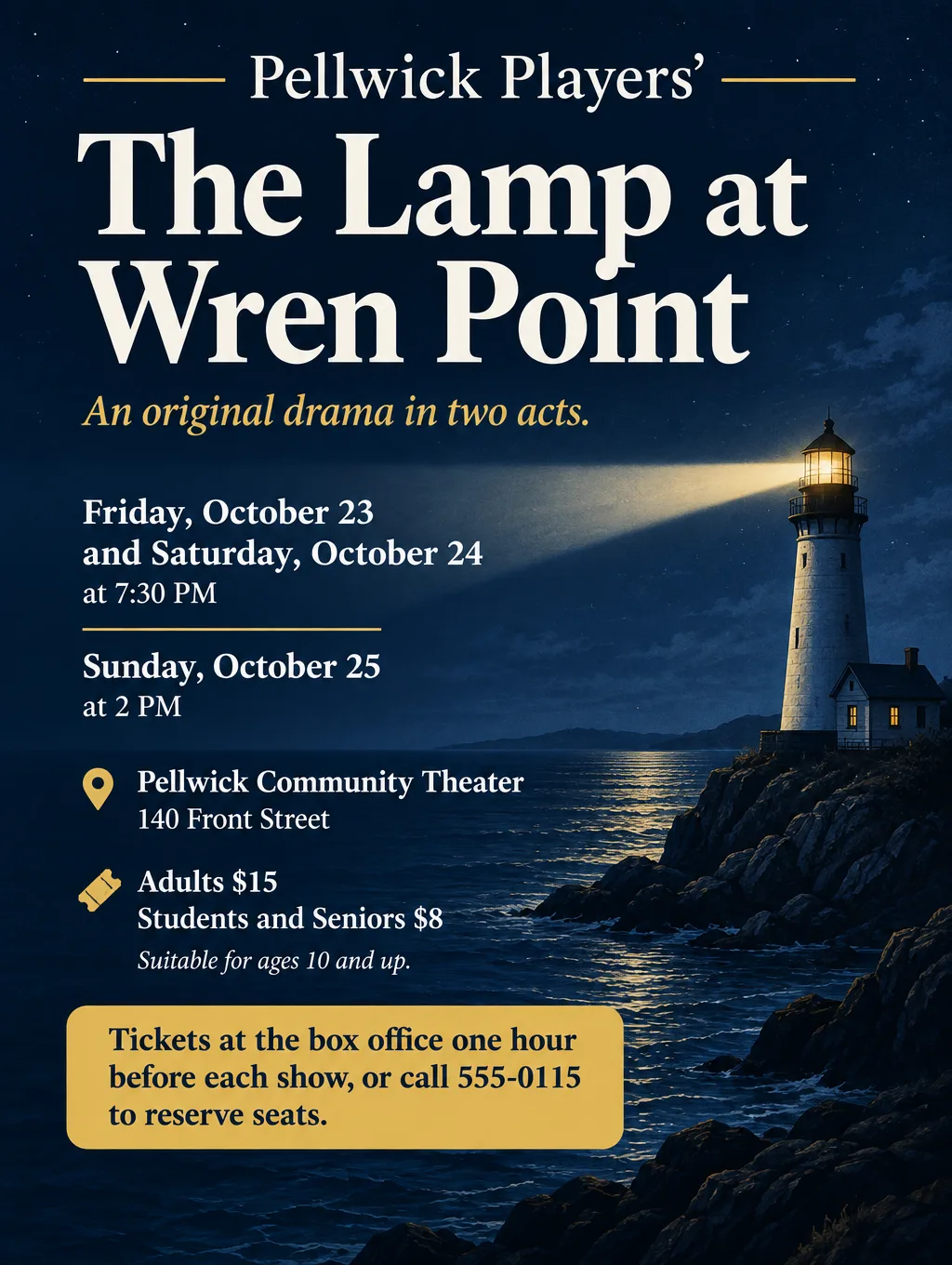
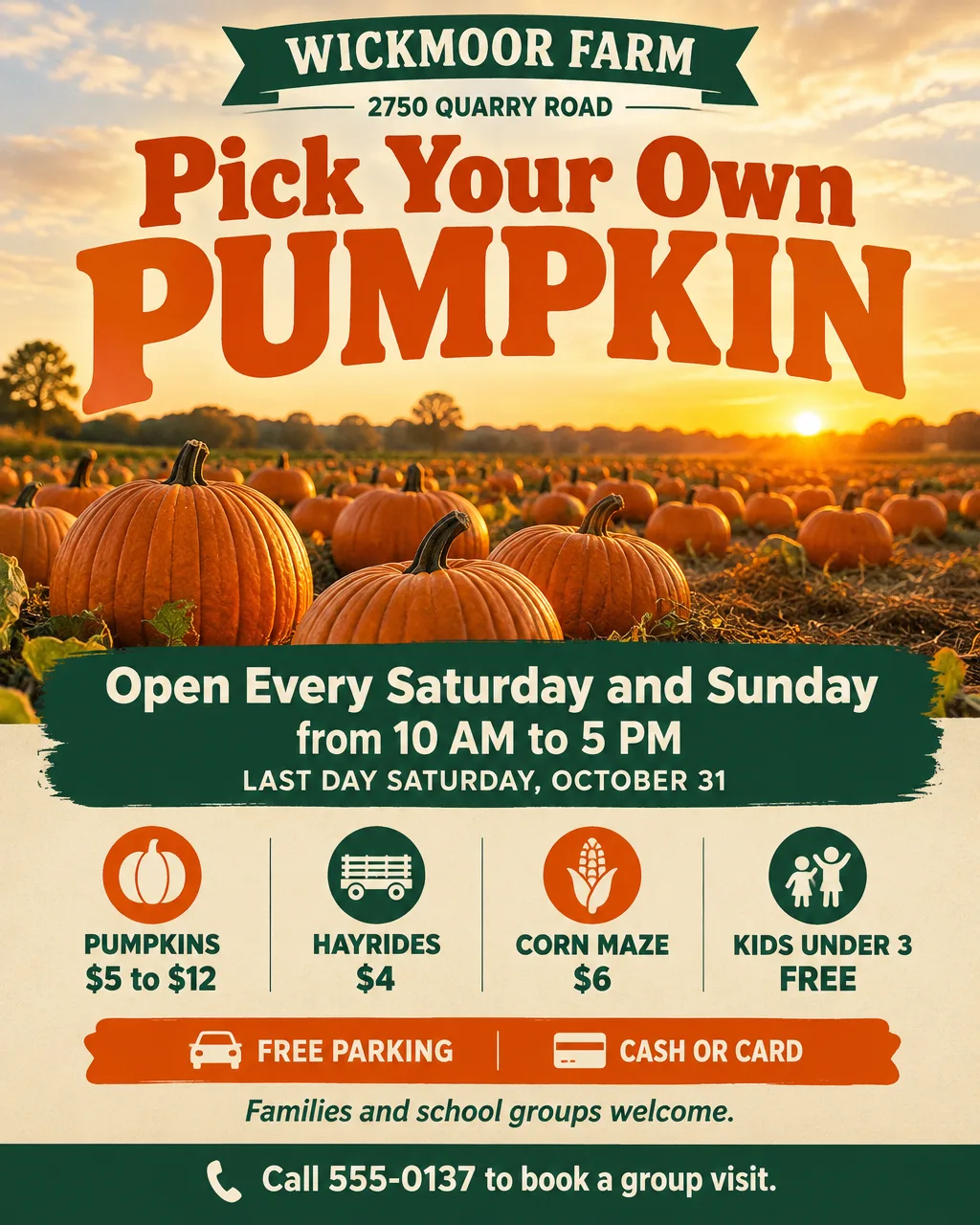
To make a poster with AI quickly, type every word it must say into a tool that returns a finished design, check each letter, and print it no bigger than the file can fill. The six methods compared here are ChatGPT, Gemini, Canva AI, Adobe Express and two Toybox tools, with steps for each, the route that starts from your own photo, the pixel math for printing, and fixes for common problems.
6 ways to make a poster with AI
Poster tools split into two groups: some hand back a flat, finished picture and others hand back a template you can edit. The main choices, with prices as of September 2026, are below.
| Method | Works on | Cost | Best for |
|---|---|---|---|
| ChatGPT Images | Web, iOS and Android | Available on every plan; Free has separate image limits | A poster from a chat, or edits to your own photo |
| Gemini, "Create images" | The Gemini app, ages 18 and up | Limits apply; images carry a visible watermark | Quick drafts, text in many languages |
| Canva AI | Web and mobile | Canva Free includes up to 20 AI uses a month | Up to eight editable templates you can retype |
| Adobe Express | Desktop browsers and phones | Free plan with free daily generations; Premium is US$9.99 a month | Templates plus stock photos and fonts |
| Flyer Maker in Toybox AI | Phone or desktop browser | 80 credits a poster at 1K, currently | Event and shop posters with every detail typed in |
| Smart Editor in Toybox | A web browser, with a Pro plan | 85 credits per HD edit, currently | A poster built on your own photo |
A finished image looks designed but can't be retyped; a template is editable but still needs your layout decisions. If you'll update the same poster every week, a template editor fits better. If you want a finished design from one description, an image tool is faster.
Write the poster text before you prompt
A poster gets read from a distance, so it carries fewer words than a flyer: one headline, one line for when, one for where, one detail and one call to action. Write those five lines in a note first, then paste them into whichever tool you use. That note is also your proofreading checklist later.
- Headline: what it is, in two to five words: "Fall Choir Concert", "Winter Tire Swap $59".
- When: the weekday, date and time, with an end time for events.
- Where: the place name and the street address.
- One detail: the line that decides whether someone comes: "free for kids", "20 local vendors".
- Call to action: the exact words: "Call 555-0141 to book", "Tickets at the door".
How to make a birthday poster with AI
A birthday poster at the party itself does a different job from an invitation: it welcomes guests and tells them what happens when. Describe the schedule, the guest of honor and one thing guests should do. In Flyer Maker, the Party flyer type and the Tall size suit a printed welcome sign.
Welcome poster for the entrance of Theo's 30th birthday party. Headline: "Theo Turns 30". Saturday, November 21 at The Linden Loft, 410 Oak Street. Drinks at 8 PM, cake at 9 PM, karaoke from 10 PM until close. Share your party photos by texting them to 555-0152. Playful style, gold and deep teal, one illustrated disco ball, the headline in huge letters and the schedule as three short lines.How to make a business poster with AI
A business poster sells one offer, so the offer and its end date are the largest things on it. Give the price, the deadline, the hours, the address and one way to book.
Window poster for Gearwillow Auto Care, 3100 Ridge Road. Headline: "Winter Tire Swap $59". Swap and balance four tires, with a free battery check, through Saturday, December 19. Open Monday to Friday, 7 AM to 6 PM, and Saturday, 8 AM to noon. Walk-ins welcome, or call 555-0141 to book a time. Bold style, black and bright yellow, one photo of a winter tire on a clean shop floor, with the price nearly as big as the headline.For more briefs written the same way, from gig posters to farmers markets, see the flyer and poster prompt library.
How to use ChatGPT to create a poster
ChatGPT builds a poster from a description in an ordinary chat, whether you use the website or the phone app. These steps follow OpenAI's help center:
- Start a chat and describe the poster, or select More, then Images. Paste your five lines, with the headline in quotes, and one line on the style.
- Set the shape. Pick it from the aspect ratio control or state it in words: "tall 2:3 poster" suits a 24 x 36 print and comes close to 11 x 17.
- Wait for the image. OpenAI says generation can take a few minutes for complex requests.
- Fix one spot at a time. Open the image, pick Select, highlight the wrong word, and say what it should read. According to OpenAI, a highlight may be imprecise and an edit may reach outside it, so read the whole poster again after every fix.
- Select Save to download it.
For a guided start, the Images section of the sidebar has a Templates area with poster templates, and ChatGPT may ask follow-up questions to fill them in. Image creation is part of every ChatGPT plan; Free accounts get a separate image quota and a notice once they reach it. For more on the image tool itself, see how to make images with ChatGPT, and for what it gets right and wrong on event wording, read what ChatGPT does well and badly on flyers.
Make a poster using AI in Gemini, Canva or Adobe Express
Each of these three has a free way in, and each works differently.
Gemini
Gemini's poster route starts at "Create images" in the app's tools menu. Choose Fast, Thinking or Pro from the model menu, then describe the poster, or add a photo you want reworked into one. Google lists posters and invites among the things it makes with clear text, in many languages. The feature is for ages 18 and up, limits apply, and Google puts a visible watermark on generated images, with an invisible SynthID watermark underneath. The Gemini image generator guide covers it in more depth.
Canva AI
Canva AI returns templates you can edit instead of a flat image. Start on Canva's homepage, pick Canva AI in the side navigation, choose Design, describe the poster, and press Enter. Up to eight templates come back; choose one and select Customize this template to retype anything. Canva lists posters among the designs it can generate. A Canva Free account shares one allowance of up to 20 AI uses a month across its AI tools, reset at the start of each month.
Adobe Express
Adobe Express is also a template editor with AI generation built in. Adobe's Free plan includes free daily generations for images, text effects and templates, and Premium is currently US$9.99 a month with 250 generative credits. It suits a poster you want to finish by hand with stock photos and fonts. Other template editors are weighed up in alternatives to Canva for flyers.
How to make a poster from a photo
Making a poster from a photo takes an editor that starts from your upload, keeps the picture, and adds the design and words around it. In ChatGPT, attach the photo to a chat and describe the poster to build from it. In Toybox, Flyer Maker's single upload slot is for a logo, so photo posters are made in Smart Editor, a Pro-plan tool.
Upload the photo and describe the whole poster in one instruction that finishes with what must stay untouched, for example: "Make this photo a poster for our trio's first show. Add "The Wrenfallow Trio" in bold cream letters at the top and "Saturday, December 12, 7 PM, Grange Hall, 90 Mill Pond Road, $10 cover" across the bottom. Keep all three faces, the instruments and the porch behind us the same." For a 16 x 20 print, More options should read Social (4:5) and 4K, which produces 2560 x 3200 px. Smart Editor repaints the full image on each edit, so check every face against the original photo. The movie poster maker covers putting someone in a film-style poster. Everyone pictured should have said yes first.
Match the poster shape to the paper
Settle the shape before generating anything, since a square design leaves gaps on a tall sheet. Three common poster sizes come in three different shapes: 18 x 24 is 3:4, 16 x 20 is 4:5, and 24 x 36 is 2:3.
| Tool | Shapes you can pick | Closest poster sizes |
|---|---|---|
| ChatGPT | Any aspect ratio, from the picker or the prompt | 2:3 for 24 x 36, close to 11 x 17 |
| Flyer Maker | Portrait 4:5, Tall 3:4, Wide 5:4 | Tall for 18 x 24, Portrait for 16 x 20 |
| Smart Editor | Original, Square 1:1, Story 9:16, Wide 16:9, Social 4:5 | Social for 16 x 20; "Original" keeps your photo's shape |
Then check the pixels. Vistaprint sets 150 dpi at print size as the minimum and 300 as the target. Divide the file's width in pixels by the poster's width in inches: Flyer Maker's Tall size at 4K is 2480 pixels wide, about 138 per inch at 18 x 24, and its Portrait size at 4K is 2560 pixels wide, 160 per inch at 16 x 20. For every size worked out, see the AI poster maker guide and the explainer on print resolution.
Tips for a clean result
- Print a proof at letter size. Tape it up and step back across the room. If the date is hard to spot, ask for it bigger before ordering the full-size print.
- Give the date its own size. Ask for it "in the largest type after the headline", so it doesn't shrink to match the address line.
- Place the picture. "One illustrated lantern in the top half" leaves the bottom for text, while "a lantern" lets the tool put it anywhere, including behind the words.
- Leave room at the edges. Add "all text at least one inch from the edges" when a print shop will cut the poster down, and ask them what margin to allow.
- Check it at phone size too. If the poster will also go out as a photo in a group chat, shrink it to thumbnail size on your phone and make sure the headline and date still read.
Troubleshooting
| Problem | Likely cause | Fix |
|---|---|---|
| A word in the headline is misspelled | A long or unusual word | Spell it letter by letter in quotes, and fix only that word in a follow-up |
| The print shop cut off the top or bottom | The file's shape doesn't match the paper | Generate in the matching shape, or ask the shop to fit the whole image with margins |
| The poster looks soft up close | Too few pixels for the print size | Regenerate at 4K, or order a smaller size |
| A visible watermark shows on the image | Gemini marks the images it generates | If the poster can't carry a mark, make it in a different tool |
| Canva AI stops generating | The Free plan's monthly AI allowance has run out | Wait for next month's reset, or upgrade |
| ChatGPT says you hit a limit | The Free plan's image limit | Wait for the limit to reset, or use another tool |
| Faces look different on a photo poster | The whole picture was repainted | List every face to keep as is, and redo it from the original photo |
| A selection edit changed something else | Highlights aren't always precise | Reread the whole poster and make smaller, single fixes |
Make the poster in Flyer Maker, step by step
Flyer Maker turns your five lines into a finished poster image. Toybox AI works in your browser on phone or computer, with no download.
- Paste the five lines into "Describe your flyer", quote the headline, and add one sentence about the look. The box holds 3,000 characters.
- Pick the size. Tall (3:4) matches 18 x 24 and fits letter paper with a thin margin, Portrait (4:5) matches 16 x 20 and Instagram, and Wide (5:4) is the sideways option.
- Open "More options". Posters larger than a letter page need 4K Quality; set the Flyer type, Style, Colors and Pictures there too.
- Enter the booking phone or web address under "Contact info". Flyer Maker uses only the contact details you type, so it won't make up a number. It won't draw a QR code; switch on "Leave a blank square for your QR code" and paste in the code from your QR generator later.
- Select "Create flyer"; the PNG takes about half a minute.
- Proofread it against your note. Send a correction through "Want to change something?" below the poster (currently 60 credits, 70 for 2K, 90 for 4K). Rewording the description and generating again also works.
Each poster currently costs 80 credits (90 for 2K, 100 for 4K), about 80 cents at top-up prices; the 20 free credits a new account gets don't cover one. Include your exact call to action in the description; without one, Flyer Maker may print a placeholder button reading "CALL TO ACTION". For the full process behind any printed piece, see how to make a flyer with AI.