A Giving Tuesday flyer asks for one thing on one day. Nonprofits send it by email, churches print it for the lobby and the Sunday bulletin, and school groups send it home or post it in the parents' chat. Give it a goal with a number, the price of one gift, and a single scan or short link to give. It does its best work on paper and in email, because GivingTuesday now asks nonprofits to post their own photos on social media instead of shared graphics. For fundraisers at other times of year, see the fundraiser flyer guide.
How to participate in Giving Tuesday
GivingTuesday falls on the Tuesday after Thanksgiving, which is December 1 in 2026. It started in 2012 at the 92nd Street Y's Belfer Center in New York City, and the group behind it is now an independent nonprofit. The organization writes the name as one word, GivingTuesday, and uses the hashtag #GivingTuesday.
Taking part needs no permission. GivingTuesday's toolkit says there is no registration. You point supporters to your own site or social accounts, and any donation tool you already use will do. The toolkit lists ways to take part beyond a cash appeal, including a food drive, recruiting volunteers, advocacy, raising money for another group, or thanking your supporters. Its logos page offers the official logo files and encourages organizations to adapt them.
The same toolkit says GivingTuesday is no longer encouraging graphic flyers on social media. When everyone posts the same graphics, it says, the platforms "throttle" that content, so it asks nonprofits to post photos and videos of their own work instead. That gives the flyer a clear job: the lobby board, the bulletin insert, the front desk, the email header and the handout at a volunteer shift. On social media, lead with your own photos and use the flyer's wording in the caption.
What to put on a Giving Tuesday flyer
List the facts first, biggest first:
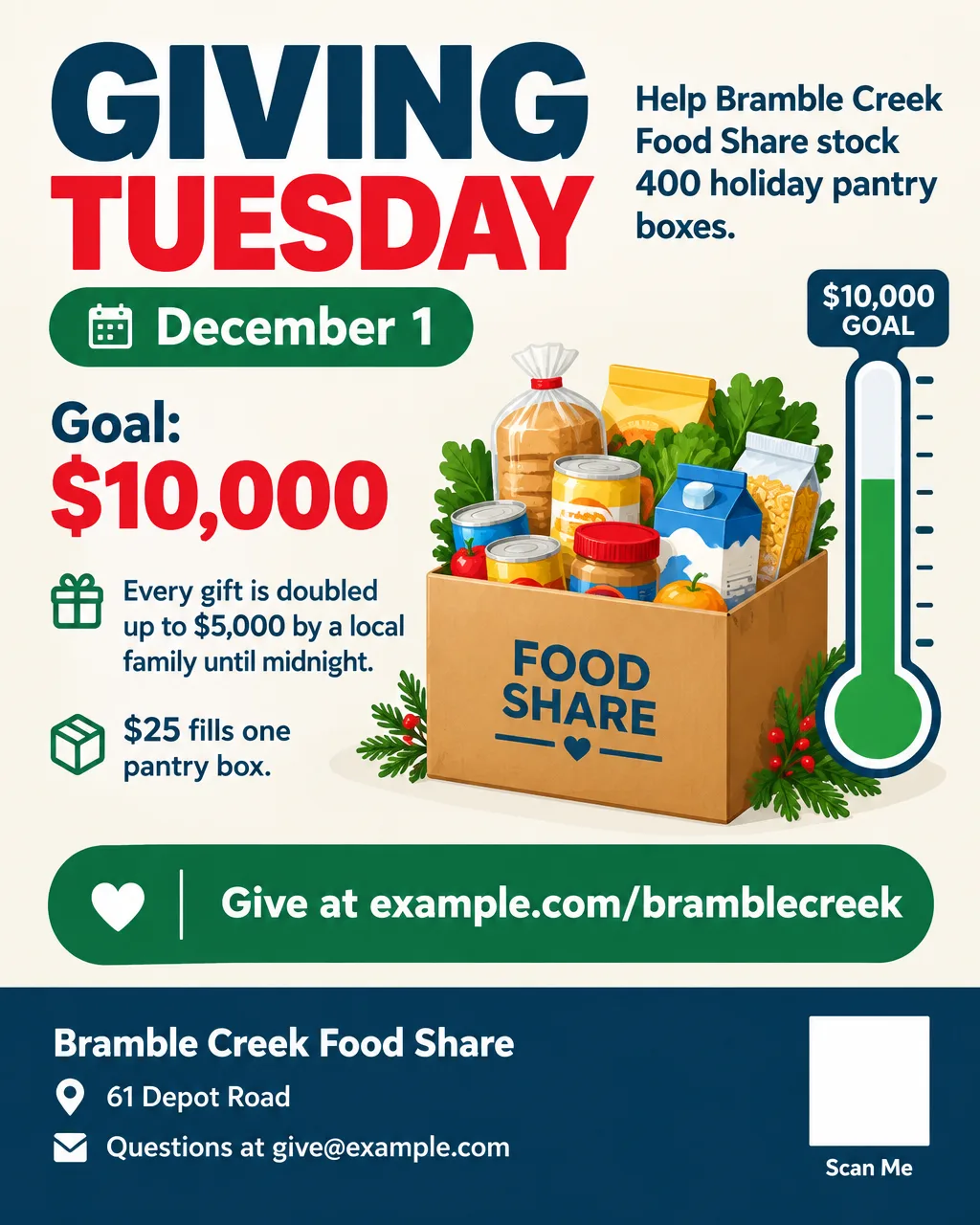
- The ask and the day. "Giving Tuesday, December 1: Fill 400 Pantry Boxes".
- Your organization's name. Plus one line on what you do, for readers who don't know you.
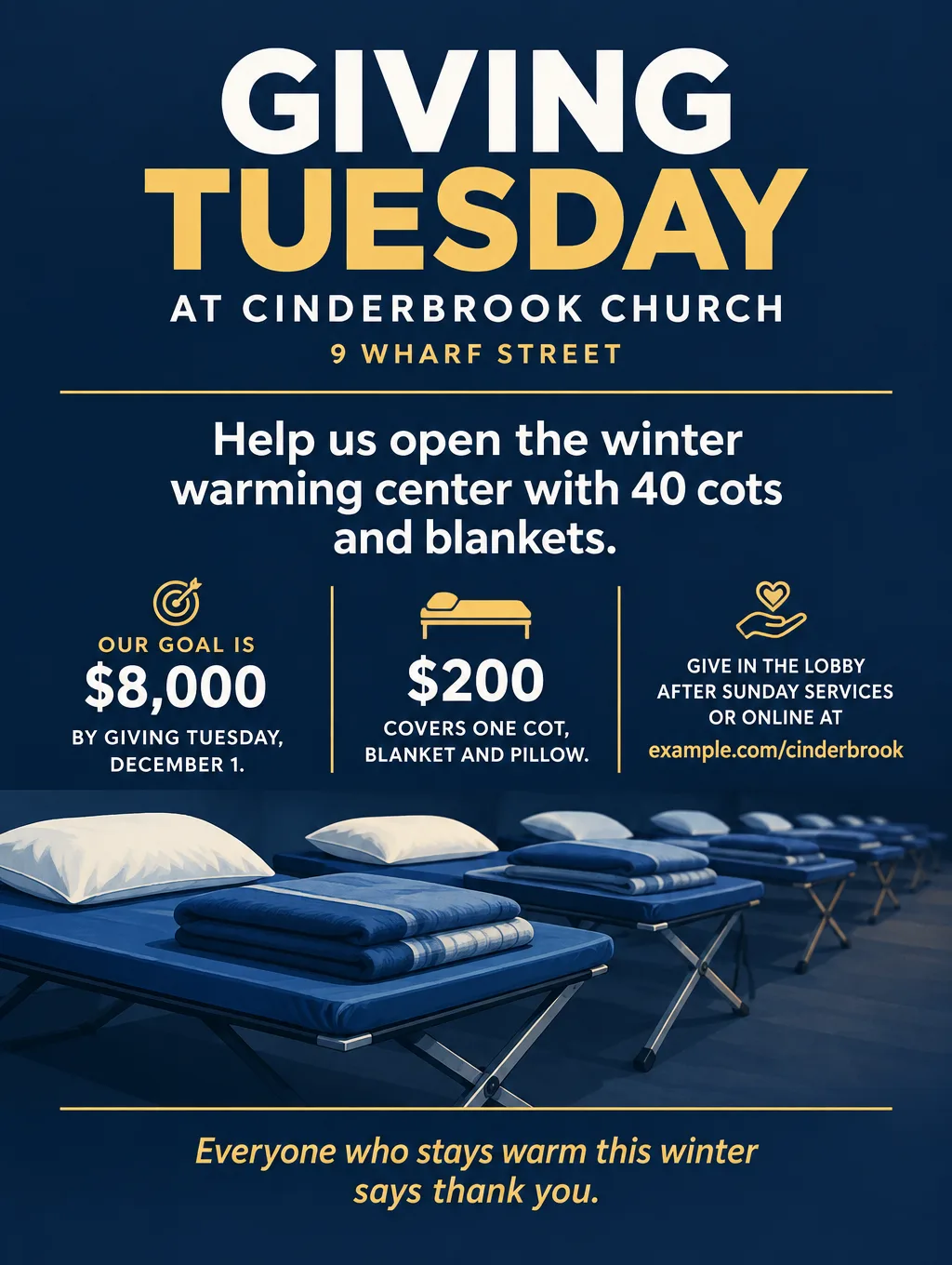
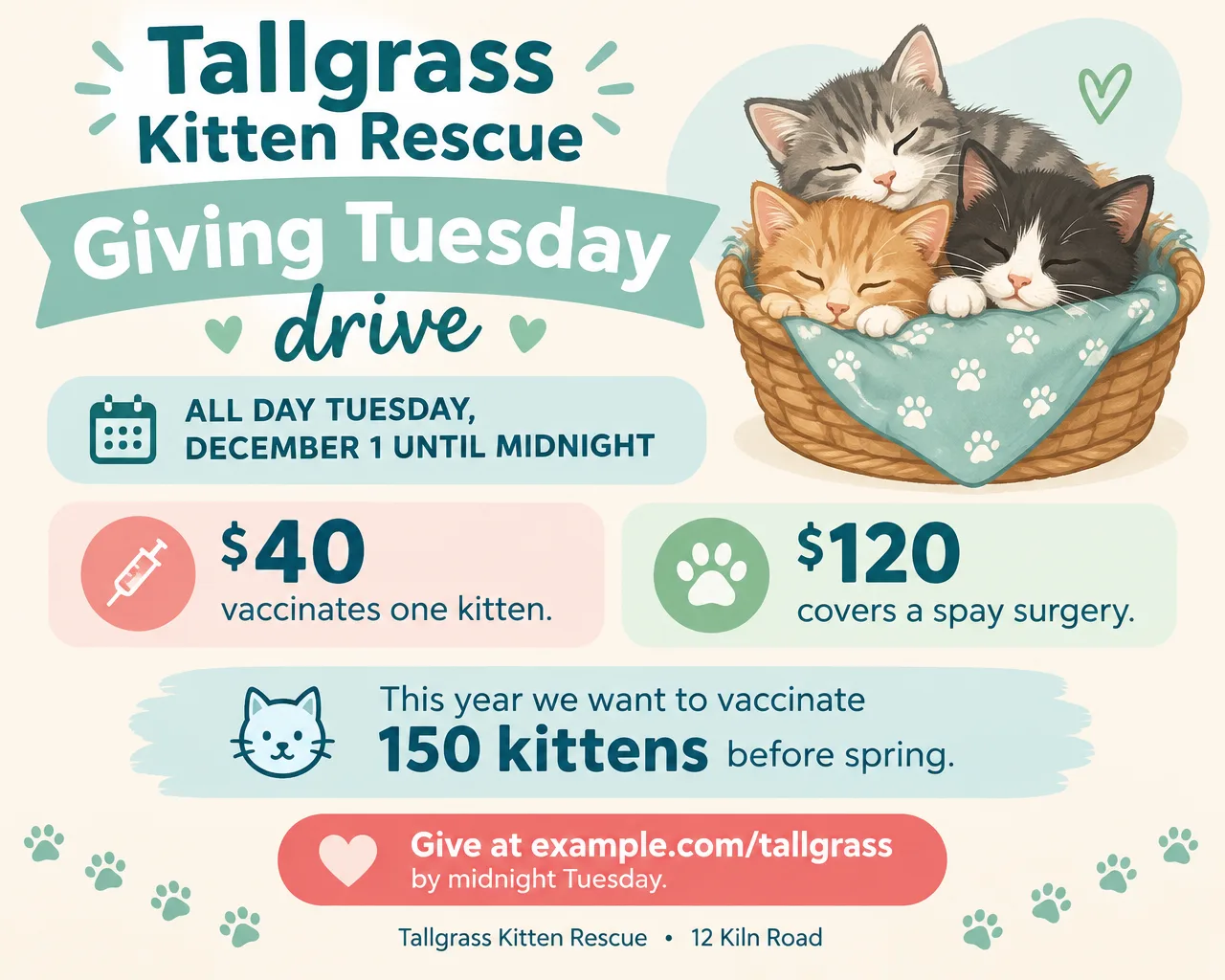
- One goal with a number. "$10,000", "40 cots", "150 kittens vaccinated". A goal people can picture beats "help us reach our goal".
- What one gift buys. "$25 fills one pantry box." Two or three giving levels at most, because five crowd a phone screen.
- The match, if you have one. "Every gift doubled up to $5,000 until midnight." Always print the cap and the deadline.
- One story. A single sentence about one person, family or animal, used with permission.
- How to give. A short link, a QR code, or "in the lobby after services". Print the address under the code for people who won't scan.
- The deadline and time zone. "Until midnight Eastern" if your donors live in more than one time zone.
- Other ways to help. Volunteer shifts or an item list, for people who can't give money this year.
- Your address and a contact. An email for questions, for donors who don't know you yet.
- No tax promises. Don't promise a tax deduction on the flyer; if a registered charity runs the campaign, let it tell donors what's deductible in the thank-you email.
Giving Tuesday flyer ideas and wording
The table covers nine common Giving Tuesday asks, each with a headline and a supporting line. Swap in your own numbers.
| Ask | Headline | Supporting line |
|---|---|---|
| Food pantry goal | "Fill 400 Pantry Boxes by Midnight" | "$25 fills one box. Every gift doubled up to $5,000." |
| Matching gift | "Your Gift Counts Twice Today" | "A local family matches every dollar up to $5,000 until midnight." |
| Church mission | "Open the Warming Center" | "$200 covers one cot, blanket and pillow for the winter." |
| School or PTA | "Giving Tuesday for the Foxglove Library" | "$15 puts one new book on the shelf. Goal: 300 books." |
| Animal rescue | "$40 Vaccinates One Kitten" | "Help us reach 150 kittens before spring." |
| Volunteer drive | "Give an Hour This Giving Tuesday" | "Sign up for one Saturday shift at the food share." |
| Item drive | "Bring a Coat, Warm a Neighbor" | "New and gently used coats in the lobby through December 13." |
| Business giving back | "10% of Today's Sales Go to the Food Share" | "Tuesday, December 1, all day, in store and online." |
| Thank-you and results | "Thank You: We Raised $11,250" | "That's 450 pantry boxes. See where they go at example.com." |
Some wording habits that help:
- Put the dollar amount next to the thing it buys. "$25 fills one pantry box" is clearer than a list of giving tiers with names.
- Write about "we". GivingTuesday's toolkit advises keeping the story about what the community can do together.
- Skip "no overhead" claims. The same toolkit advises against them.
A coat or toy collection has its own layout needs (drop-off sites, a list of what to bring); the toy drive flyer page covers coat and toy drives, and the donation drive flyer page covers item lists and volunteer calls.
Design tips for Giving Tuesday flyers
Use a photo from your own work when you can. A photo of last year's packing night shows your volunteers; an AI-made photo shows strangers. For a flyer built around your own photo, upload it to Smart Editor (Pro plan) with the flyer wording typed as the instruction. Flyer Maker takes only a logo image, not a scene photo.
Draw the goal. A thermometer, a row of 40 cots, or a grid of 150 paw prints makes the number visible from the back of a church lobby. Check every number on the finished design, because a thermometer topped at $5,000 next to a $10,000 goal confuses people.
Leave room for the real QR code. Flyer Maker won't draw a QR code. Switch on "Leave a blank square for your QR code", then paste the code from your donation platform into that space in any photo editor. Test the scan on two different phones before you send it. There's more on sizing and testing codes in putting QR codes on flyers.
Write GivingTuesday's name as text. Don't ask an AI tool to draw the logo. Download the official file from GivingTuesday's logos page and add it yourself, or leave it off.
Keep the flyer the same all day, except the total. The toolkit suggests sharing where you stand against your goal throughout December 1. Update only the "raised so far" line on the lobby screen and in each email, so supporters recognize the flyer when they see it again.
Giving Tuesday flyer sizes and printing
Plan the printed versions and the email first; a social version is optional:
| Where people see it | Shape or paper | Pixel math | Flyer Maker choice |
|---|---|---|---|
| Sunday bulletin insert | Half letter, 5.5 x 8.5 in | 1650 x 2550 at 300 DPI | Tall, 2K |
| Lobby or front-desk sign | Letter, 8.5 x 11 in | 2550 x 3300 at 300 DPI | Tall, 4K |
| Email newsletter header | Wide 5:4 | Wide at 2K is 1920 x 1536 | Wide, 2K |
| Facebook and Instagram feed | 4:5 portrait | Portrait at 1K is 1024 x 1280 | Portrait, 1K |
Tall at 2K is 1536 x 2048 pixels, which prints about 280 pixels per inch across a 5.5-inch-wide bulletin insert and fills about 7.3 inches of its height. The inch or so of white left at the bottom is room for a handwritten pledge line: "Name ____ Amount ____". For tabloid and poster sizes, see flyer sizes.
More Giving Tuesday flyer prompts
Two more Giving Tuesday flyer examples as prompts, for a school library and a volunteer drive:
Giving Tuesday for the Foxglove Elementary Library. Tuesday, December 1. $15 puts one new book on the shelf. Goal: 300 new books by winter break. Give at example.com/foxglovepta or drop cash or a check at the school office, 18 Meadow Lane, by Friday, December 4. Thank you from the Foxglove PTA. Bright, friendly design with illustrated book stacks and a reading nook.Give an Hour This Giving Tuesday. Bramble Creek Food Share needs 60 volunteers to pack holiday boxes on Saturday, December 5, 9 AM to noon, at 61 Depot Road. Ages 12 and up with an adult. Sign up by December 3 at example.com/volunteer or call 555-0121. Warm, simple design with illustrated hands passing a box of groceries.How to make a Giving Tuesday flyer in Flyer Maker
- Gather the numbers first. The goal, the match and its cap, what one gift buys, the deadline, and the short link to your donation page.
- In Flyer Maker, put all of it into "Describe your flyer", plus the colors and the picture you want (a thermometer, cots, pantry boxes).
- Select "Add your logo" to include your organization's logo, placed small in the design.
- Choose the Size: Tall for the lobby print and bulletin, Wide for the email header, Portrait for a social post.
- Under More options, pick Announcement as the Flyer type. A Serious tone with Dark colors suits a church mission appeal; Friendly with Pastel suits an animal rescue.
- Switch on "Leave a blank square for your QR code" and type your donation link in "Contact info". Flyer Maker uses only the contact details you type, so check the link letter by letter on the result.
- Select "Create flyer" and read every number against your notes: goal, match cap, gift amounts and deadline.
- Update the total during the day. Type the new amount into "Want to change something?" under the flyer (currently 60 credits, 70 for 2K, 90 for 4K), for example "change $3,200 raised to $5,900 raised". Check the whole flyer again after each change.